To add a new array, click New.
To edit an existing array, click on its name.
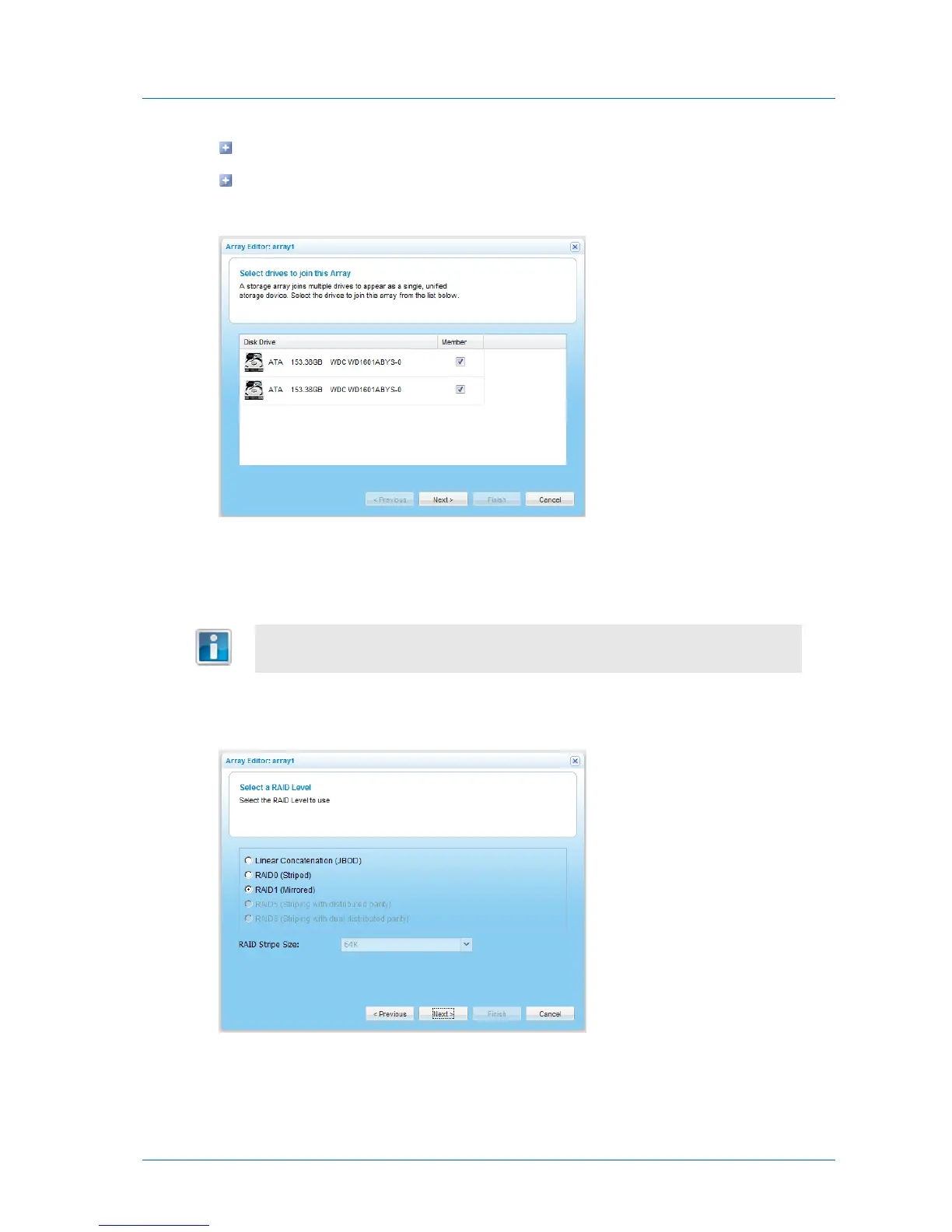
The Array Editor Wizard opens, displaying the Select drives to join this Array dialog box.
The available drives are listed, along with disk type, disk capacity in GB, and disk model.
3 Select the check boxes next to the drives you want to include in the array.
It is not recommended to create an array using USB drives. An array cannot
contain both SATA and USB drives.
4 Click Next.
The Select a RAID Level dialog box appears.
5 Choose the desired array type.
For information about the available types, see Array Types (page 64).



 To Next Page