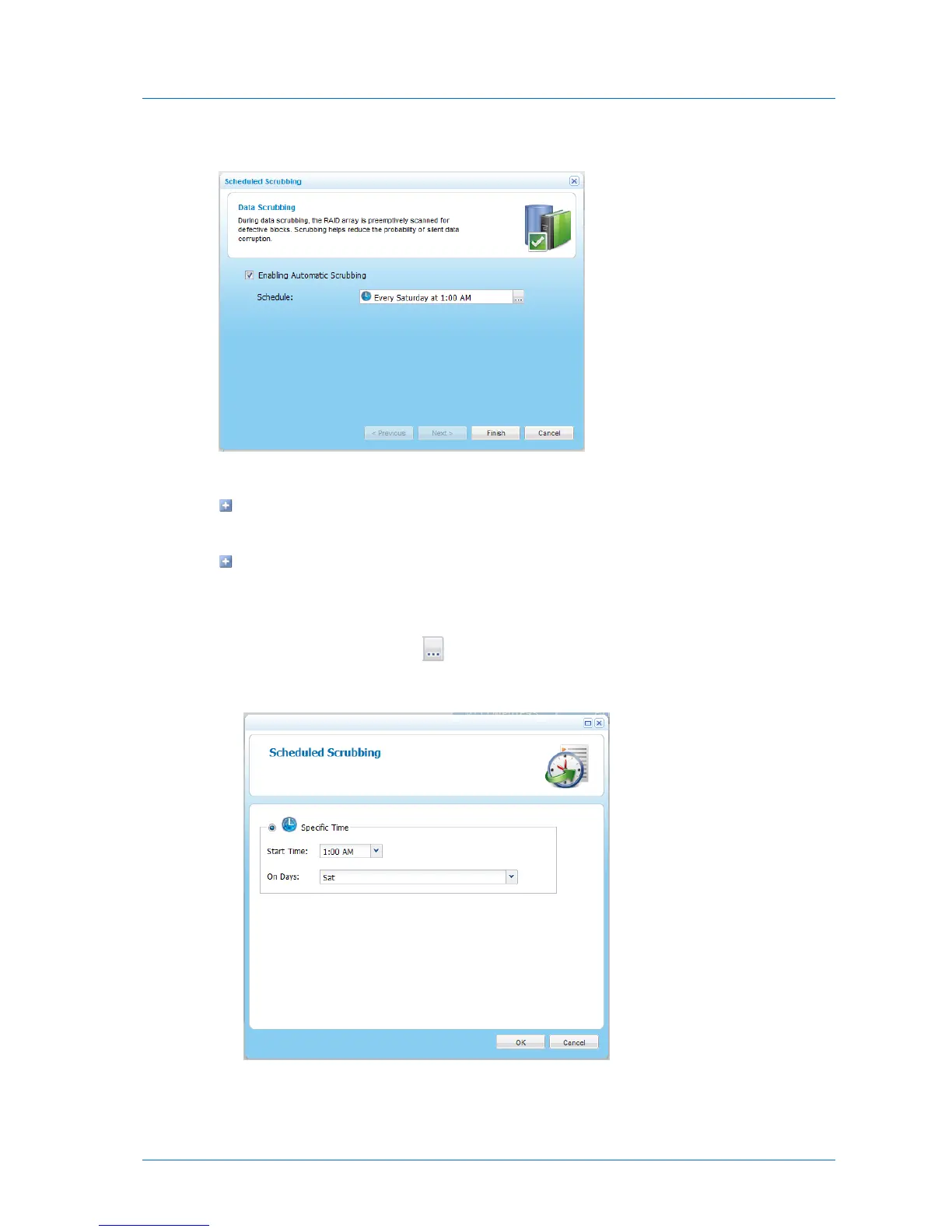
The Data Scrubbing dialog box appears.
3 Do one of the following:
To disable automatic data scrubbing, clear the Enabling Automatic Scrubbing check
box.
To enable automatic data scrubbing, select the Enabling Automatic Scrubbing check
box.
4 If you enabled scheduled snapshots, do the following:
a In the Schedule field, click .
The Scheduled Scrubbing dialog box appears.
b In the Start Time drop-down list, select the hour at which data scrubbing should start.



 To Next Page