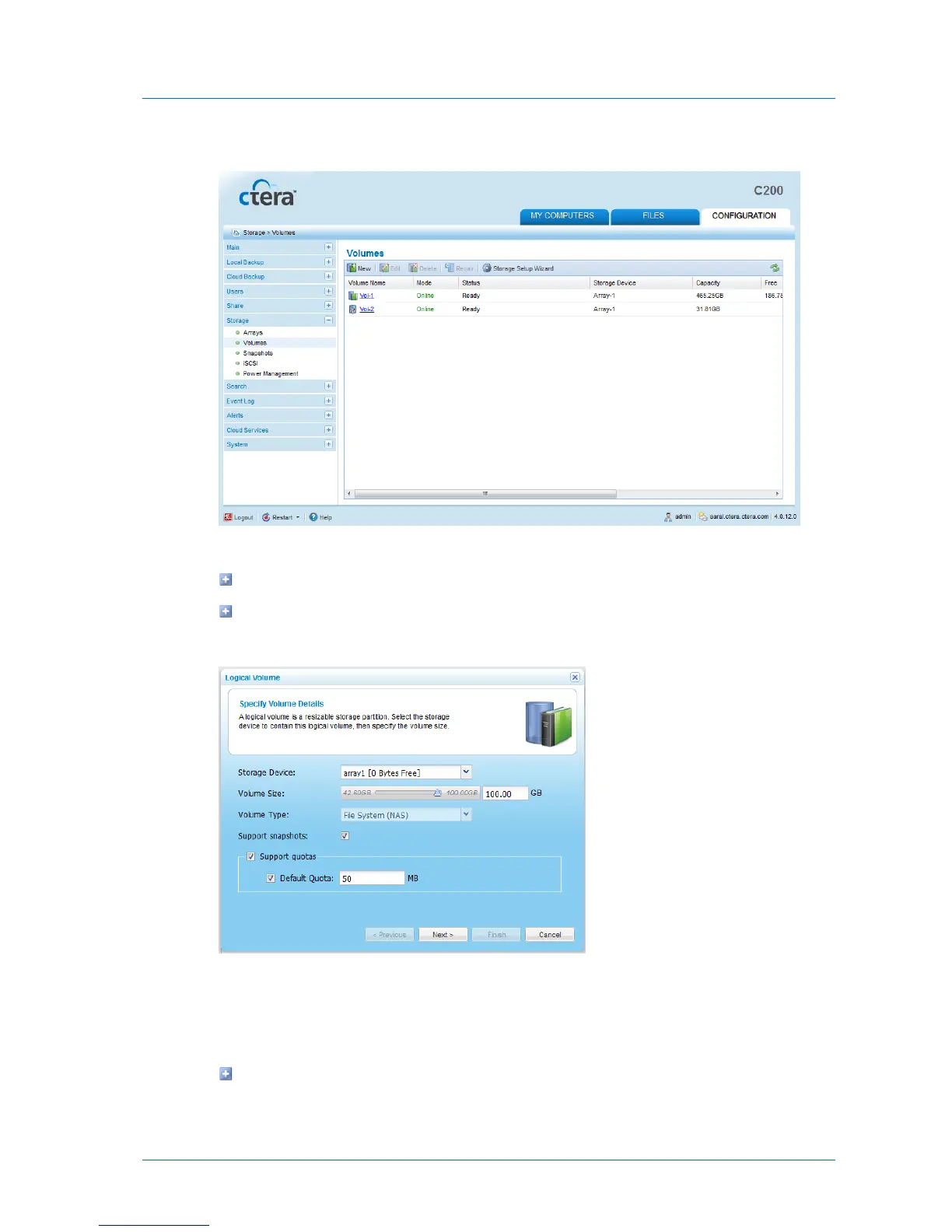
The Storage > Volumes page appears.
2 Do one of the following:
To add a new volume, click New.
To edit an existing volume, click on its name.
The Logical Volume Wizard opens, displaying the Specify Volume Details dialog box.
3 Complete the fields using the information in the following table.
4 Click Next.
The following things happen:
If you are adding a new volume or editing an encrypted volume, the Volume
Encryption dialog box appears.



 To Next Page