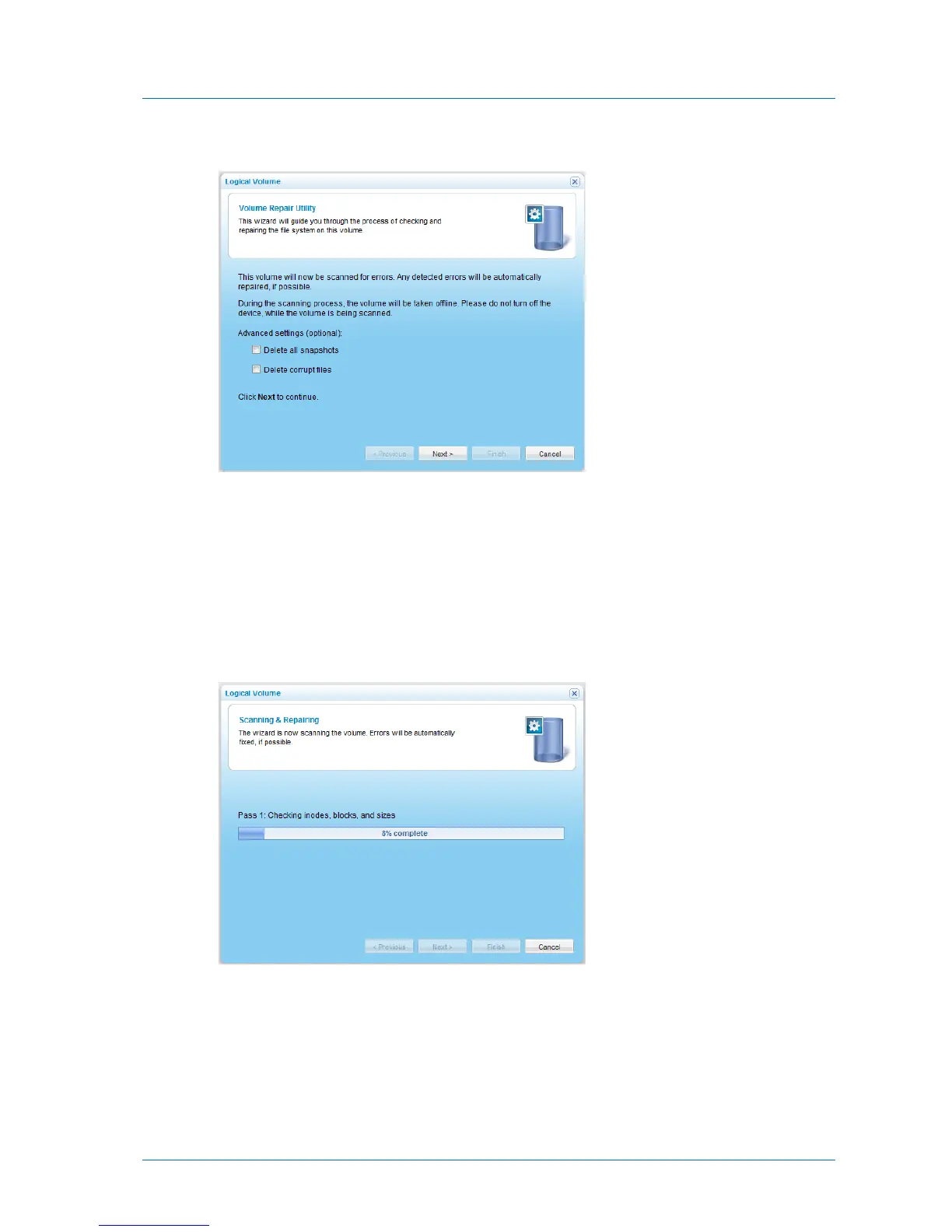
The Logical Volume Wizard opens, displaying the Volume Repair Utility dialog box.
3 To delete all snapshots for this volume, select the Delete all snapshots check box.
This option is only available when repairing a NEXT3 volume.
4 To delete corrupt files, select the Delete corrupt files check box.
If repairing a NEXT3 volume, the Delete all snapshots check box is automatically selected.
5 Click Next.
The Scanning & Repairing screen appears with a progress bar.
The files system on the volume is scanned for errors.



 To Next Page