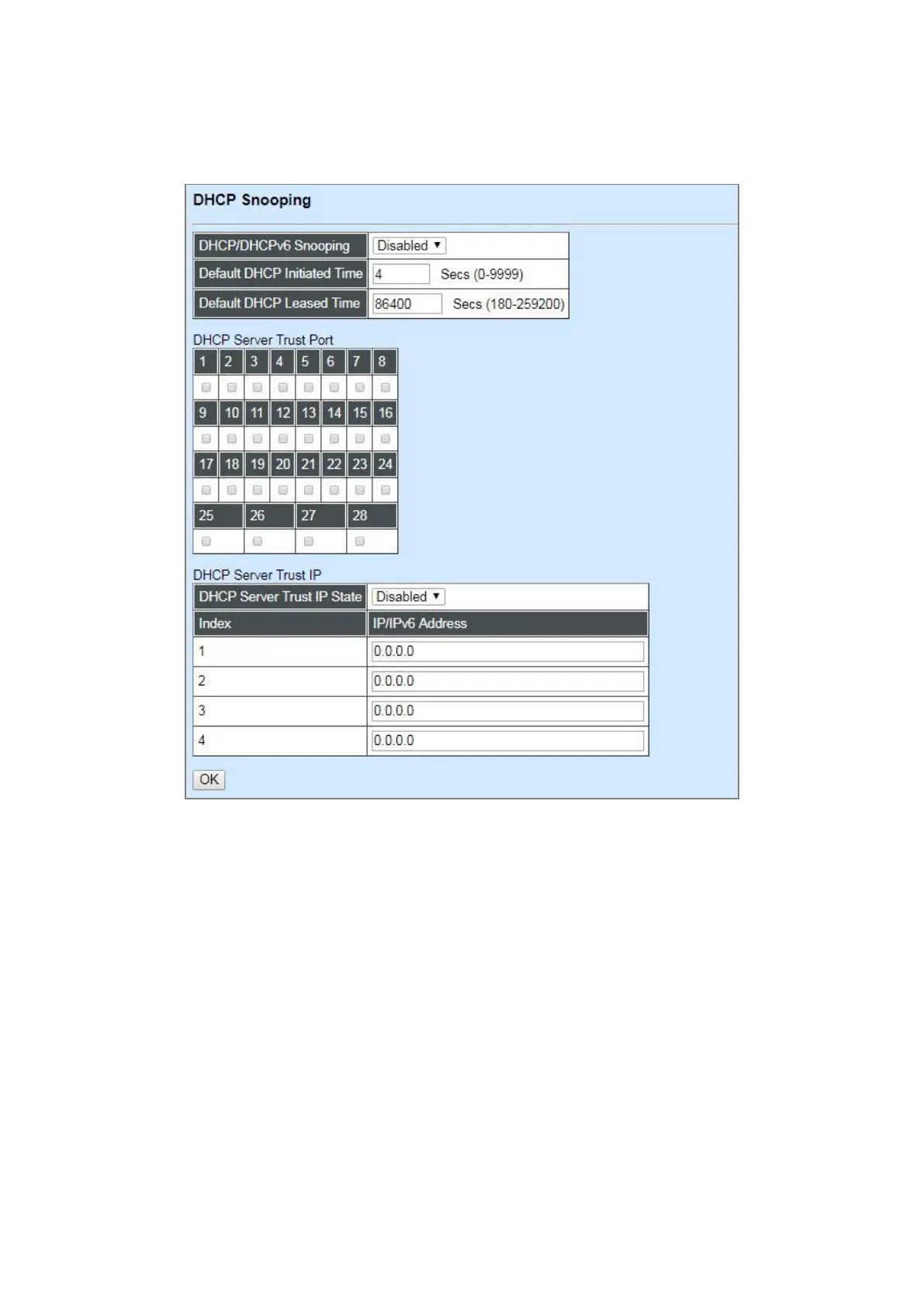
4.4.12.3 DHCP Snooping
Select the option DHCP Snooping from the Security Configuration menu and then the following
screen page appears.
DHCP/DHCPv6 Snooping: Enable or disable DHCP/DHCPv6 Snooping function.
Default DHCP Initiated Time: Specify the time value (0~9999 Seconds) that packets might be
received.
Default DHCP Leased Time: Specify packets’ expired time (180~259200 Seconds).
DHCP Server Trust Port: Specify designated port to be Trust Port that can give you “offer” from
DHCP server. Check any port box to enable it.
DHCP Server Trust IP: After enabling Trust Port, you may additionally specify Trust IP address for
identification of DHCP server. Click drop-down menu and select “Enabled”, then specify Trust IP
address.



 To Next Page
 Loading...


