4.3.5 Device Community
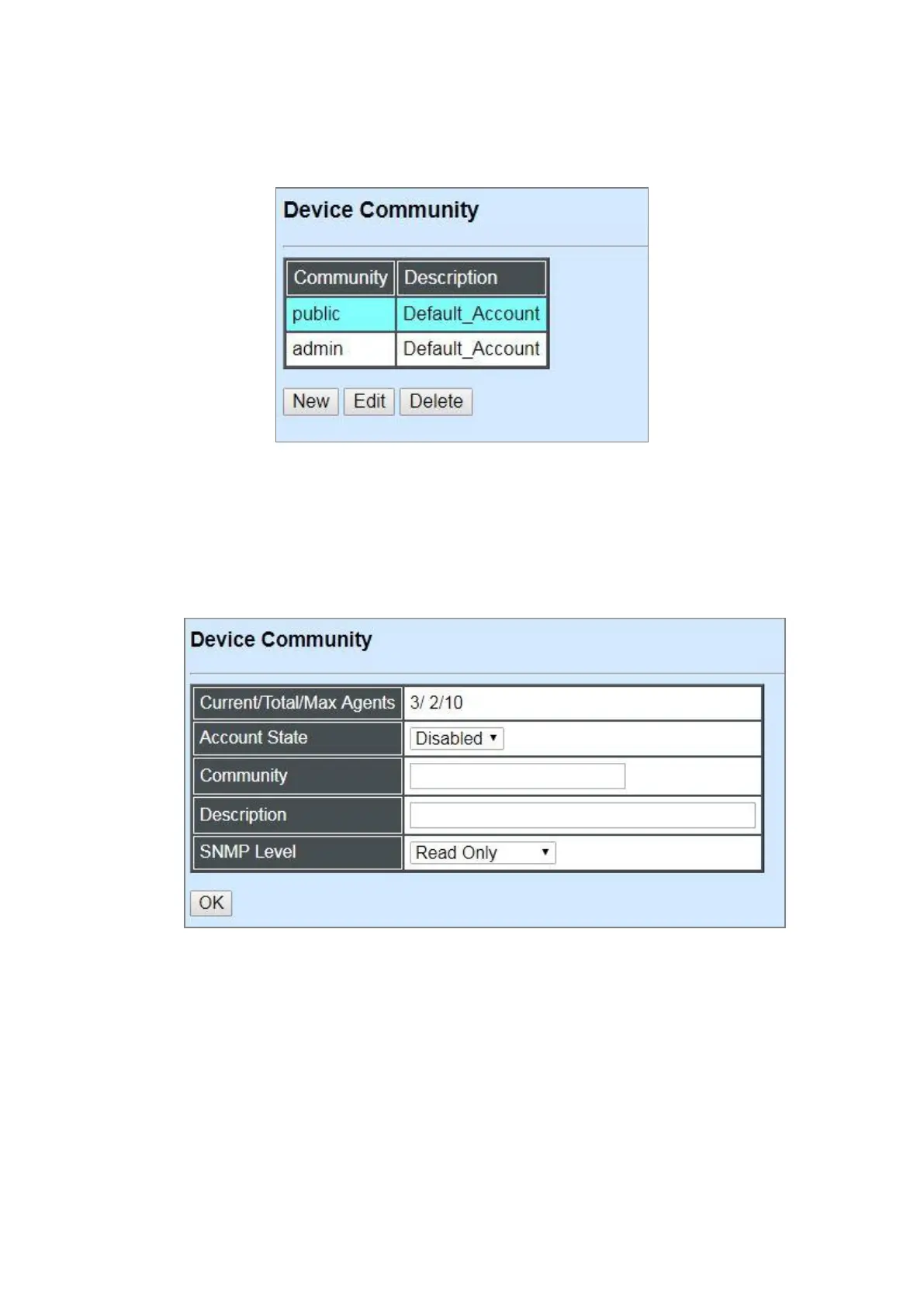
Click the option Device Community from the Network Management menu and then the following
screen page appears.
Click New to add a new community and then the following screen page appears. Up to 10 Device
Communities can be created.
Click Edit to modify the current community settings.
Click Delete to remove a registered community.
Current/Total/Max Agents: View-only field.
Current: This shows the number of current registered community.
Total: This shows the amount of total registered communities.
Max Agents: This shows the maximum communities are available for registration. The
maximum number is 10.
Account State: Enable or disable this Community Account.



 To Next Page
 Loading...


