Chapter 6: Options 53
Monitor Bus Delay Sets a delay for the signal feeding the FOH
Monitor outputs and headphones, for time-aligning near-field
monitors and headphones to the house system.
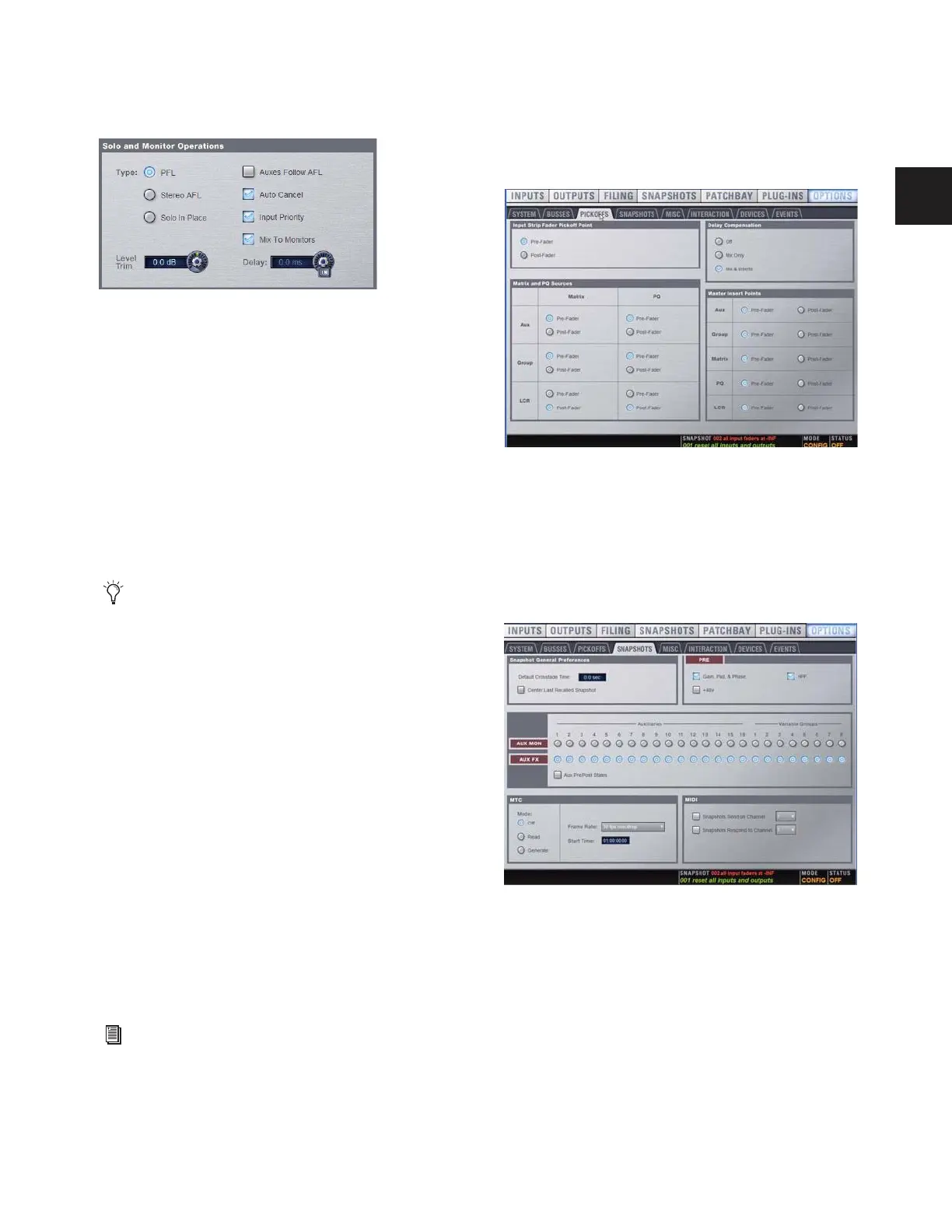
To configure Solo settings on-screen:
1 Go to the Options page and click the Busses tab.
2 Configure settings as needed:
To adjust Monitor Bus Delay, do one of the following:
■ Adjust the Delay encoder on-screen.
■ Click the Delay value shown on-screen, and manually enter
a new value.
To toggle Delay on or off:
■ Click to toggle the Delay In switch on-screen.
Panning/Center Divergence
The Panning section provides control over center channel di-
vergence when the Main Bus is set to L–C–R mode. See “Main
Bus Center Divergence Options” on page 75.
To set Center Divergence:
■ Enter a value or drag in the Center Divergence text box and
press Enter.
Stereo Group Panning Operation
(Not Available in Variable Groups Mode)
The Stereo Group Panning Operation options provide differ-
ent levels of flexibility for how channels can be routed to
Groups.
To change Stereo Group Panning Operation:
1 Put D-Show in Config mode.
2 Click to select Simple or Expert mode.
Pickoffs
The Pickoffs page lets you control the bus pickoff point on in-
put strips, as well as specify source and insert points for output
busses. The Pickoffs page also provides master control for
D-Show Delay Compensation.
Throughout this guide, Pickoff options are explained where
relevant.
Snapshots
The Snapshots page provides several snapshot preference set-
tings to optimize D-Show Snapshot operation.
Solo controls in the Options > Busses page
Delay settings are retained when toggled off or on.
For more information on these options, see “Simple and Ex-
pert Operational Modes” on page 82.
Pickoffs tab of the Options page
Snapshots tab of the Options page



 To Next Page