Configuring the Switch
3-82
3
www.digisol.com
CLI – This example globally enables the system authentication control, configures
the session timeout, quiet period and login attempts, and displays the configured
global parameters.
Configuring Web Authentication for Ports
Web authentication is configured on a per-port basis. The following parameters are
associated with each port.
Command Attributes
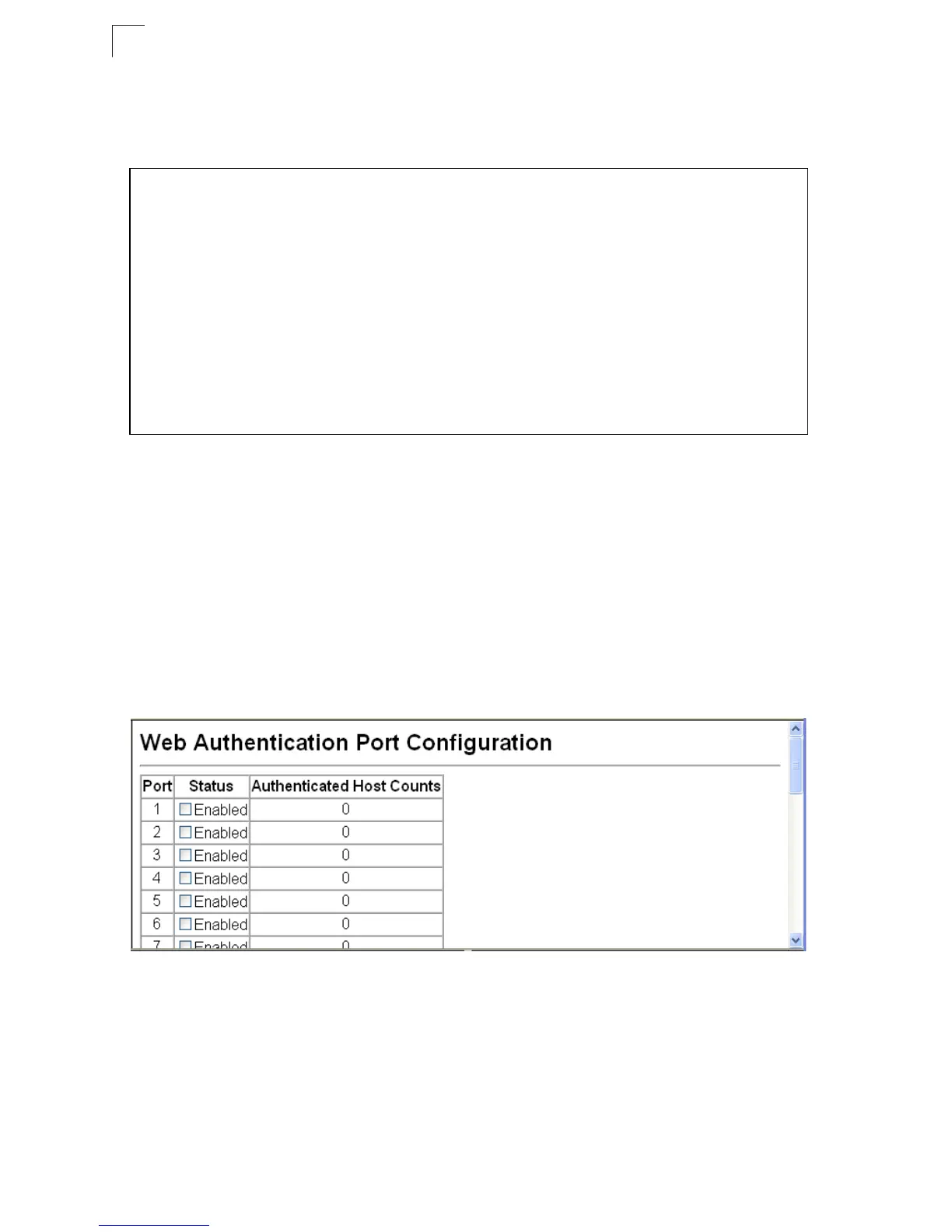
•Port – Indicates the port being configured
• Status – Configures the web authentication status for the port.
• Authenticated Host Counts – Indicates how many authenticated hosts are
connected to the port.
Web – Click Security, Web Authentication, Port Configuration.
Figure 3-55 Web Authentication Port Configuration
Console(config)#mac-authentication reauth-time 3000
4-112
Console(config)#web-auth system-auth-control
4-117
Console(config)#web-auth session-timeout 1800
4-117
Console(config)#web-auth quiet-period 20
4-116
Console(config)#web-auth login-attempts 2
4-116
Console(config)#end
Console#show web-auth
4-118
Global Web-Auth Parameters
System Auth Control : Enabled
Session Timeout : 1800
Quiet Period : 20
Max Login Attempts : 2
Console#













 To Next Page