Configuring the Switch
3-18
3
www.digisol.com
CLI – Enter the following command to restart DHCP service.
Enabling Jumbo Frames
You can enable jumbo frames to support data packets up to 9000 bytes in size.
Command Attributes
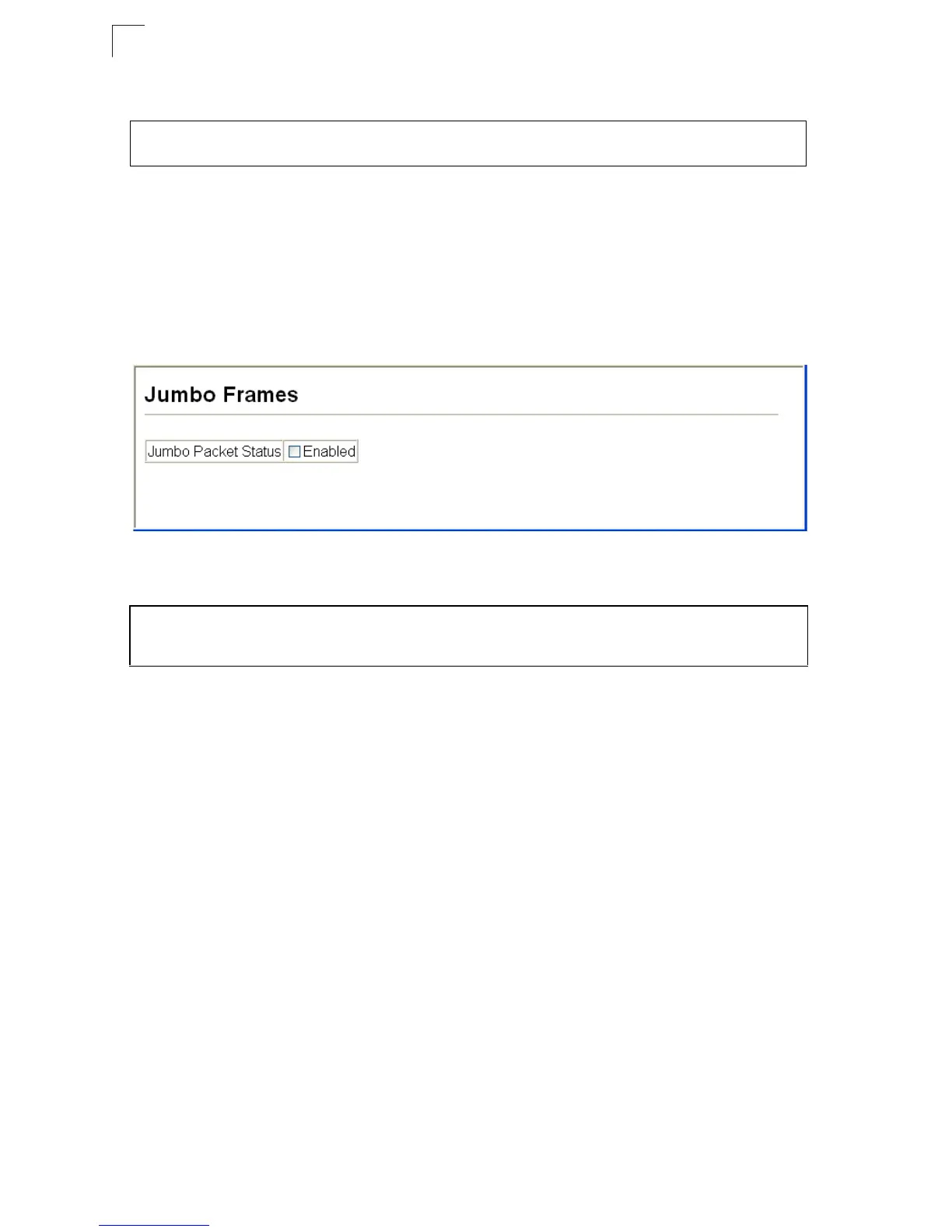
• Jumbo Packet Status – Check the box to enable jumbo frames.
Web – Click System, Jumbo Frames.
Figure 3-8 Jumbo Frames Configuration
CLI – Enter the following command.
Managing Firmware
You can upload/download firmware to or from a TFTP server, or copy files to and
from switch units in a stack. By saving runtime code to a file on a TFTP server, that
file can later be downloaded to the switch to restore operation. You can also set the
switch to use new firmware without overwriting the previous version. You must
specify the method of file transfer, along with the file type and file names as required.
Command Attributes
• File Transfer Method – The firmware copy operation includes these options:
- file to file – Copies a file within the switch directory, assigning it a new name.
- file to tftp – Copies a file from the switch to a TFTP server.
- tftp to file – Copies a file from a TFTP server to the switch.
• TFTP Server IP Address – The IP address of a TFTP server.
• File Type – Specify opcode (operational code) to copy firmware.
• File Name –
The file name should not contain slashes (\ or /),
the leading letter of
the file name should not be a period (.), and the maximum length for file names on
the TFTP server is 127 characters or 31 characters for files on the switch.
(Valid characters: A-Z, a-z, 0-9, “.”, “-”, “_”)
Console#ip dhcp restart 4-300
Console#
Console#config
Console(config)#jumbo frame
Console(config)#













 To Next Page