DG-FS4526 User Manual
3-165
3
www.digisol.com
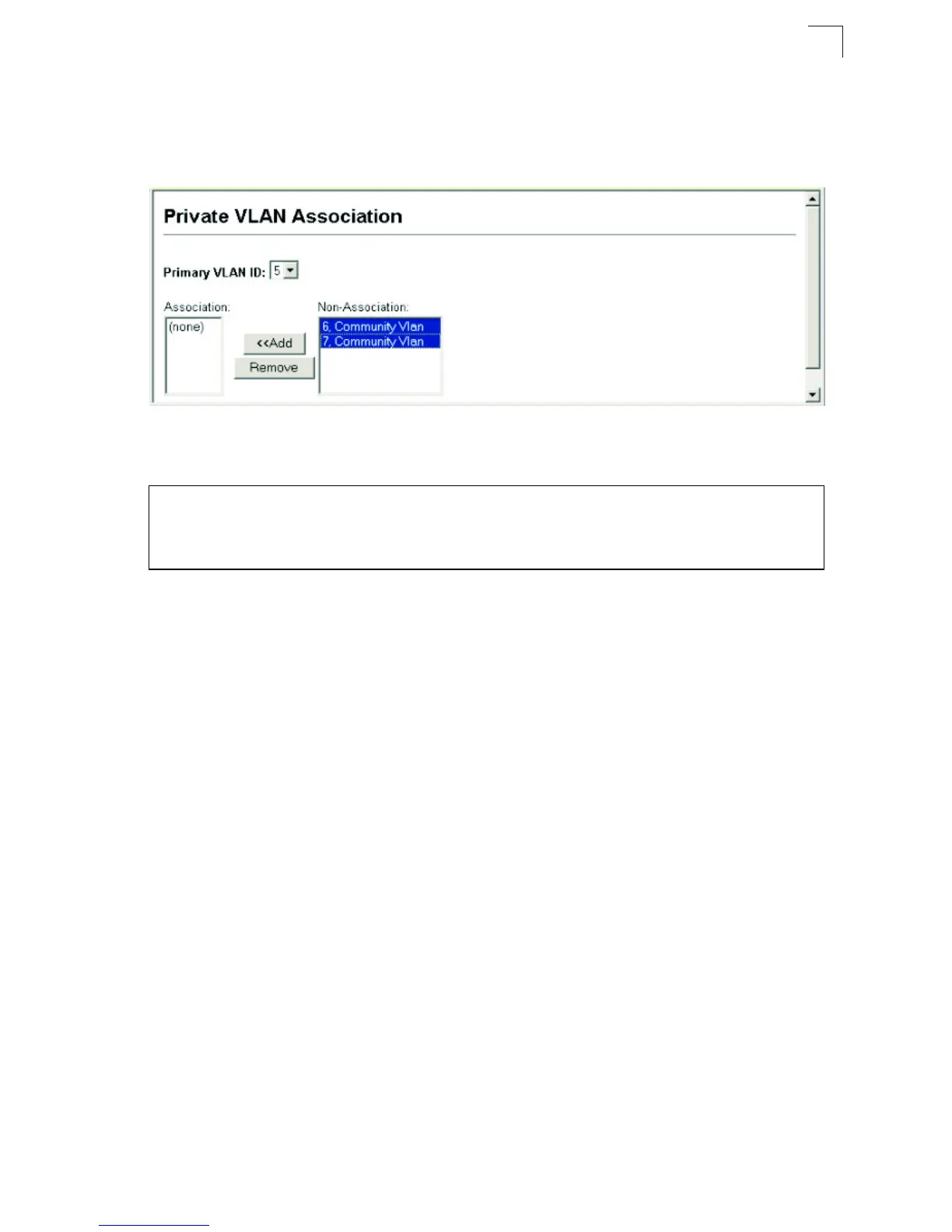
Web – Click VLAN, Private VLAN, Association. Select the required primary VLAN
from the scroll-down box, highlight one or more community VLANs in the
Non-Association list box, and click Add to associate these entries with the selected
primary VLAN. (A community VLAN can only be associated with one primary VLAN.)
Figure 3-100 Private VLAN Association
CLI – This example associates community VLANs 6 and 7 with primary VLAN 5.
Displaying Private VLAN Interface Information
Use the Private VLAN Port Information and Private VLAN Trunk Information menus
to display the interfaces associated with private VLANs.
Command Attributes
• Port/Trunk – The switch interface.
• PVLAN Port Type – Displays private VLAN port types.
- Normal – The port is not configured in a private VLAN.
- Host – The port is a community port and can only communicate with other ports
in its own community VLAN, and with the designated promiscuous port(s). Or the
port is an isolated port that can only communicate with the lone promiscuous
port within its own isolated VLAN.
- Promiscuous – A promiscuous port can communicate with all the interfaces
within a private VLAN.
• Primary VLAN – Conveys traffic between promiscuous ports, and between
promiscuous ports and community ports within the associated secondary VLANs.
• Community VLAN – A community VLAN conveys traffic between community
ports, and from community ports to their designated promiscuous ports.
• Trunk – The trunk identifier. (Port Information only)
Console(config)#vlan database 4-224
Console(config-vlan)#private-vlan 5 association 6 4-238
Console(config-vlan)#private-vlan 5 association 7 4-238
Console(config)#













 To Next Page