Configuring the Switch
3-52
3
www.digisol.com
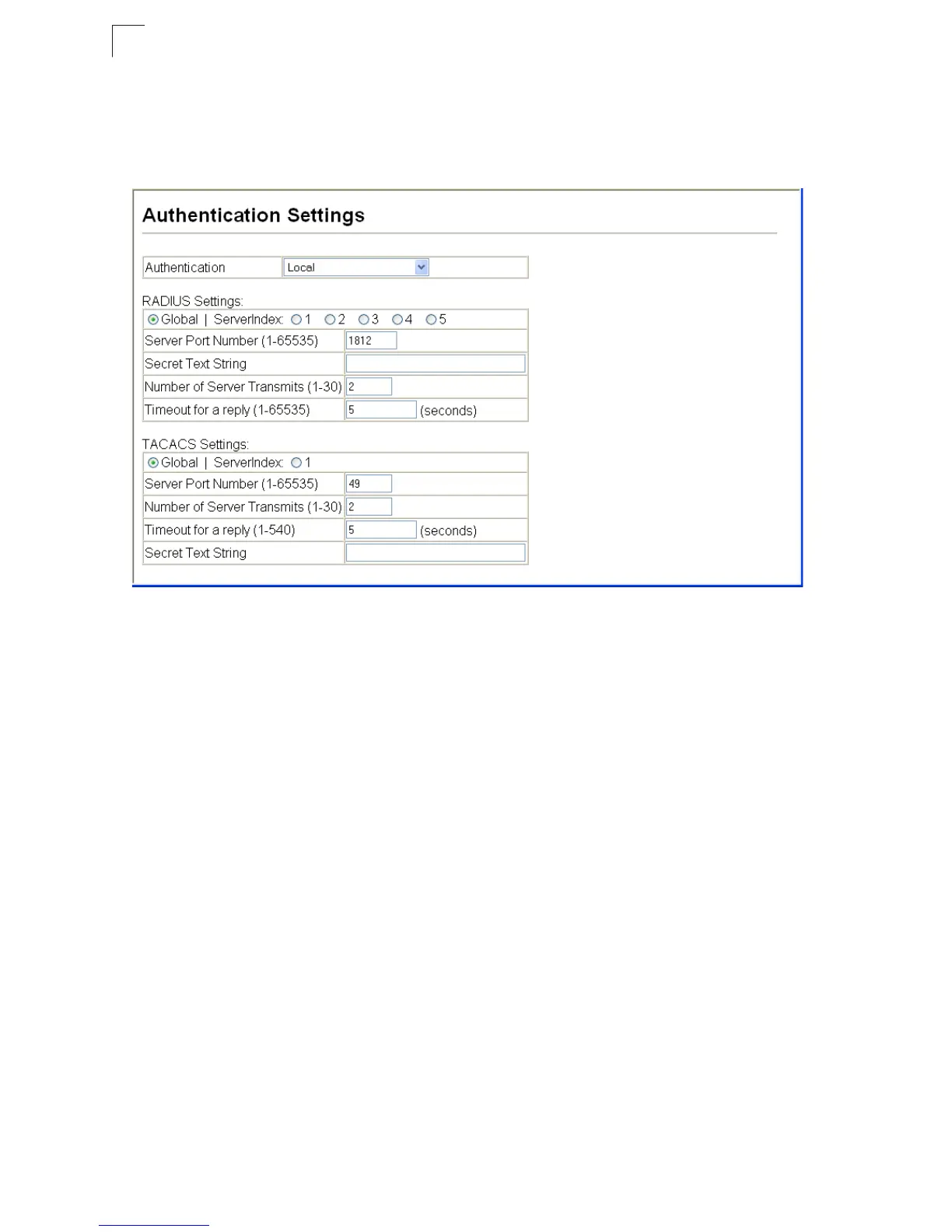
Web – Click Security, Authentication Settings. To configure local or remote
authentication preferences, specify the authentication sequence (i.e., one to three
methods), fill in the parameters for RADIUS or TACACS+ authentication if selected,
and click Apply.
Figure 3-34 Authentication Settings













 To Next Page