DG-FS4526 User Manual
3-49
3
www.digisol.com
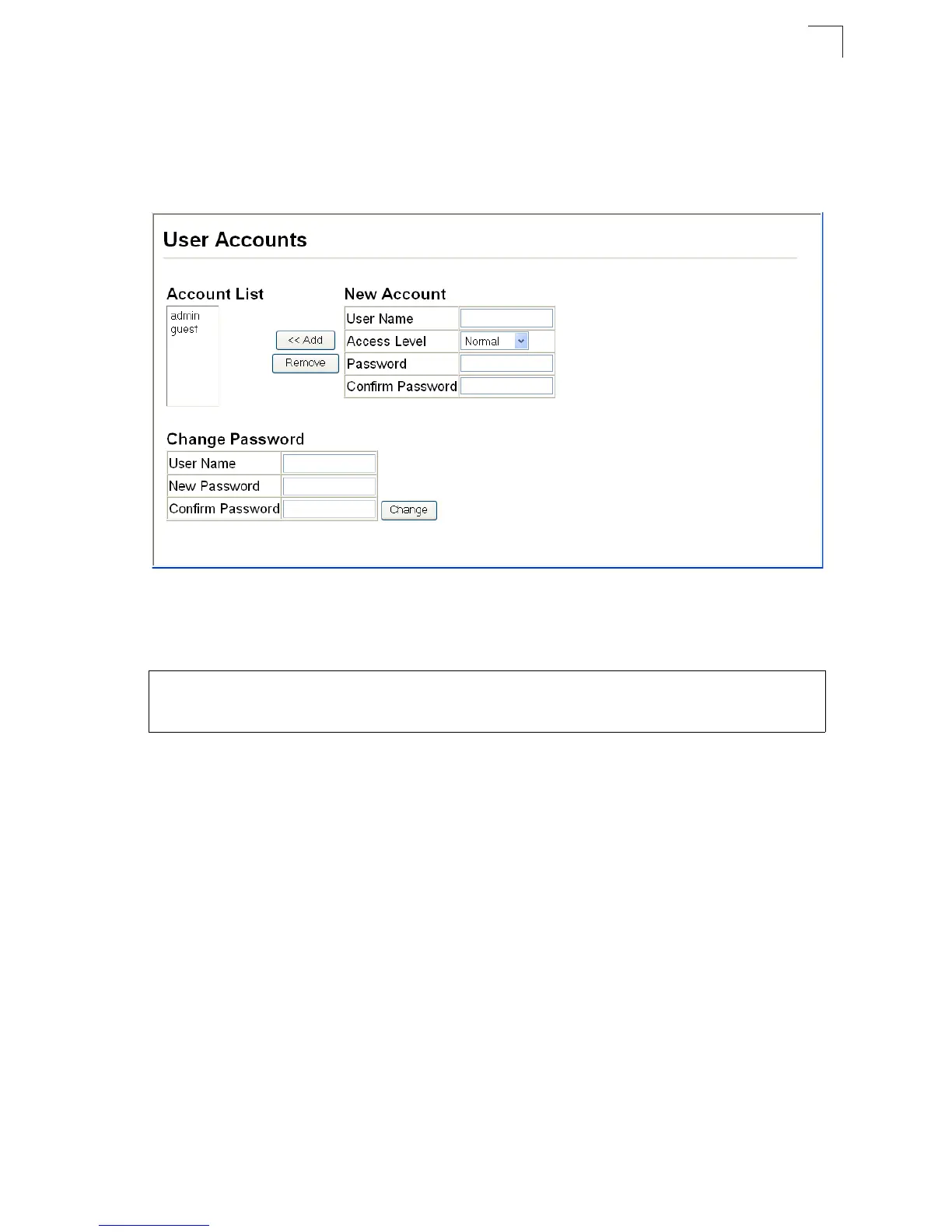
Web – Click Security, User Accounts. To configure a new user account, specify a
user name, select the user’s access level, then enter a password and confirm it.
Click Add to save the new user account and add it to the Account List. To change the
password for a specific user, enter the user name and new password, confirm the
password by entering it again, then click Apply.
Figure 3-33 Access Levels
CLI – Assign a user name to access-level 15 (i.e., administrator), then specify the
password.
Console(config)#username bob access-level 15 4-35
Console(config)#username bob password 0 smith
Console(config)#













 To Next Page