DG-FS4526 User Manual
3-163
3
www.digisol.com
• Primary VLAN – The VLAN with which the selected VLAN ID is associated. A
primary VLAN displays its own ID, a community VLAN displays the associated
primary VLAN, and an isolated VLAN displays the stand-alone VLAN.
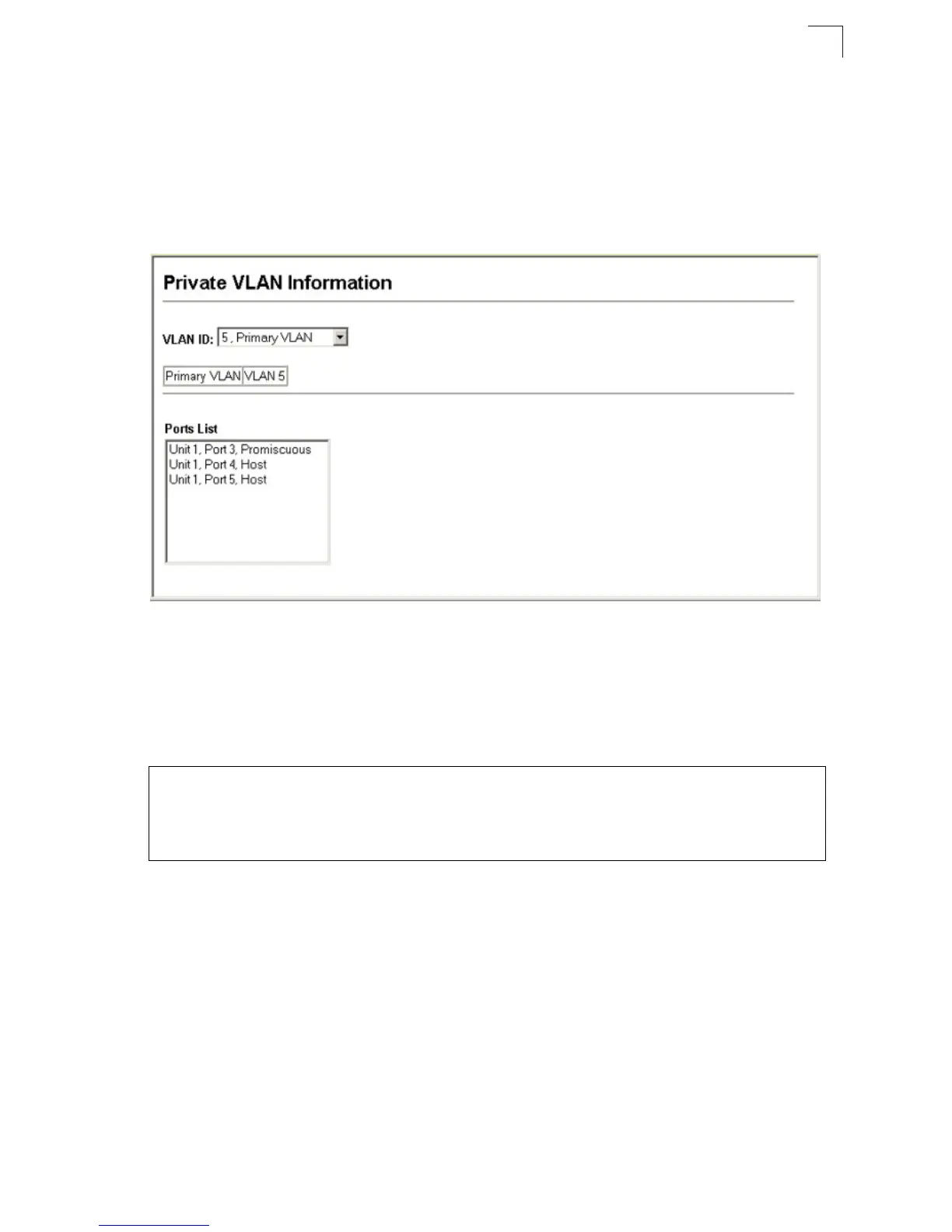
• Ports List – The list of ports (and assigned port type) in the selected private VLAN.
Web – Click VLAN, Private VLAN, Information. Select the desired port from the
VLAN ID drop-down menu.
Figure 3-98 Private VLAN Information
CLI – This example shows the switch configured with primary VLAN 5 and
secondary VLAN 6. Port 3 has been configured as a promiscuous port and mapped
to VLAN 5, while ports 4 and 5 have been configured as a host ports and are
associated with VLAN 6. This means that traffic for port 4 and 5 can only pass
through port 3.
Configuring Private VLANs
The Private VLAN Configuration page is used to create/remove primary, community,
or isolated VLANs.
Command Attributes
• VLAN ID – ID of configured VLAN (2-4094).
• Type – There are three types of private VLANs:
- Primary VLANs – Conveys traffic between promiscuous ports, and to
community ports within secondary (or community) VLANs.
- Community VLANs - Conveys traffic between community ports, and to their
promiscuous ports in the associated primary VLAN.
Console#show vlan private-vlan 4-153
Primary Secondary Type Interfaces
-------- ----------- ---------- --------------------------------------
5 primary Eth1/ 3
5 6 community Eth1/ 4 Eth1/ 5













 To Next Page