User’s Manual
23
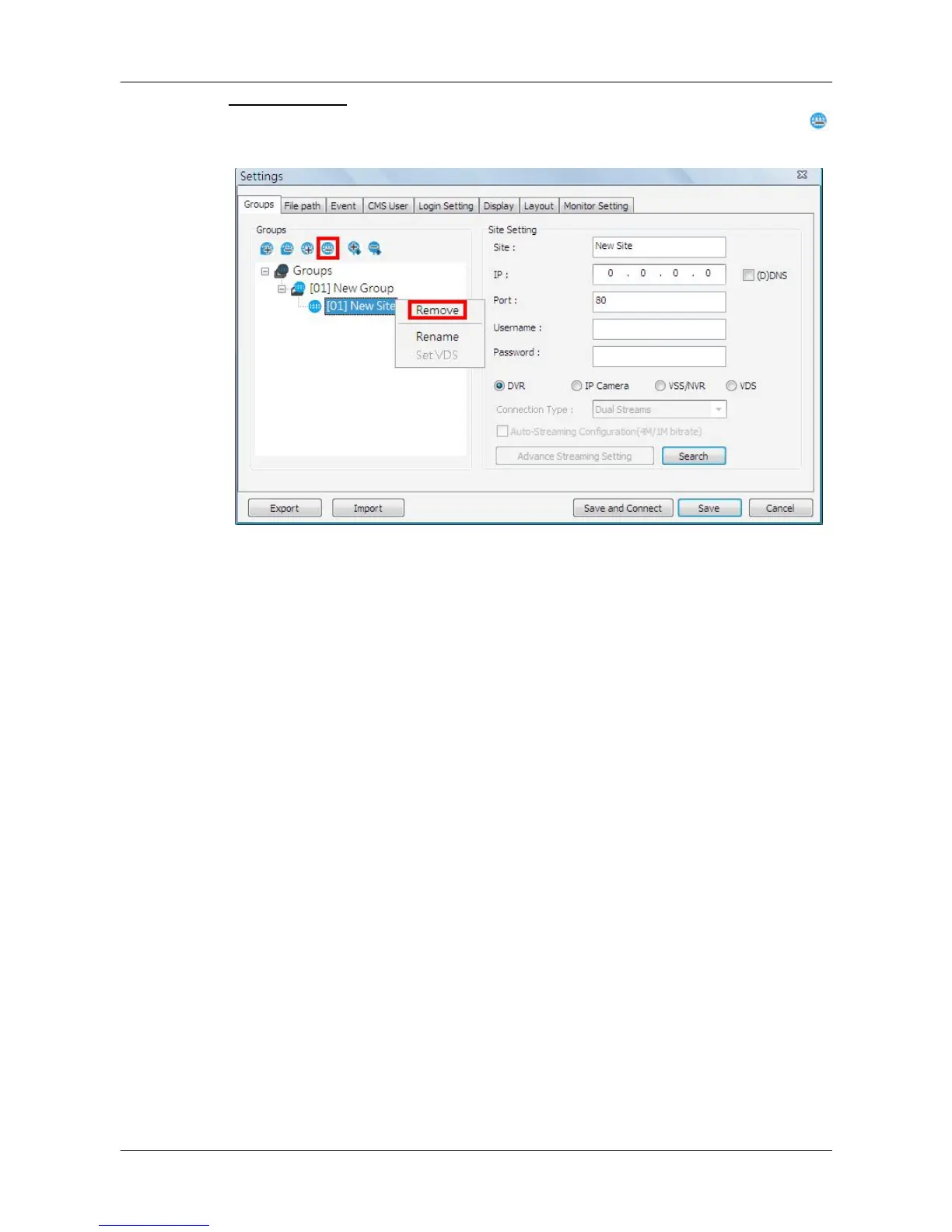
Remove a site
To remove a site, click on the site that is to be removed, and click on the
button directly to remove the site.
The other way to remove a site is to right click on the site, and select
<Remove> from the pull-down menu.
A new site can be a DVR, an IP camera, a VSS/NVR, or a VDS. The number
of sites equals to the total number of the DVRs, IP Cameras, and VSS/NVR.
However, the VDS can only be individually added to a new group all alone by
itself. The following sections will show how to setup configuration of the sites.



 To Next Page