User’s Manual
72
Special Schedule of a Specific Date
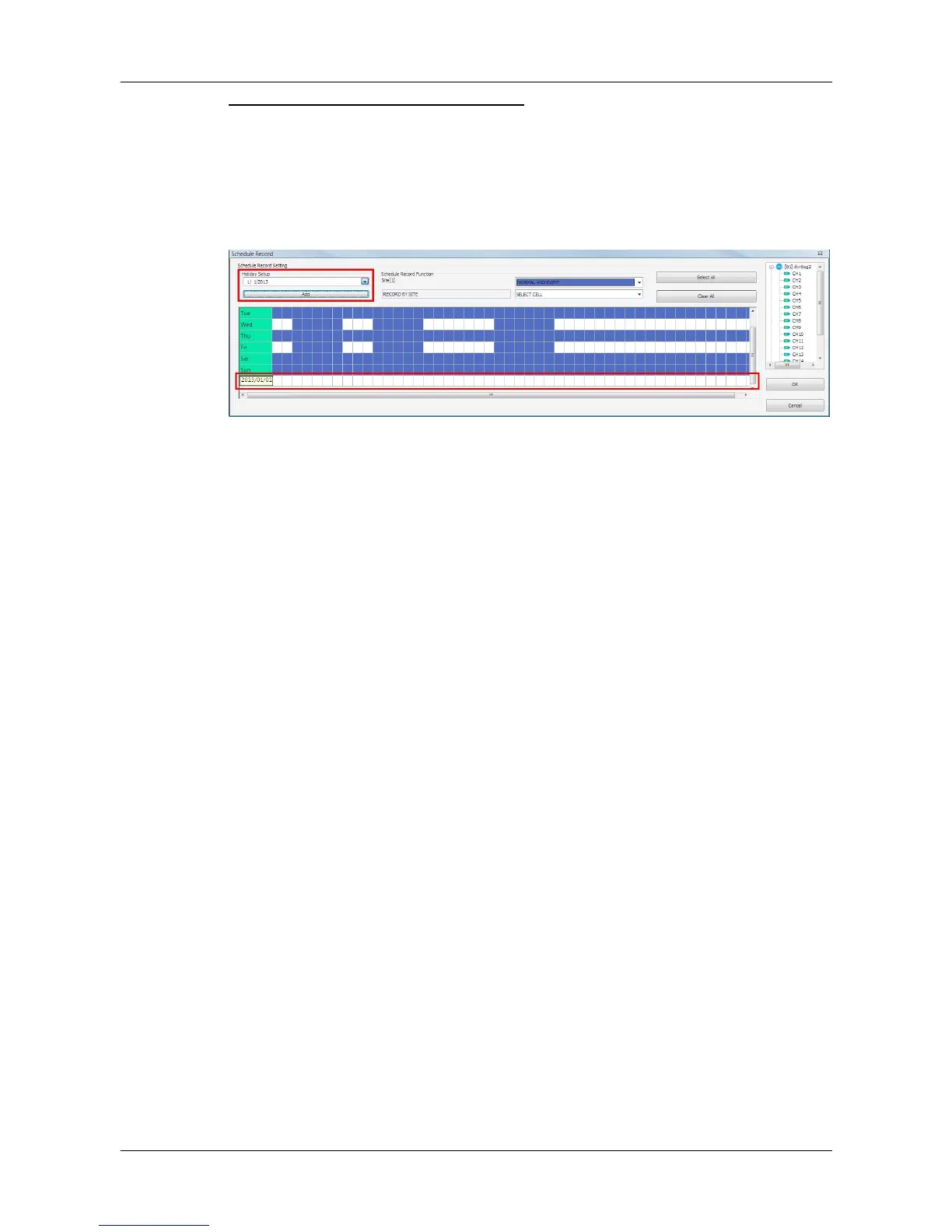
If users wish to setup a special schedule for a specific date, simply select a
date from the pull-down menu of <Holiday Setup> and click on <Add> button.
At the bottom of the <Schedule Record> window, users can find a new row of
the added date as shown below. Setup the schedule for that date, and the
schedule record will only run once for that special day.



 To Next Page