User’s Manual
87
Step 3. Playback of multiple sites at the same time is allowed. Users can
select another site and setup its playback time following steps 1 and 2
described above.
Step 4. Click on <OK> at the bottom and CMS will begin to playback chosen
video time of the selected sites.
NOTE: Do not forget to click on <Save Settings> to confirm playback,
or CMS will not begin the playback even if users clicked on <OK>.
Playback from VDS Sites:
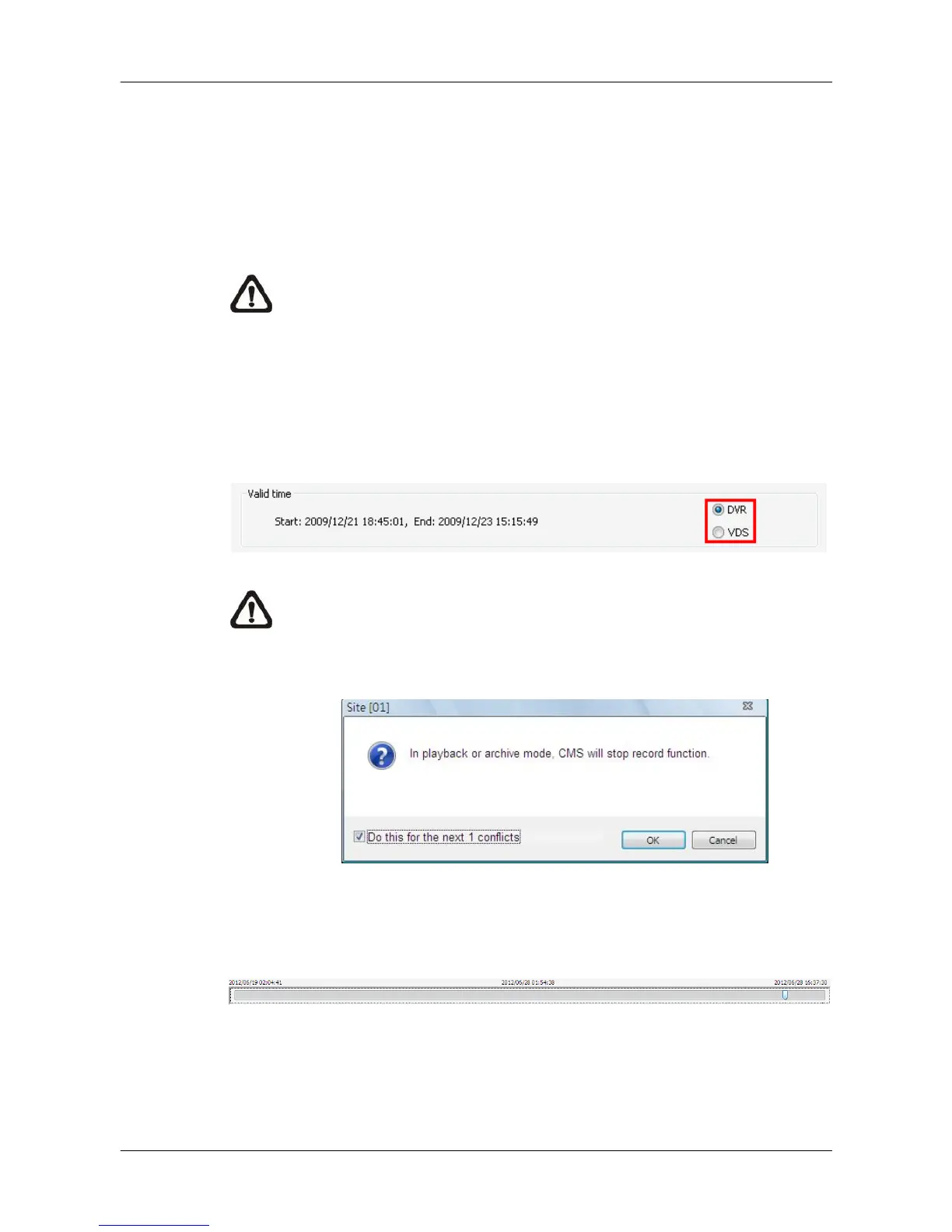
If users selected a VDS sites, two extra options will be displayed as below.
Select <DVR> to retrieve data from DVR connected to VDS. Or select <VDS>
if VDS is set to record from the connected DVRs. Then follow the same steps
described above.
NOTE: Before the playback starts, a message will popup if CMS main
window is currently recording video. When multiple playbacks are
initiated, users can check the box at the bottom to confirm for all
playbacks.
When the playback begins, users can move the mouse to the bottom of the
video and a time bar will be displayed as shown below. Users can drag the
index to quick playback new selected time of the recorded video.



 To Next Page