User’s Manual
19
Set Start Group
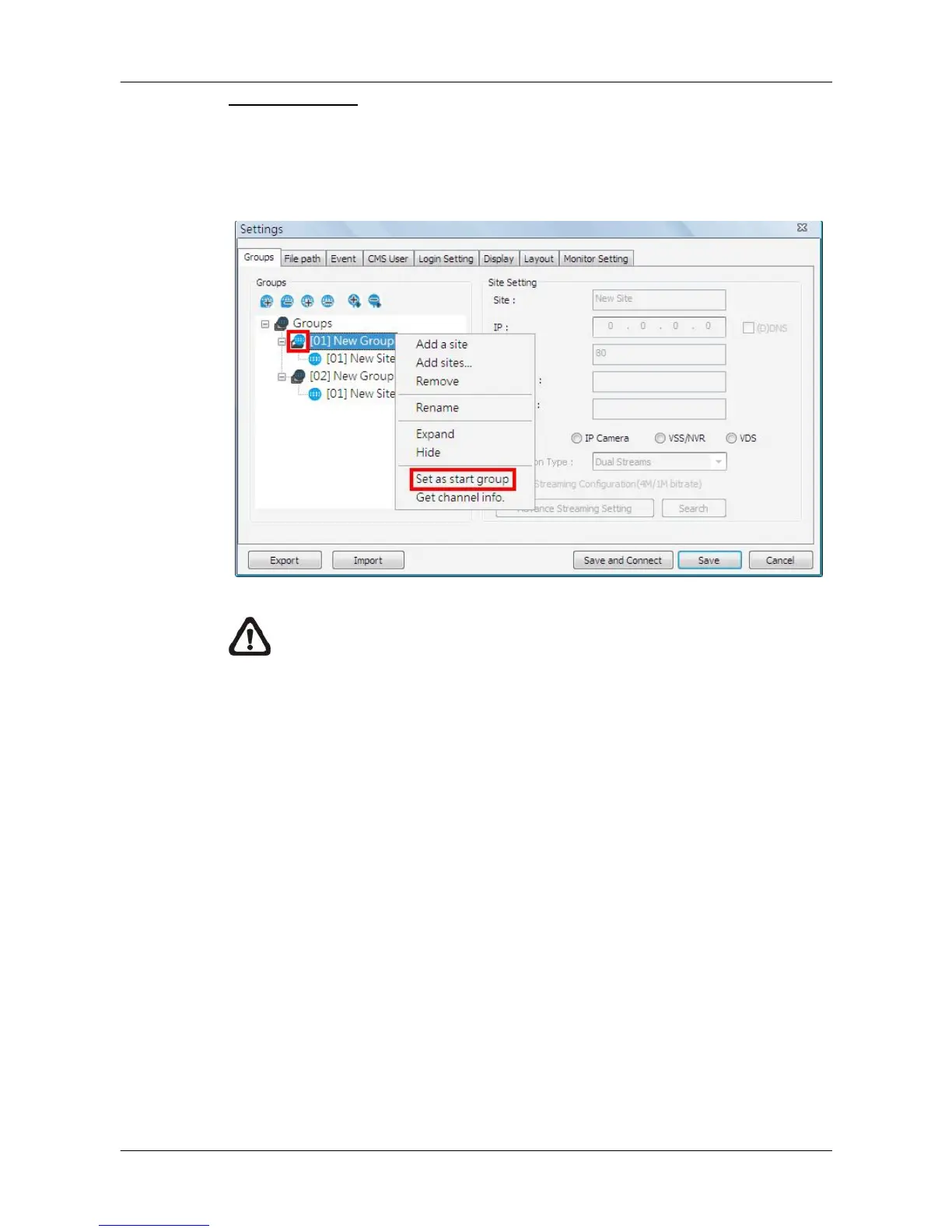
“Start Group” is the group that will be connected after started up CMS.
Right click on the group to be set as “Start Group”, and select <Set as start
group> from the pull-down menu.
NOTE: If a group is set as the “Start Group”, the icon will be changed
as shown in the figure above.



 To Next Page