CHAPTER 21
Video terminal VT555W
405.1200.037.2 - Rel.: 2.21 of 25/02/2008
21-14
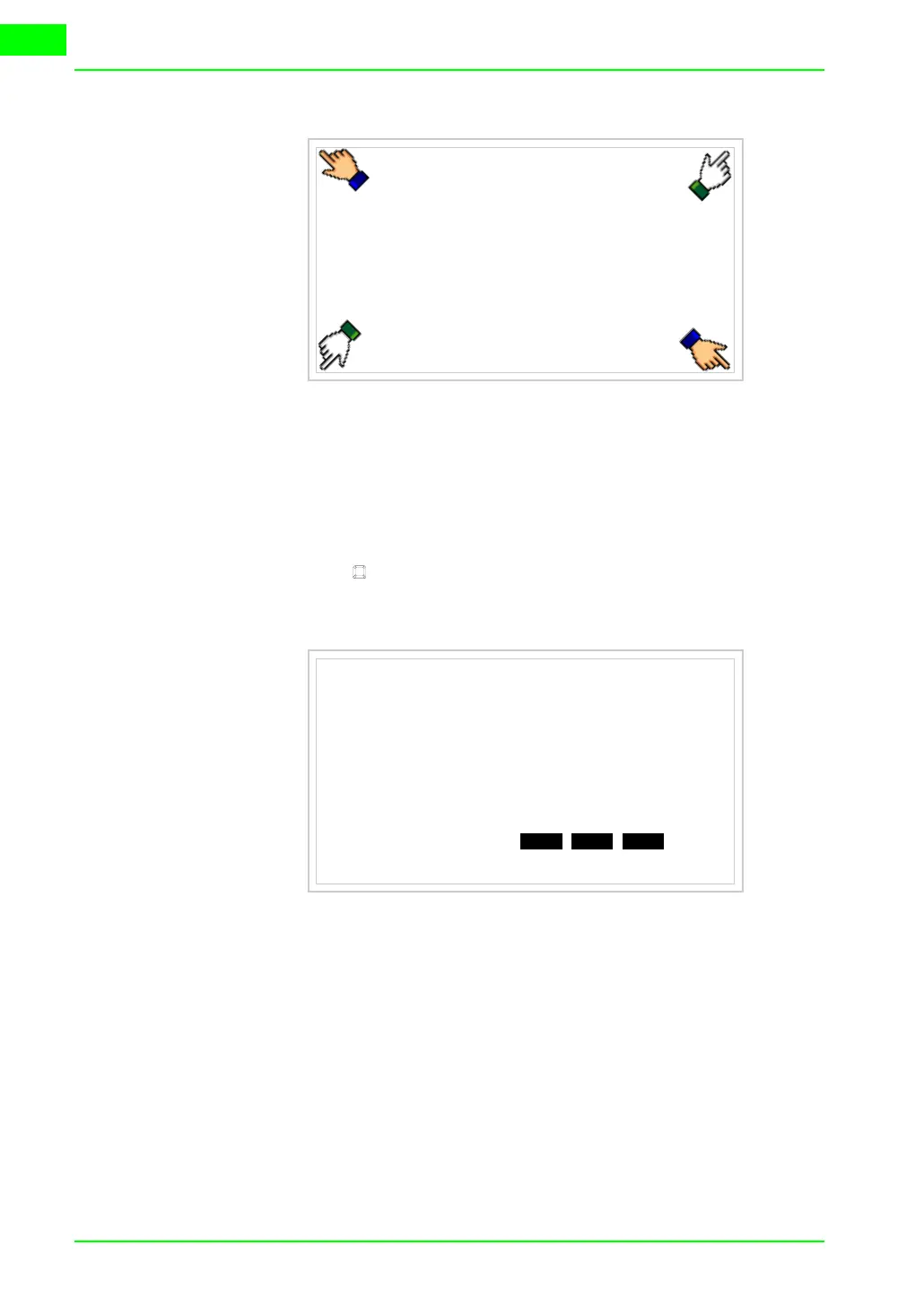
and wait a moment, or, using the appropriate button (see Page 21-18),
till the VT displays the following mask
VT terminal with no Modem function:
• Choose the port you intend to use for the transfer (MSP or ASP); touch
the relevant on the display. The VT is now ready to receive (refer to
Software Manual for transfer procedure)
VT555 TRANSFER PAGE
Graphic controller BOOT check : OK
Graphic controller RAM check : OK
Graphic controller synchronization : OK
Main FIRMWARE check : NOT PRESENT
Graphic controller FIRMWARE : ERROR
SELECT:
MSP ASP EXIT


 To Next Page