405.1200.037.2 - Rel.: 2.21 of 25/02/2008
21-15
VT terminal with Modem function:
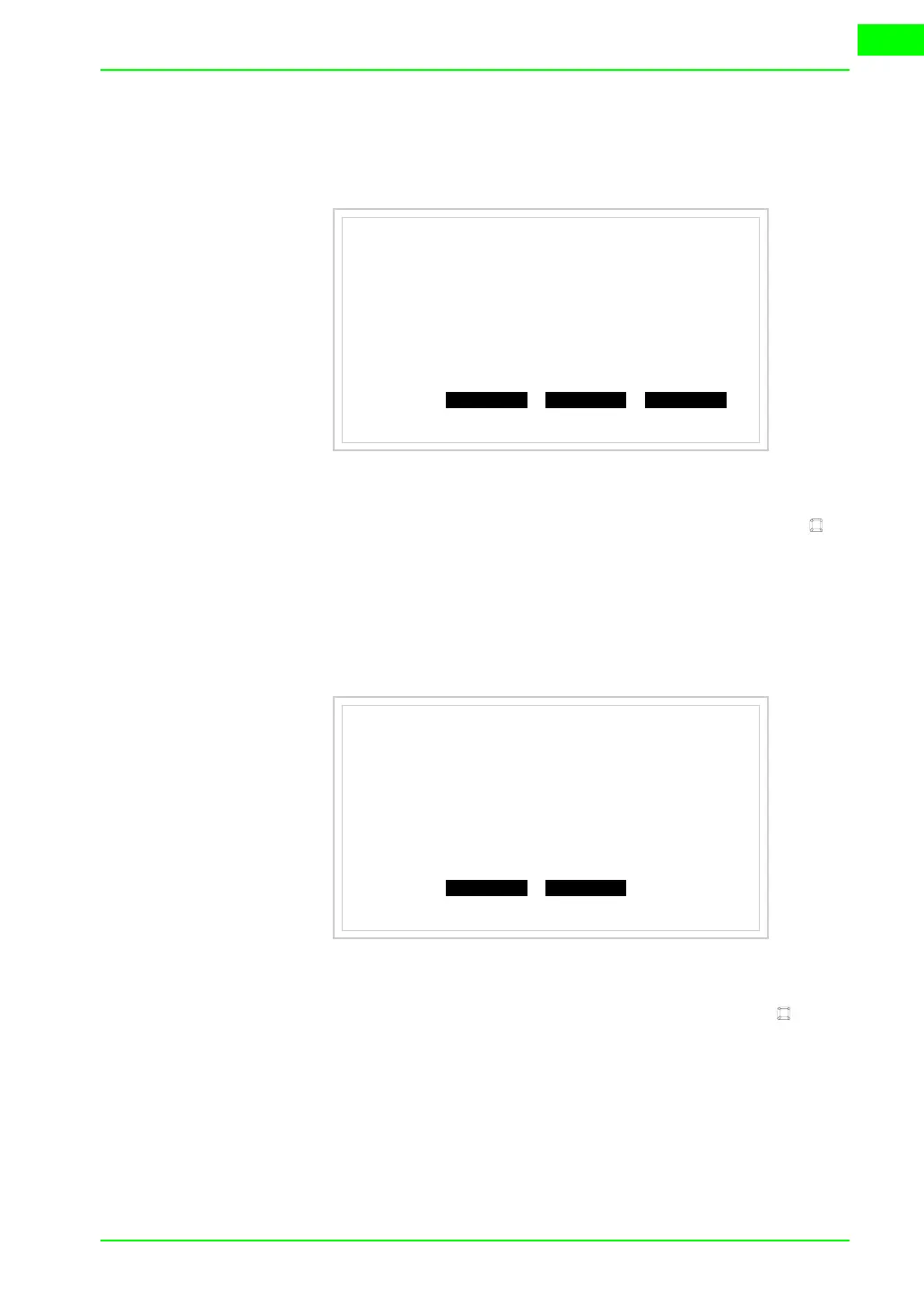
• Proceed from the preceding mask; the following mask appears
• Choose the required transfer mode: MODEM if you intend to use a
modem or PC if you intend to use a serial port; touch the relevant on
the display
If the choose made is PC, the VT is ready to receive (see Software Manual
for transfer), if, on the other hand, you choose MODEM, the following
mask will appear
The choice should be according to the speed you intend to use for the trans-
fer (Slow=9600bit/sec or Fast=38400bit/sec), touch the relevant on the
display. The VT is now ready to receive (see Software Manual for the trans-
fer).
VT555 TRANSFER PAGE
Graphic controller BOOT check : OK
Graphic controller RAM check : OK
Graphic controller synchronization : OK
Main FIRMWARE check : NOT PRESENT
Graphic controller FIRMWARE : ERROR
SELECT:
MODEM PC EXIT
VT555 TRANSFER PAGE
Graphic controller BOOT check : OK
Graphic controller RAM check : OK
Graphic controller synchronization : OK
Main FIRMWARE check : NOT PRESENT
Graphic controller FIRMWARE : ERROR
SELECT:
SLOW FAST


 To Next Page