CHAPTER 23
Video terminal VT565W
405.1200.037.2 - Rel.: 2.21 of 25/02/2008
23-18
The on-screen to press depends on the port you intend to use (MSP
or ASP). The VT terminal is now ready to receive (consult Software
Manual for information on the transmission procedure).
Using the Memory Card:
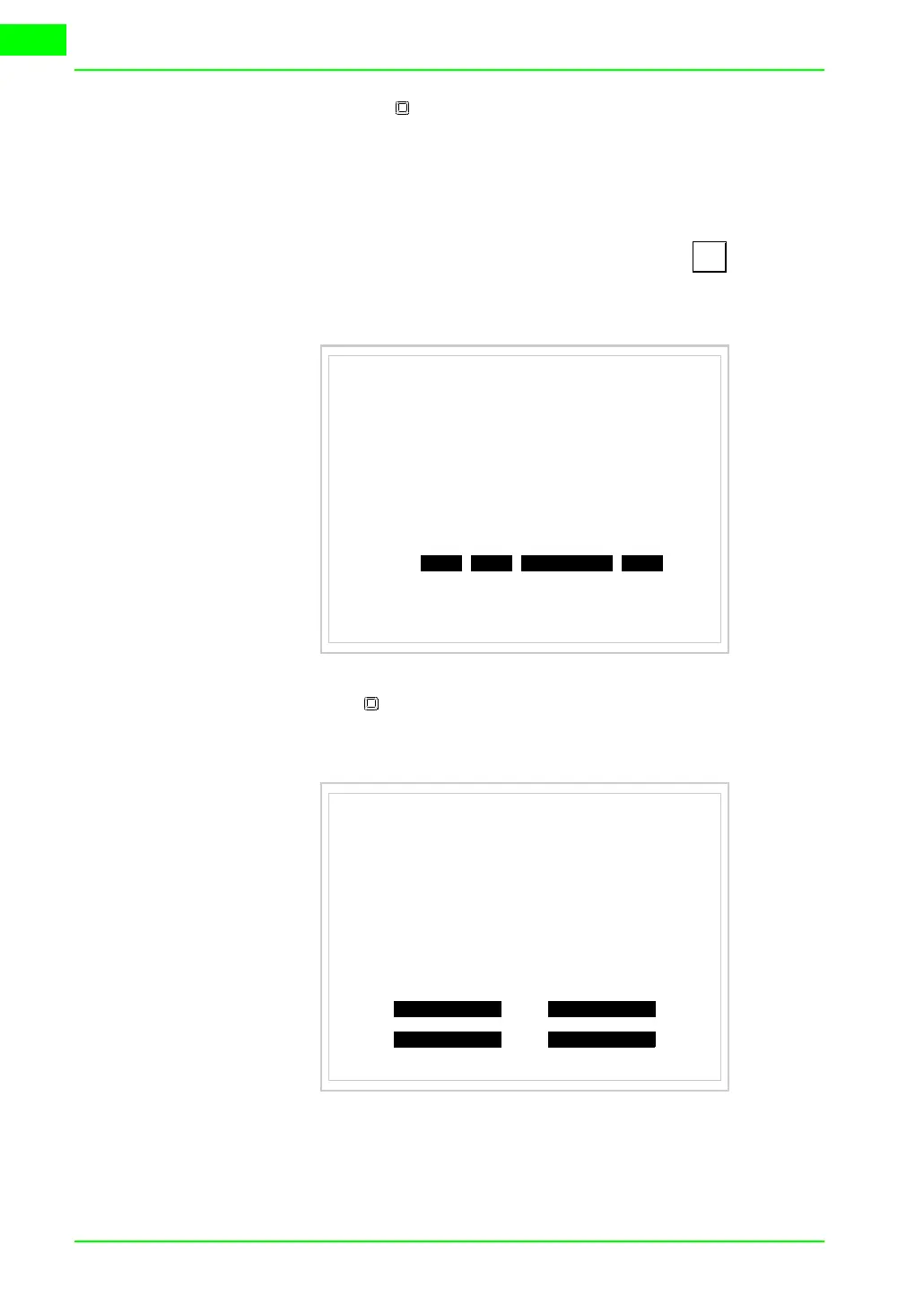
While displaying the driver information page, press and the fol-
lowing mask will appear:
Touch the MemoCARD on the screen (if the key is not on screen,
see Page 23-12) and the following mask will appear:
For the meaning and the functions of the keys see
“Chapter 34 ->
Memory card“
.
TRAN
PAGE
VT565 TRANSFER PAGE
Graphic controller BOOT check : OK
Graphic controller RAM check : OK
Main BOOT and RAM check : WAIT
SELECT:
MSP ASP EXITMemoCARD
MEMORY CARD MENU
ERASE EXIT
BACKUP RESTORE



 To Next Page