405.1200.037.2 - Rel.: 2.21 of 25/02/2008
34-15
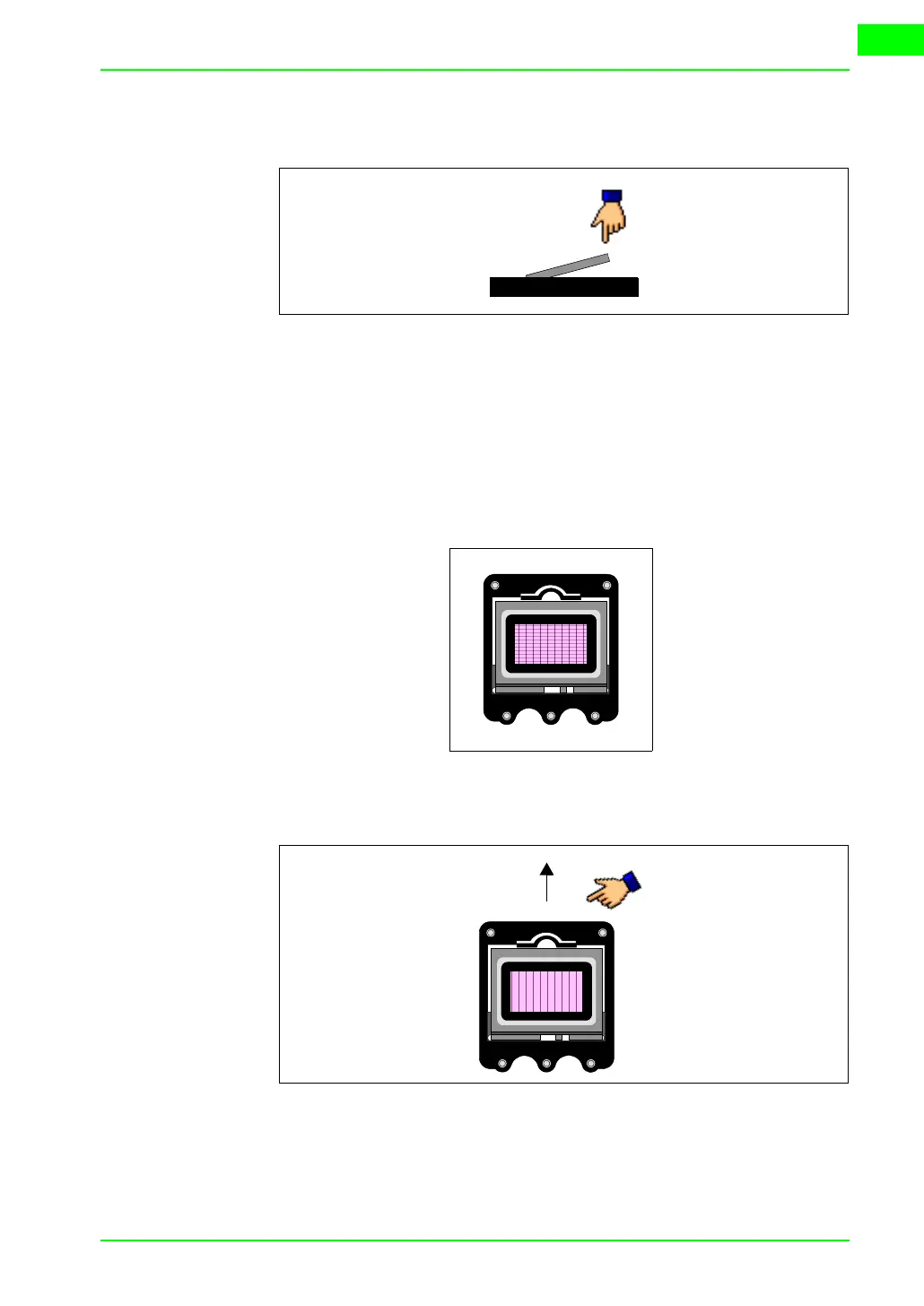
• Once the memory card fits in the groove, press lightly as shown in the
figure till you feel it click into place.
• Replace the back cover of the VT
• Reconnect the VT to the power supply.
Procedure for removing the memory card:
• Check that the VT power supply is disconnected.
• Remove the back cover.
• Locate the following element.
• Press lightly on the fixing tab of the memory card (see figure below) in
the direction of the arrow.
• Once the memory card is unhooked (see figure) remove it following the
direction of the arrow.



 To Next Page