405.1200.037.2 - Rel.: 2.21 of 25/02/2008
34-41
• Once the mounting plate has been attached,
• Hook the upper part of the plate onto the DIN rail.
• Press the device in the direction indicated. (Arrow A)
• To make it easier to hook on, pull the spring-clip in the direction indi-
cated. (Arrow B)
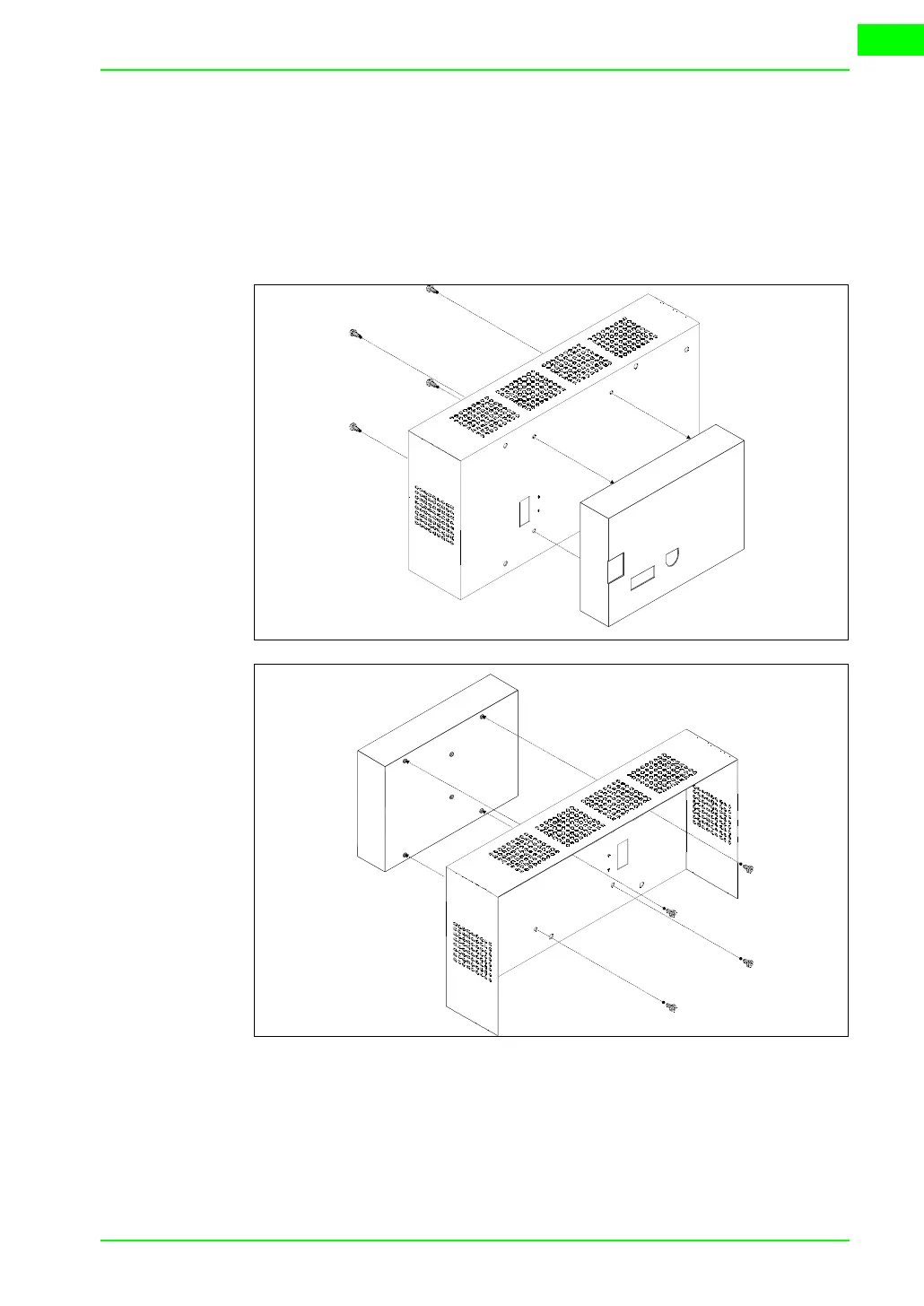
Fixing the device to the back cover:
• Check that the VT power supply is not connected.
• Remove the back cover.
• Attach the device as illustrated above using the appropriate screws sup-
plied and making sure the direction is correct.
• Replace the back cover.
• Reconnect the VT power supply.



 To Next Page