CHAPTER 34
Video terminal accessories
405.1200.037.2 - Rel.: 2.21 of 25/02/2008
34-40
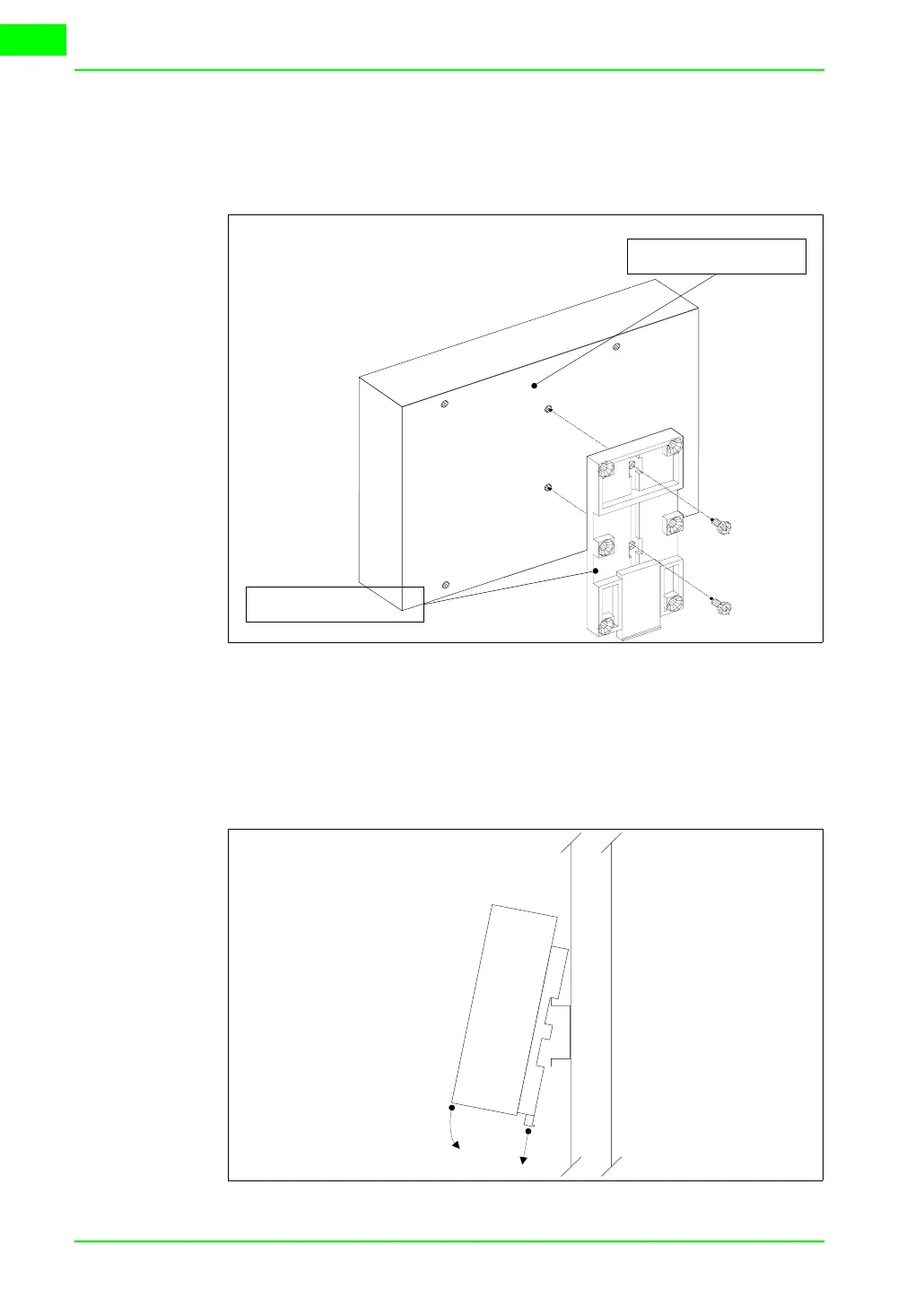
Securing the DIN rail mounting plate:
The device is supplied with a special molded plate for attaching to the DIN
rail. The following figure shows how to fit the plate to the device.
• Locate the two fixing holes.
• Position the device such that the holes are decentered towards the top
• Secure the mounting plate with the screws supplied keeping the
spring-clip down.
Attaching the device to the DIN rail:
Spring clip
Holes (not central)
A
B



 To Next Page