1-8
Chapter 1 Installation of the Unit System Construction
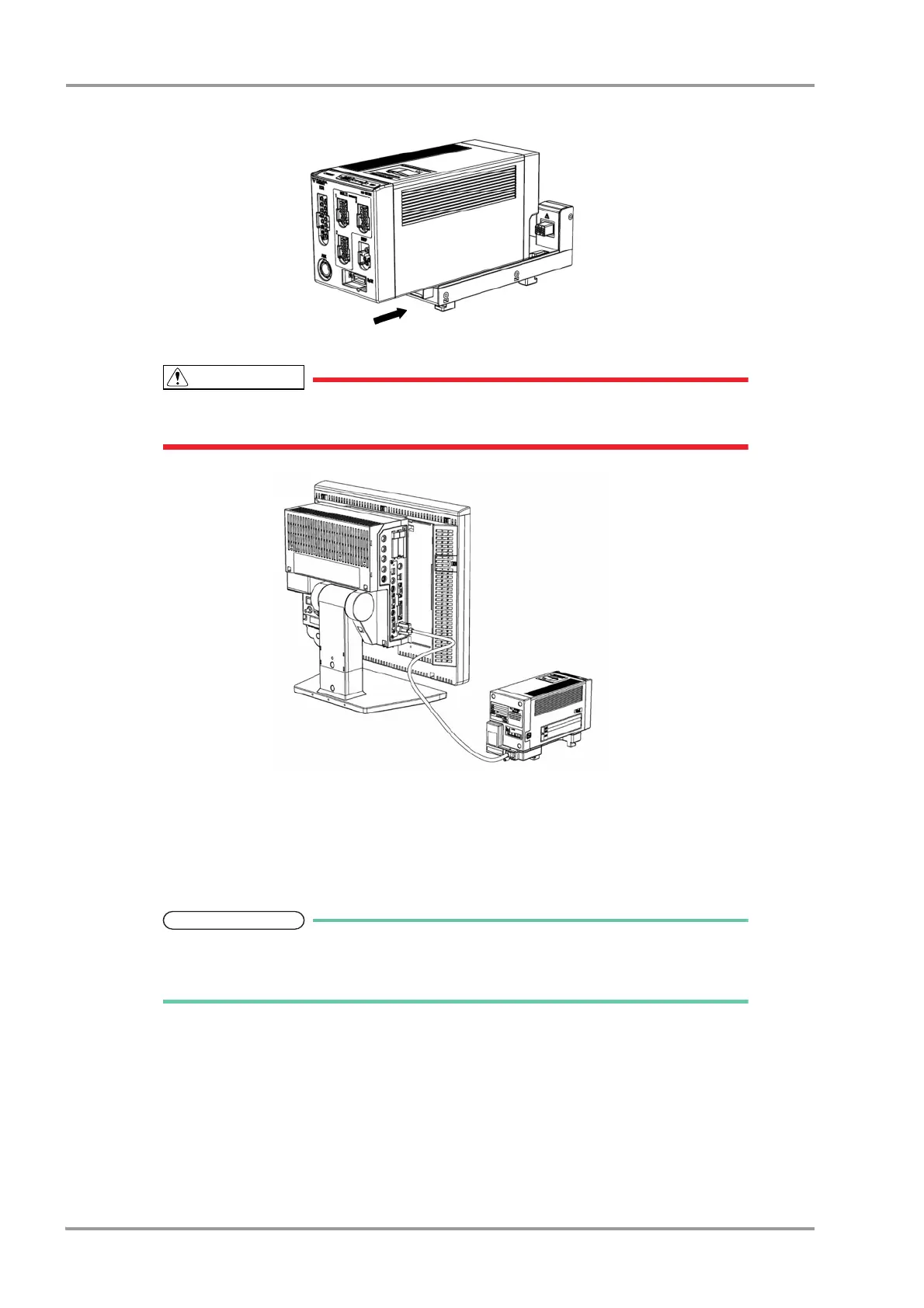
3Slide the HS-8000 backward until it locks with a click sound.
The HS-8000 can be connected/disconnected from the HSA-80 with the DS-8500 power turned ON.
The power should be turned OFF before connecting/disconnecting the module connection
cable.
Connection of Main Unit and Super Unit
Connecting the Main Unit, Super Unit, and Input Box
1Connect each cable to the input box on the left side, center, and right side to connect the main unit, HS Adapter,
and another input box respectively.
There are 3 module-LAN connectors on the rear side of the Input Box.
Connect the module connection cable to the specified connector according to the printing
on the rear side.



 To Next Page