1-9
Chapter 1 Installation of the Unit System Construction
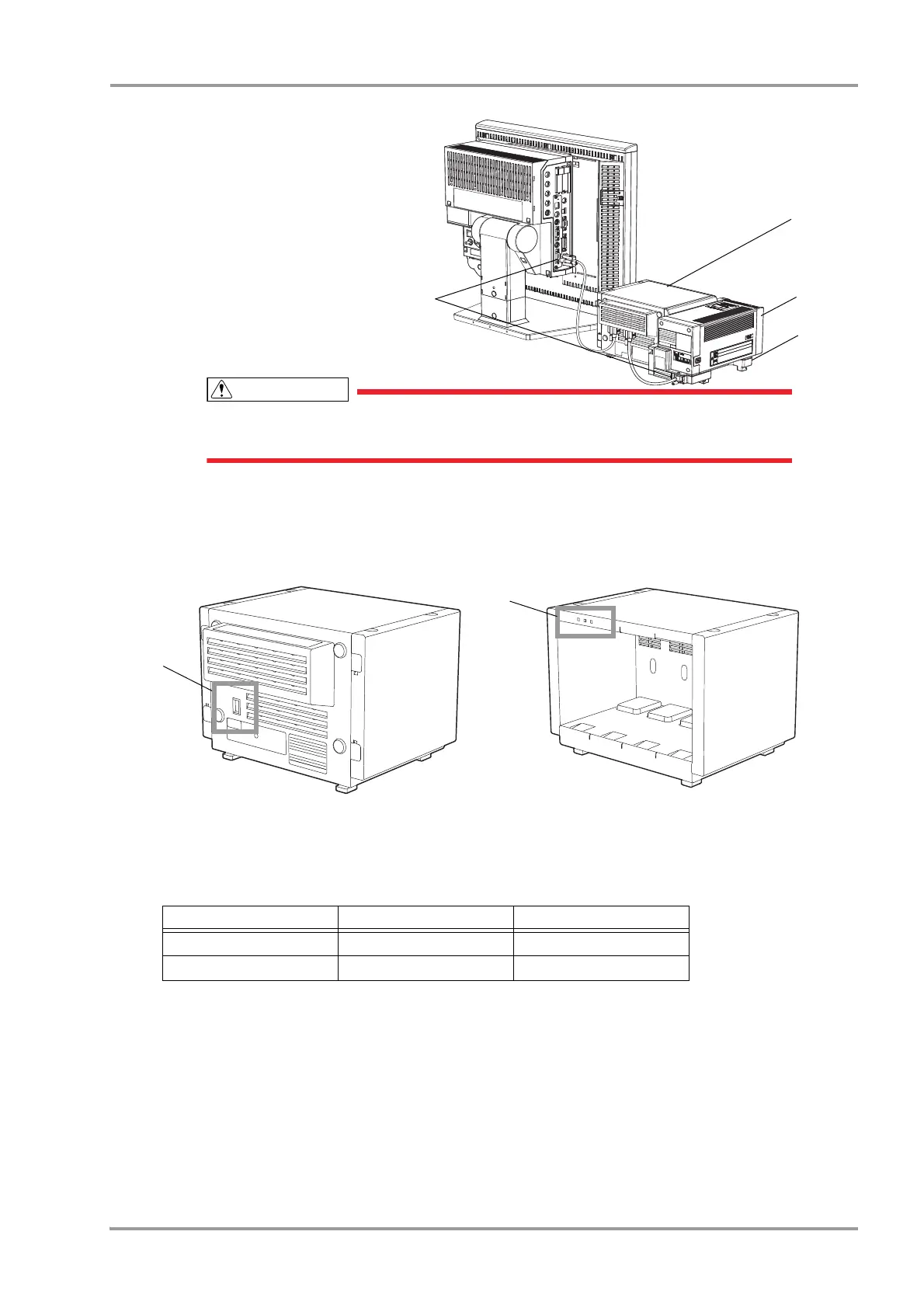
1 Input Box: IB-8004
2 Super Unit: HS-8000 series
3 HS Adapter: HSA-80
4 module-LAN Connector
The power should be turned OFF before connecting/disconnecting the module
connection cable.
Setup for the Input Box (IB-8004)
Maximum of 2 input boxes can be connected to the DS-8500 system.When connecting more than one input boxes,
change the LAN-ID using the setting dial on the rear side of the input box.
1Select 1 or 2 for the LAN ID which does not duplicate with other input box.
2Verify that the correct ID is set by checking the LAN ID setting indicator on the front side.
* The input box ID corresponds to the following displayed messages.
IB1 : "IB-8000-1" or "IB1"
IB1 : "IB-8000-2" or "IB2"
LAN ID Setting Dial Input Box ID
*
LAN-ID Setting Indicator
1 IB1 "1" is lighted.
2 IB2 "2" is lighted.



 To Next Page