1-10
Chapter 1 Installation of the Unit System Construction
Connection of Expansion Module
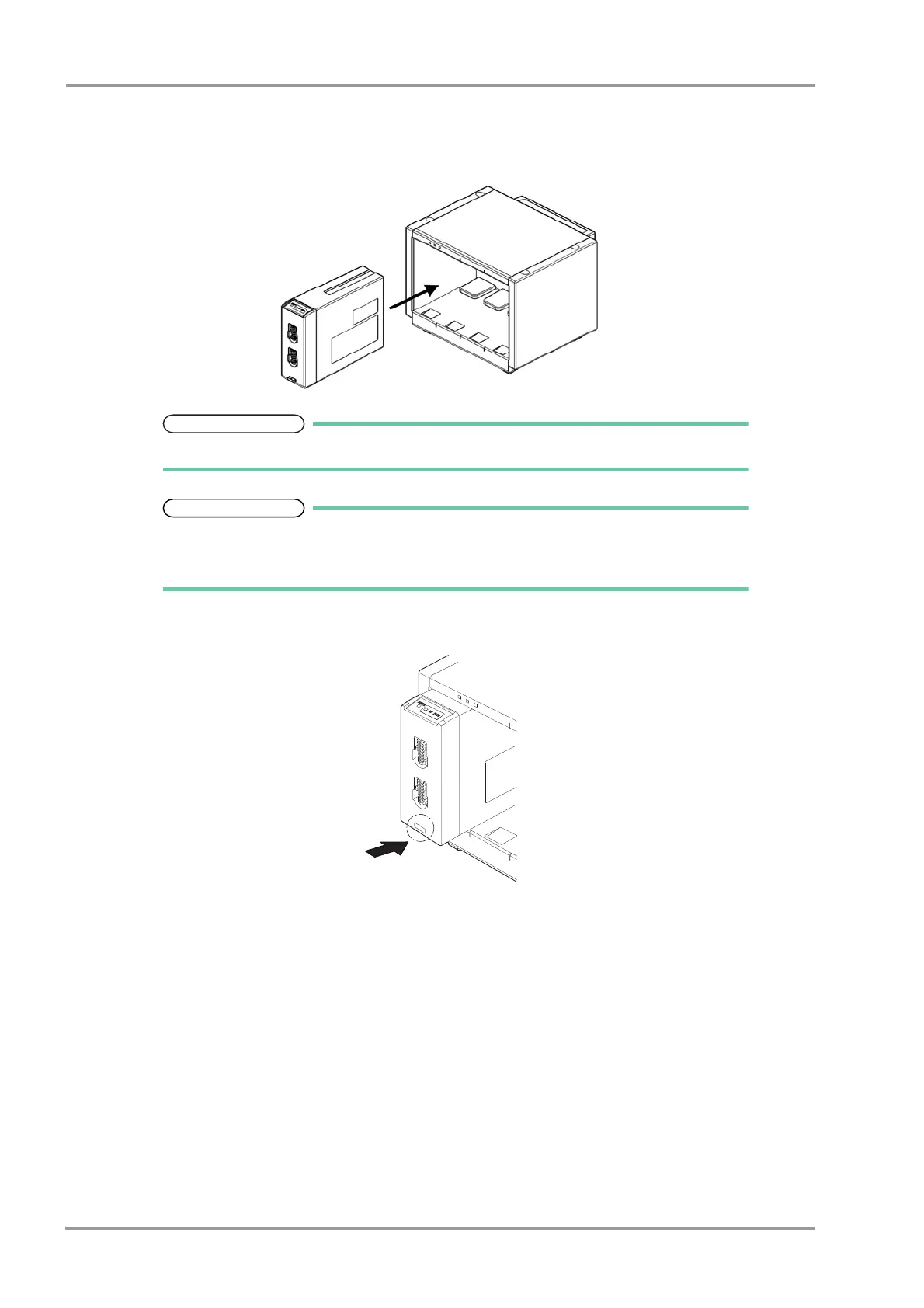
1Insert the expansion module to one of the four slots on the Input Box.
Insert the expansion module so that the triangle mark on the release button can be seen.
The inserted expansion module can be used by setting the parameters on the Unit
Module Setup (Menu>Initial Settings>System>Unit Module). By performing the setup, the
expansion module can be used regardless of the slot position of the Input Box.
2Press the release button until it becomes flat.



 To Next Page