1) # OF UPSs
(redundancy)
2) # OF UPSs
(total)
3) # OF BATT
4) Static Switch
Setup
5) DRY, Alarms
6) Calibration
7) Parallel/
StandAlone
8) REM
COMMAND
Set number of redundant
UPS modules ◄►▲▼
Set total number of UPS
modules ◄►▲▼
Set number of battery
strings ◄►▲▼
1) Set mask
2) Configure BYPASS
1) BYPASS normal, no control
2)BYPASS Control Enabled
▲▼ <Ent>
1) – 6) DryN
association
7) Enable/
Disable Alarms
2) DC-I Offset
removal
3) DC-I
Calibration
To remove current
offsets, first disconnect
batteries and load
<Ent> or <Esc>
Calibrate battery
#N current
Enter actual
current value for
#N current ◄►▲▼
Select 1) Standalone or 2) Parallel
▲▼ <Ent>
Remote Commands allowable:
Select 1) Disable or 2) Enable
▲▼ <Ent>
(CONTINUED FROM
LAST FIGURE)
Set STSW mask
◄►▲▼ <Ent>
Set dry contact association
with alarm/s◄►▲▼ <Ent>
Enable or disable individual
alarms◄►▲▼ <Ent>
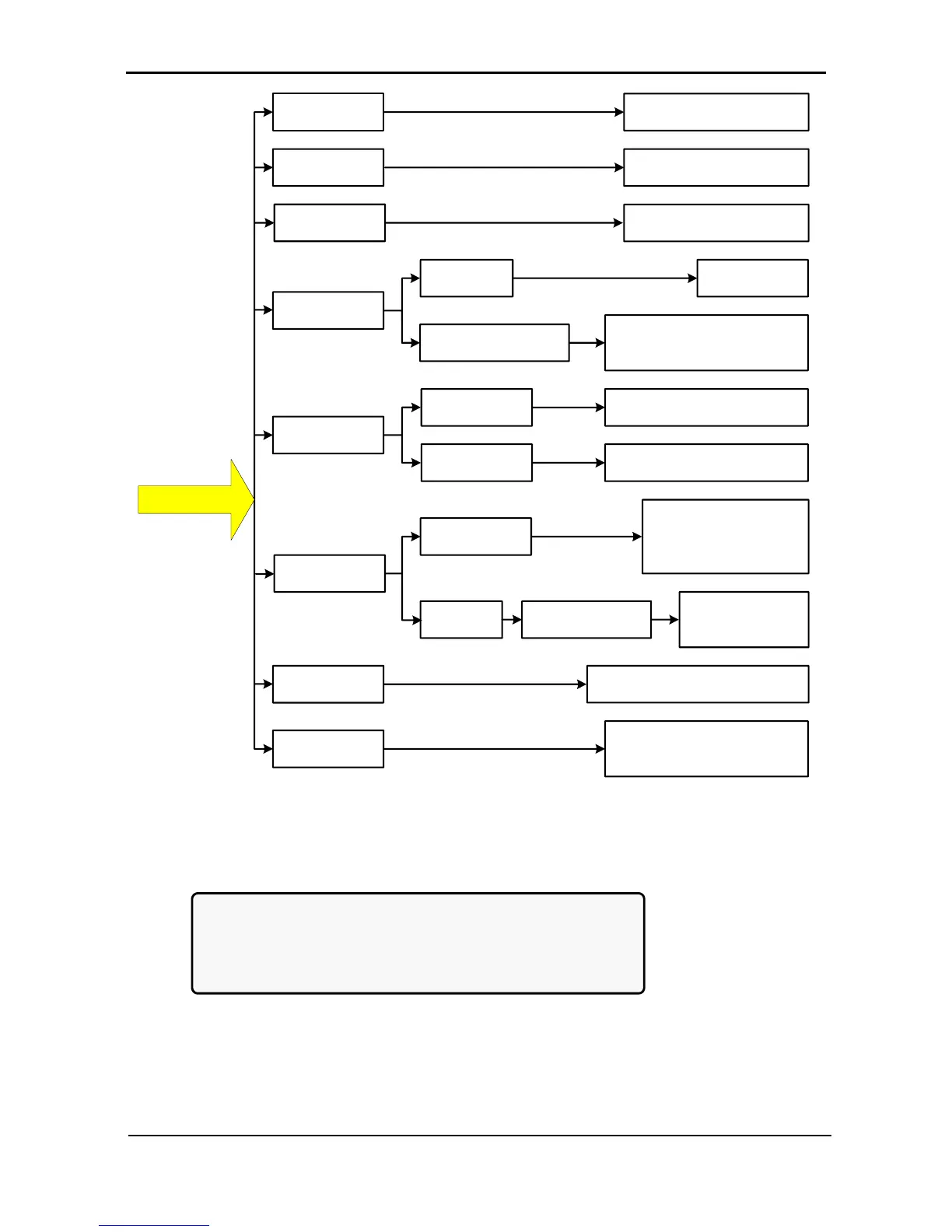
Figure 212: Main Menu option 7 (“Setup – Service”) 2/2
1. To enter Setup, use the default password <<<<<<<< (left arrow key eight times).
[Main Menu > SETUP]
POWER+ System Setup
Type in Level-1 PASSWORD, THEN – ENTER
Your privilege will expire after 15 min.
PASSWORD:________











 To Next Page