137
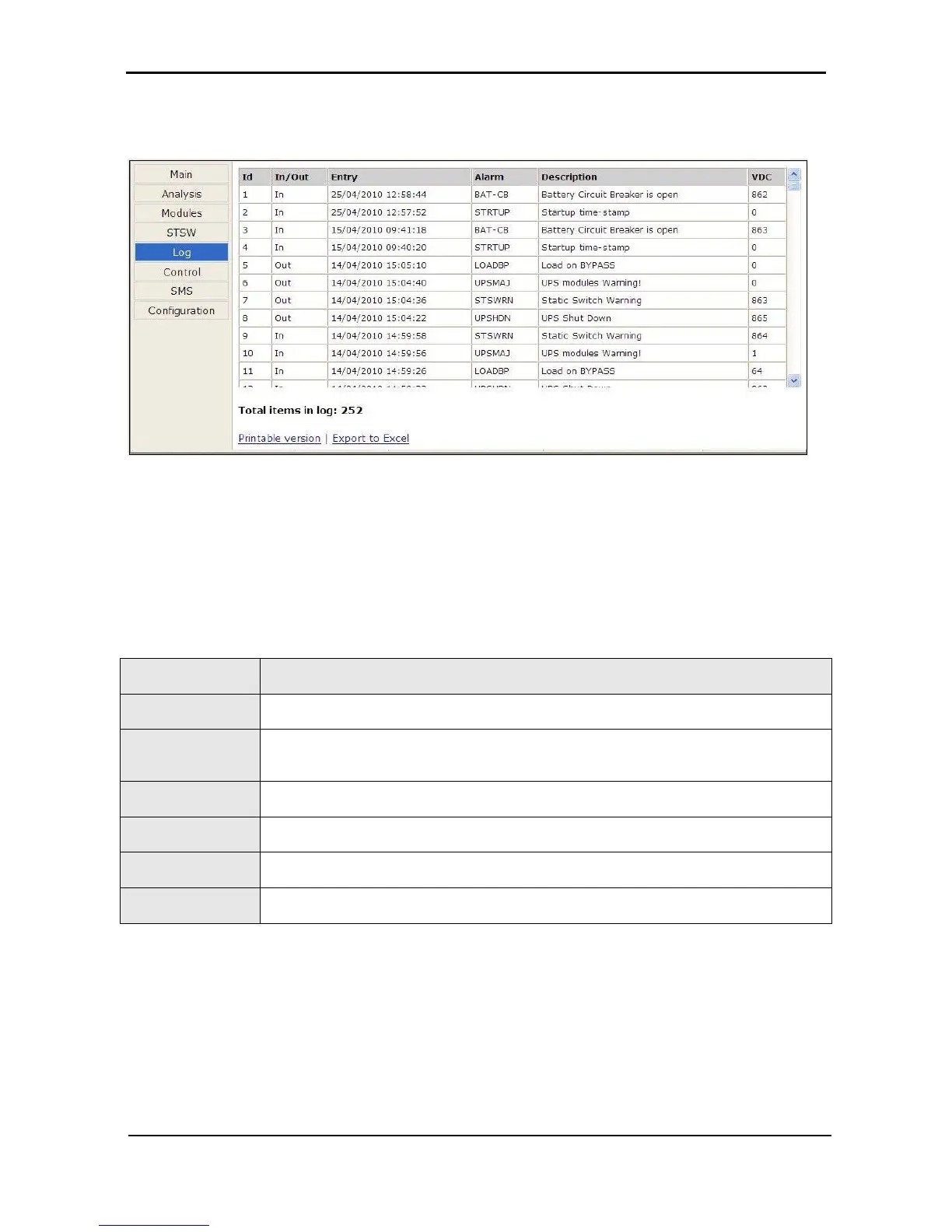
8.3.4 “Log” main menu option
Figure
293: Listing the log entries
Table 13: Data items on the event log screen
MENU OPTION DESCRIPTION
ID
This is simply a line number.
In / Out
“In” indicates the start of an alarm condition.
“Out” indicates the end of an alarm condition.
Entry
Timestamp in the format dd/mm/yyyy hh/mm/ss
Alarm
Alarm code.
Description
Alarm message. See Table 14.
VDC
Battery voltage.











 To Next Page