GAMATRONIC ELECTRONIC INDUSTRIES LTD.
125
7.15 System Controller Setup Verification
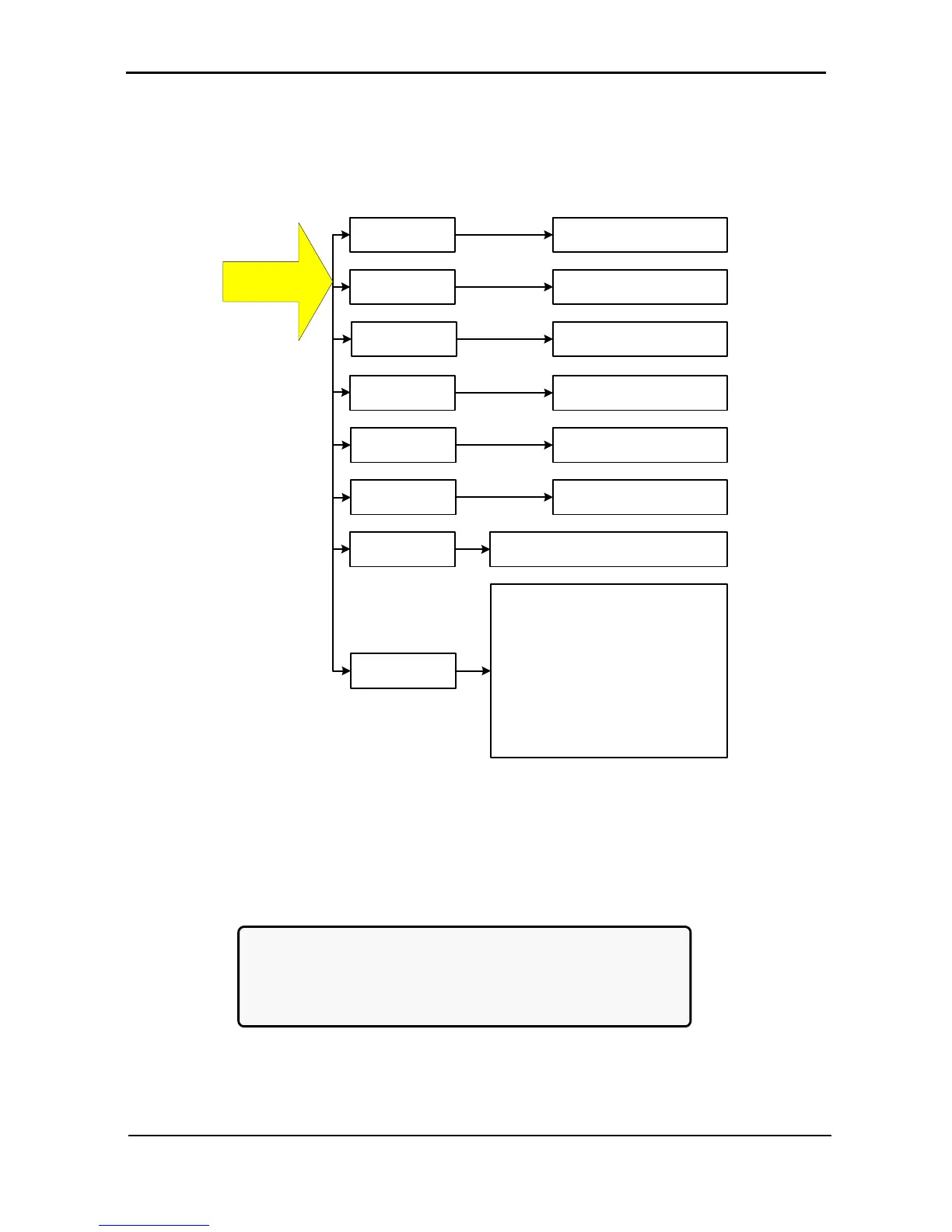
The screens described below are useful for verifying system operation after replacing a controller
module(s). Especially important are the screens shown under the General section, as shown in Figure 273.
This verification procedure is available for software versions beginning from 050106.
1) UPSs Stat
2) UPSs On/Off
3) SoftWare Rev
4) Network...
5) Dry In/Out
Stat
6) Alarms Status
7) Language
8) General
View connection status of
each UPS
View on/off status of each
UPS
Displays the firmware and
communication revisions
View the IP, Gateway,
Mask, and Faults
Set the menu language to English,
Spanish, or Portuguese ▲▼ <Ent>
<Ent> First screen:
10 viewable system parameters
► Second screen:
7 more viewable system parameters
► Third screen:
5 more viewable system parameters
► Fourth screen:
4 more viewable system parameters
Press Esc key for
three seconds to
view this menu
Displays the status of the
dry input and output relays
Displays the status of the
alarms
Figure 273: Setup verification screens
7.15.1 Setup Verification Menu
All of the functions listed below are for monitoring purposes only, except for setting the menu language.
[3-second Esc]
1> UPSs Stat 5> Dry In/Out Stat
2> UPSs On/Off 6> Alarms Status
3> SoftWare Rev 7> Language
4> Network... 1 8> General
Figure 274: Setup verification menu











 To Next Page