GAMATRONIC ELECTRONIC INDUSTRIES LTD.
124
7.14 “Static Switch” option
Static Switch status is displayed:
• Inverter voltages and frequencies for each phase
• Bypass voltages and frequencies for each phase
• Output currents for each phase
• SSW relay status
MAIN
MENU
OPTIONS
- - - SUBMENU OPTIONS - - -
SYSTEM
UPS MODULE
SELFTEST
HISTORY
BATTERY
ALARM
SETUP
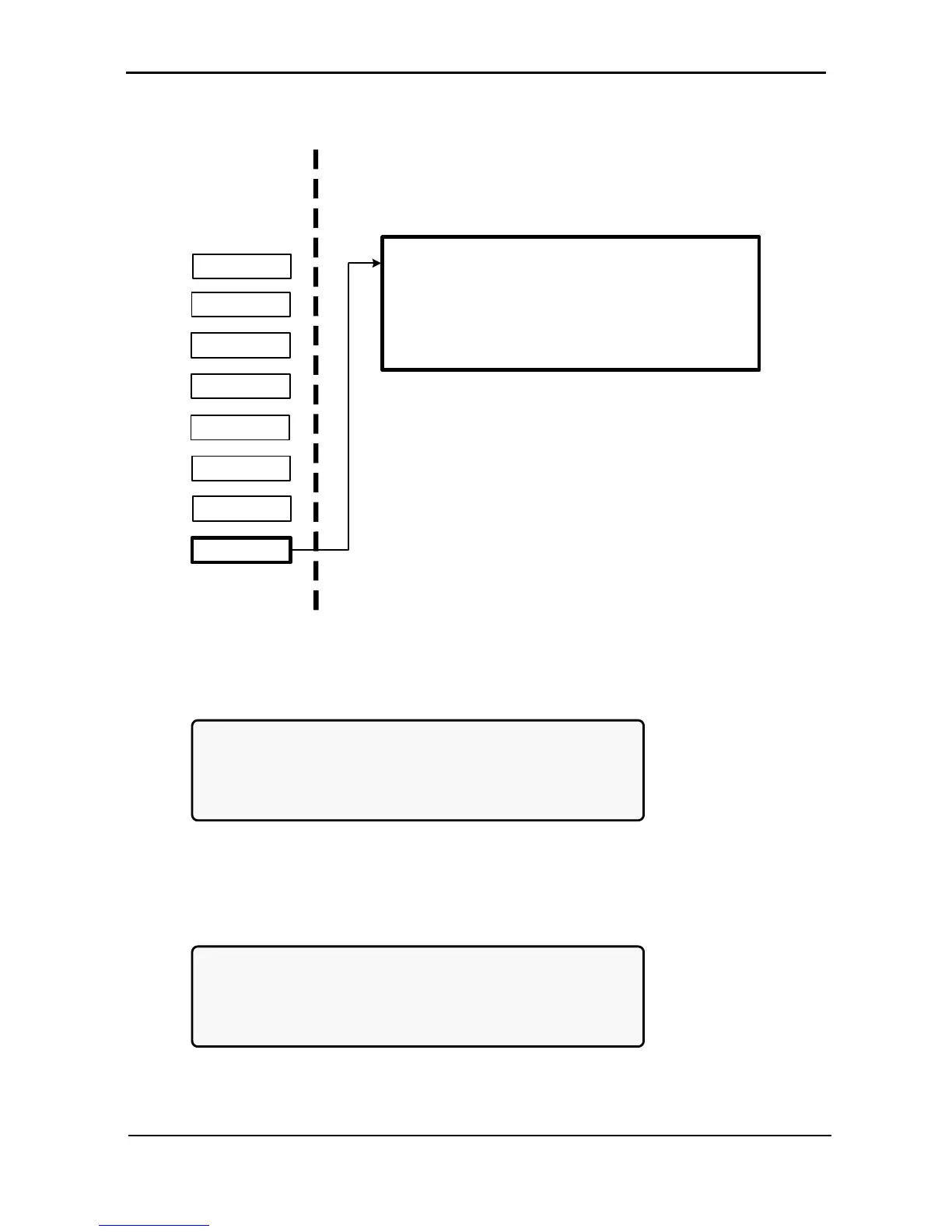
STATIC SW.
Figure 270: Static switch option
1. View the static switch voltage and frequency:
[Main Menu > STATIC SW]
SSW VOLTAGE FREQ
INVERTER: L1-120V,L2-120V,L3-120V 60 Hz
BYPASS: L1-120V,L2-120V,L3-120V 60 Hz
IOUT: 050 050 050
Figure 271: Static switch voltage and frequency
2. Press ►to view the current messaging status:
[Main Menu > STATIC SW > ►]
M<-----B3---->L M<--------B4-------->L
1 2 3 4 5 6 7 8 9 10 11 12 13 14 15 16
0 0 0 0 0 0 0 0 0 0 0 0 0 0 0 0
SSW STATUS
Figure 272: Static switch messaging status











 To Next Page