49
g. When the Internet Protocol (TCP/ITP Properties screen appears, click the Use the
following IP address button and enter IP address and Subnet mask in the appropriate
fields. Leave Default gateway blank. Make sure that the first three groups of numbers in
the IP address (192.212.118 in the above example) are the same as those of the domain in
which the UPS is installed, and that the last number (31 in the above example) is different
(it can be any number from 0 to 255, other than the one already assigned to the UPS).
h. Click OK twice to complete the network connection.
3. Open your browser on the laptop computer and enter the IP address of the system controller in
the browser’s address field to verify that you can reach the Web server on the system controller.
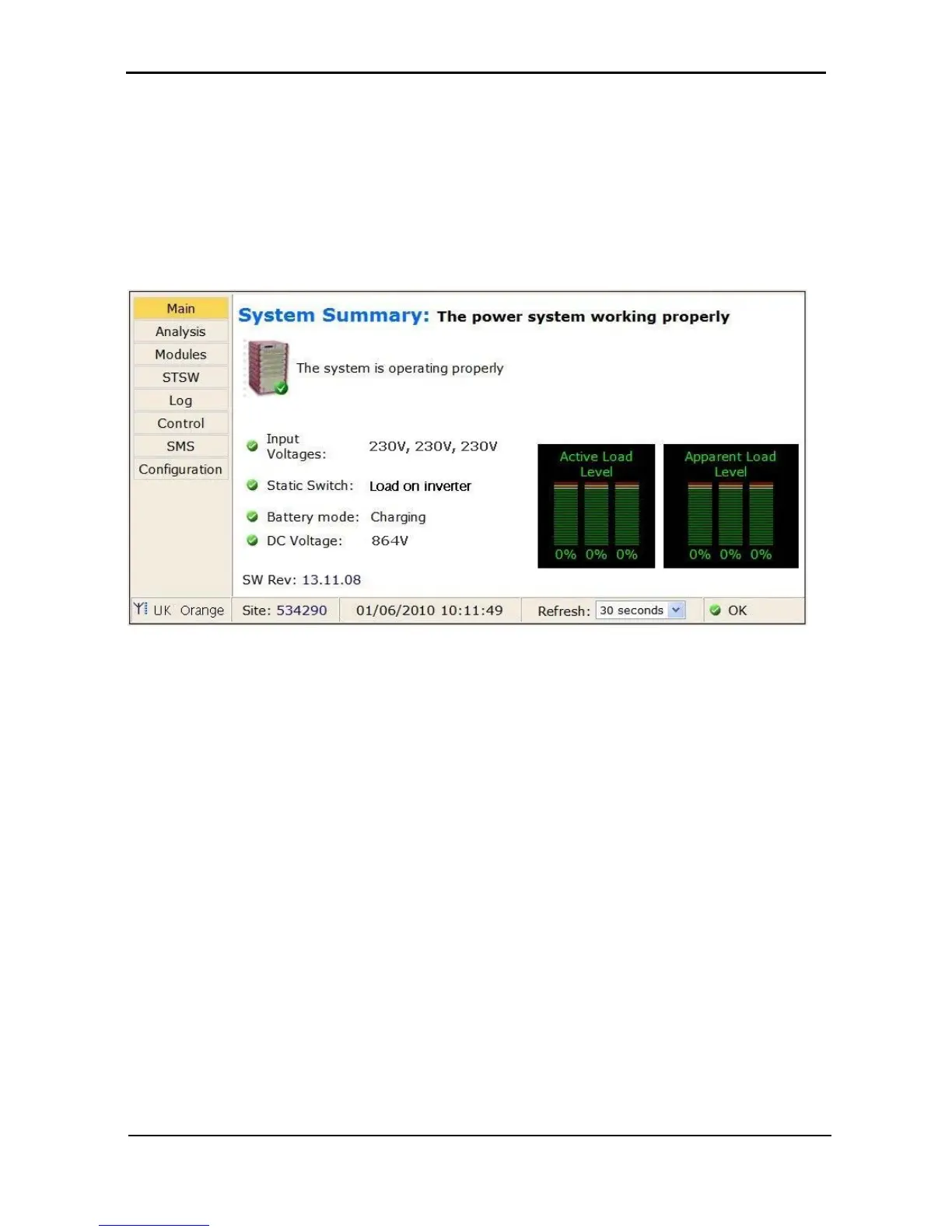
The system displays the main GMaCi screen, similar to the one shown below.
Figure 57: Main Screen of built-in web server
4.11.5 Test Wing Option
If Wing has been installed in the UPS, this test is designed to check that it is working properly by sending an
SMS message through the Web interface of Wing to a specified phone number.











 To Next Page