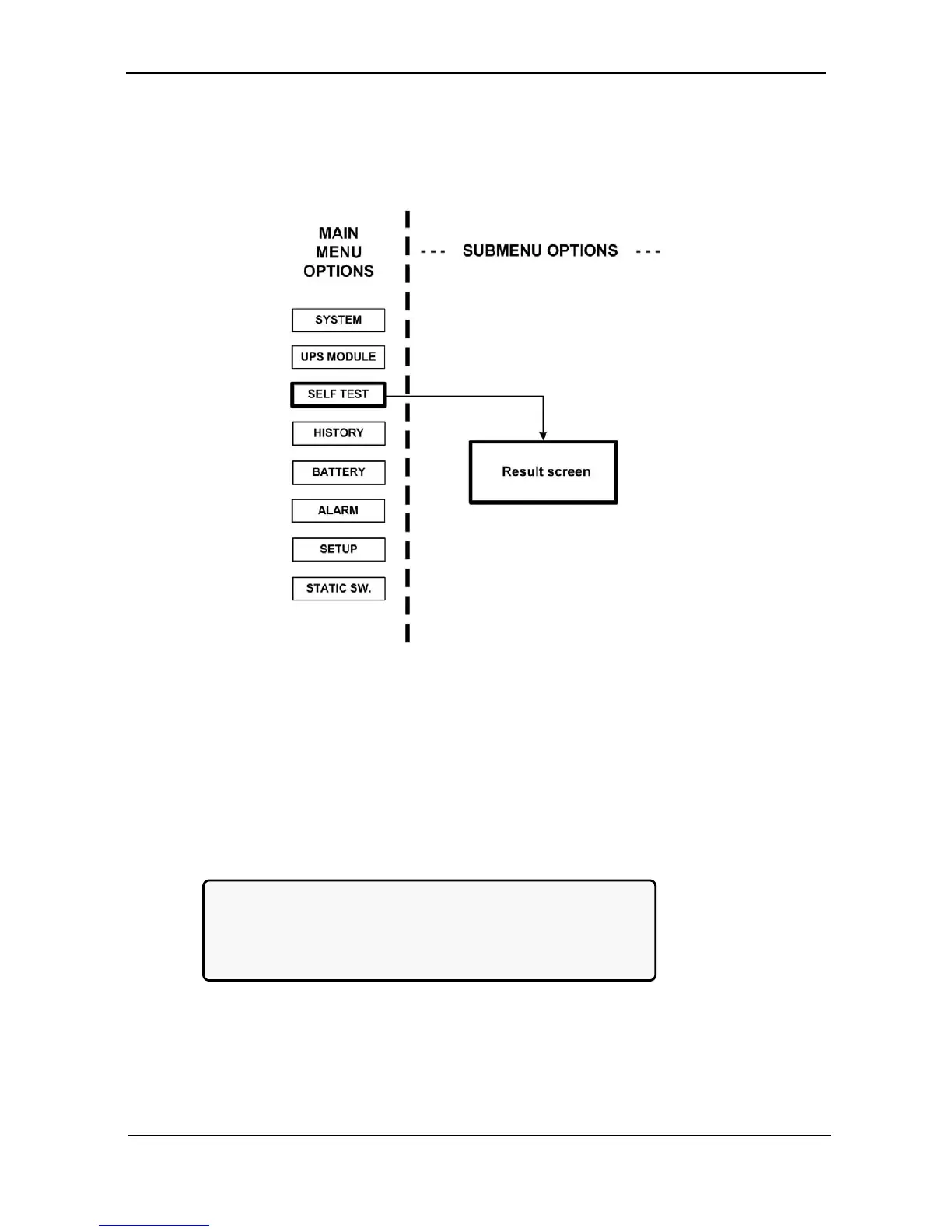
7.4 “Self-test” Option
You can run a self-test at any time without interfering in the normal operation of the POWER
+
. A self-test is
also initiated by the POWER
+
itself each day at midnight.
Figure 99: Main Menu option 3 (“Self Test”)
The failure of a self-test sets on the self-test alarm. The self-test alarm can only be cleared by a subsequent
successful self-test, or it can be cleared manually by a maintenance technician. Powering the POWER
+
down and up, for example, does not clear the self-test alarm. This is because the failure of a self-test is
considered a serious event that should not be “forgotten”. A self-test failure is also recorded in the alarm
log.
[Main Menu > SELFTEST]











 To Next Page