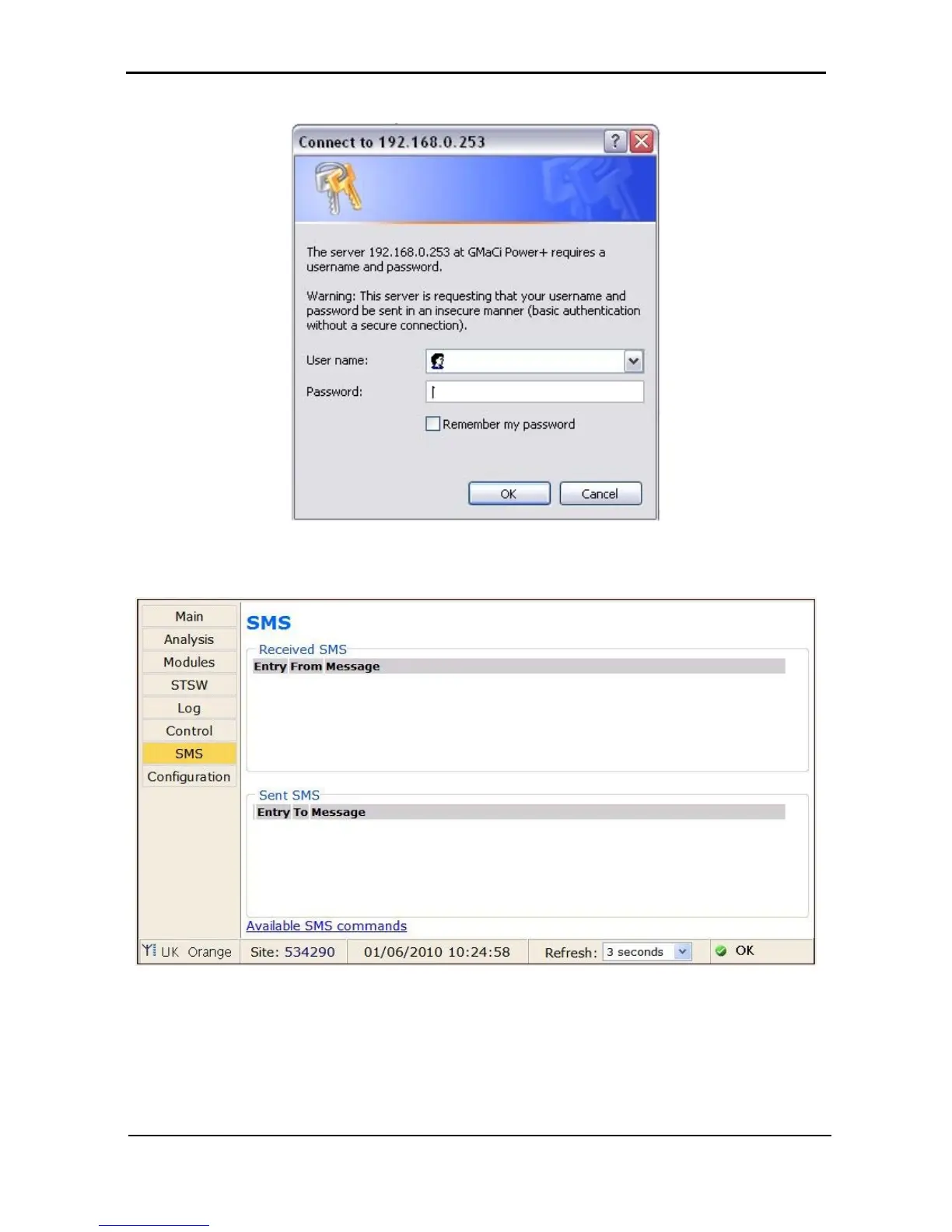
1. Click the Send SMS button on the left sidebar of the Main Screen of the built-in web server.
Figure 58: Login screen of built-in web server
2. When the login screen appears, enter admin for both User name and Password, and click OK.
Figure 59: SMS screen
3. A record of messages transmitted and received by the controller is recorded.
Note: Only the controller can send SMS messages or alarms.











 To Next Page