47
4.11.4 Check IP Communication with Controller (optional)
This test is designed to verify that the system controller is properly configured for communication and that
the Web server built-in into the system controller is functioning properly.
1. Use an RJ45-to-RJ45 crossed cable to attach a notebook computer to the Ethernet (RJ45) port on
the rear panel of the system controller.
2. Configure the Network Connections of the lap top computer to make sure the computer is in the
same domain as the UPS. (Note: the details of the following configuration procedure are for the
Windows XP operating system. The configuration procedure will differ for other operating
systems.)
d. Right click on the My Network Places icon on your desktop and select Properties.
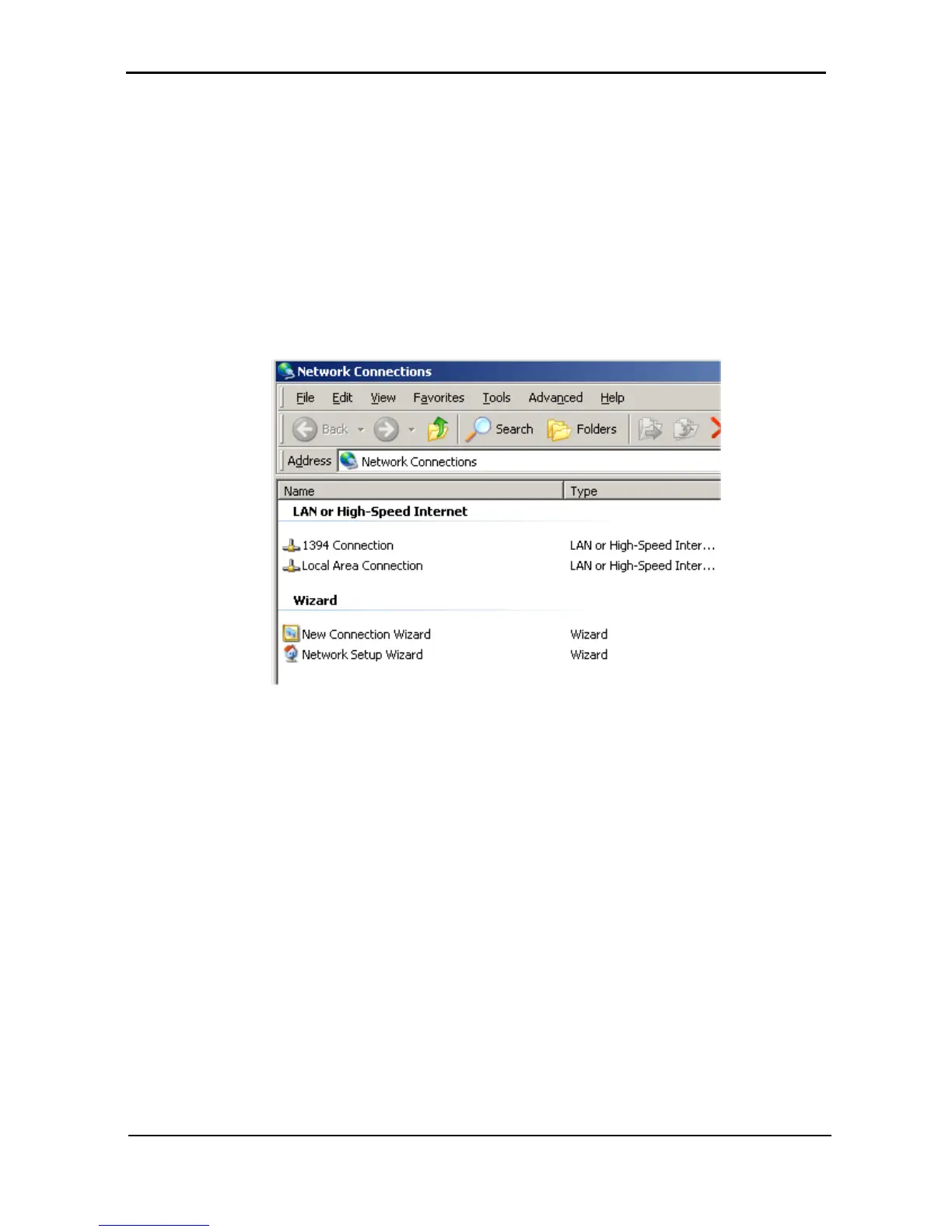
Figure 54: Network Connections screen
e. When the Network Connections screen appears, right-click on Local Area Connection and
select Properties.











 To Next Page