135
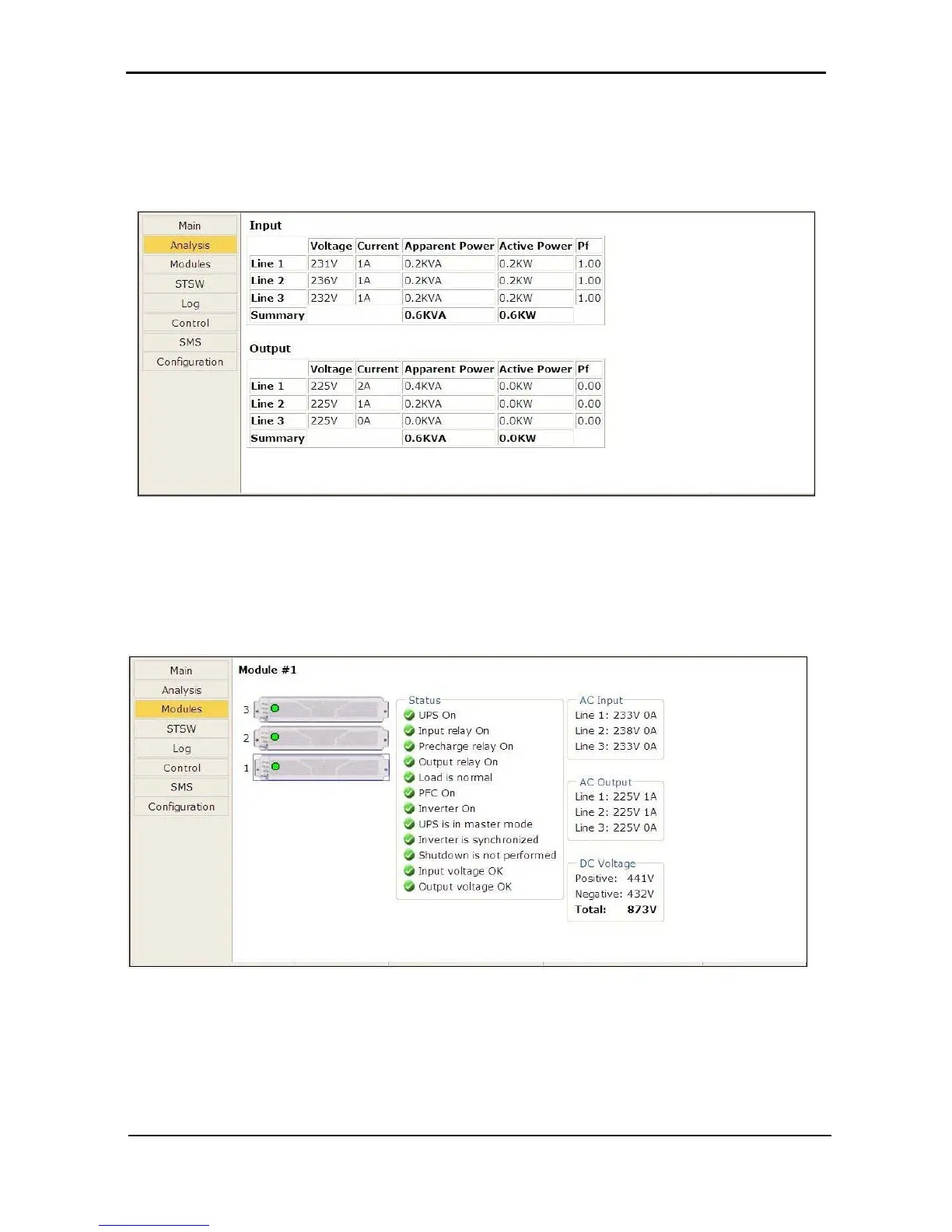
8.3.1 “Analysis” main menu option
The main menu’s “Analysis” option lists current values for voltage, current, apparent power (kVA), active
power (kW), and power factor, for each input and output phase.
Figure
290 Analysis of system input and output voltages and power
8.3.2 “Modules” main menu option
The “Modules” main menu option enables you to see readings for an individual UPS module. To see the
readings for a particular module, click on the correspondingly numbered image of the UPS module.
Figure
291: Modules measurements and status display











 To Next Page