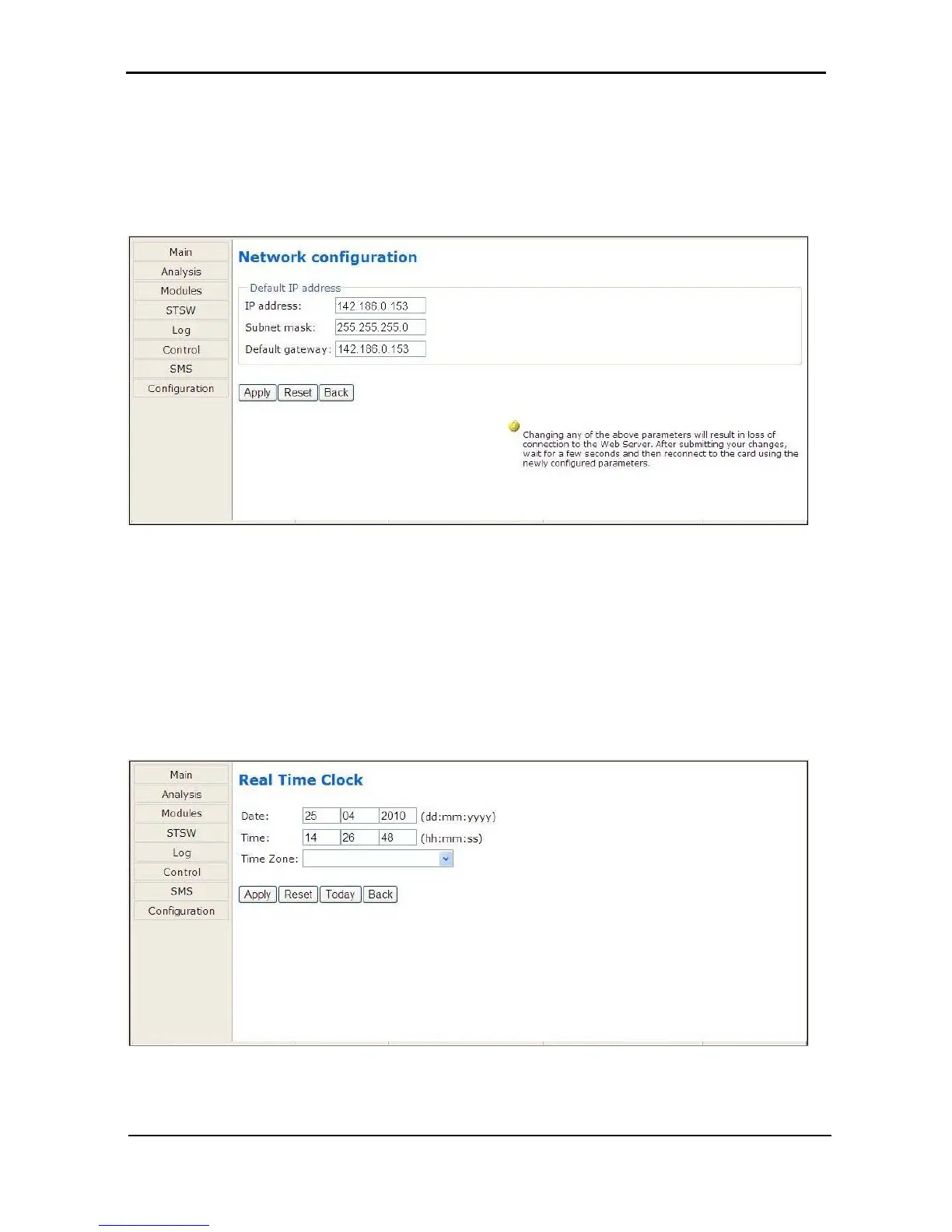
8.3.7.1 Network configuration
The “Network configuration” option on the Configuration menu is equivalent to navigating to Setup >
Service > SC2012 > Network on the Power+ physical control panel. Here you define the parameters
needed to communicate with the Power+ over an intranet or over the Internet. Consult your local network
administrator for the proper IP address, subnet mask, and Gateway address.
Figure
297: Configuring network communication parameters
8.3.7.2 “Date and time” – setting the calendar and clock
The “Date and time” option on the Configuration submenu is used to set the date and time of the Power+
internal calendar and clock. The date and time settings are important, for they are used to timestamp
entries in the Power+ log.
The date and time are kept current by the Power+, including when the system is in the “off” state.
Click the Back button to return to the Configuration menu.
Figure
298: Setting the Power+ internal date and time











 To Next Page