GE MEDICAL SYSTEMS
D
IRECTION 5184024-100, REVISION 5 LOGIQWORKS® BASIC SERVICE MANUAL
Chapter 3 Installation 3-197
3-5-11-1 Reading DICOM volume from DVD or CD (cont’d)
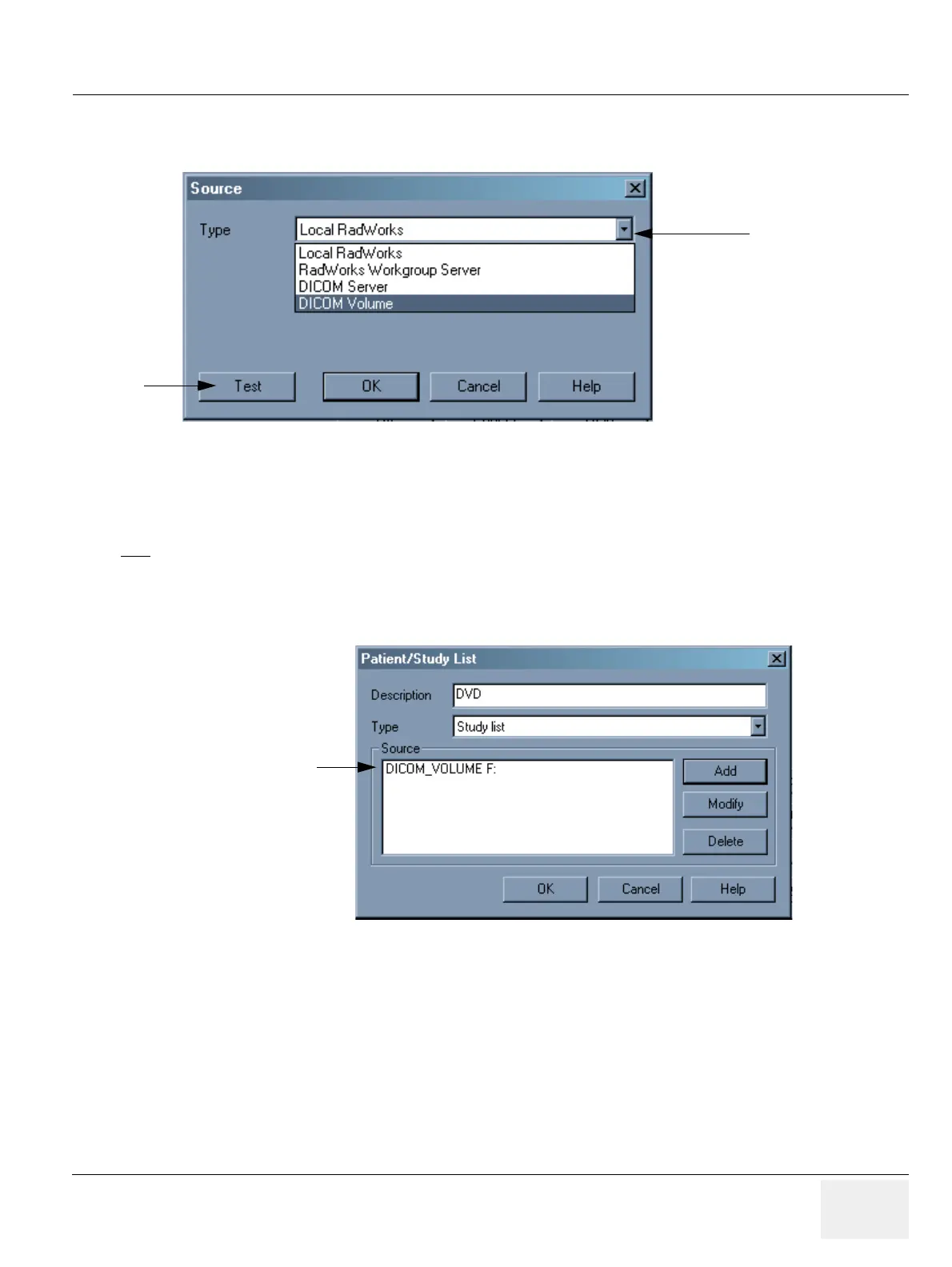
8.) Click the Test button to see whether your connection will work. If you get a message stating that the
connection has failed, go back and correct any mistakes you have made. Otherwise, click OK until
you reach the Data Selector again.
9.) Exit the application and start it up again.
Displaying data from your DVD or CD media
To view studies from a single medium archive in a worklist view:
Figure 3-171 Source Dialog Box
NOTE
The test requires a DICOM volume to be in the drive.
Figure 3-172 Patient/Study List
7.
8.
Drive F as source added



 To Next Page