7-9
Replacement (continued)
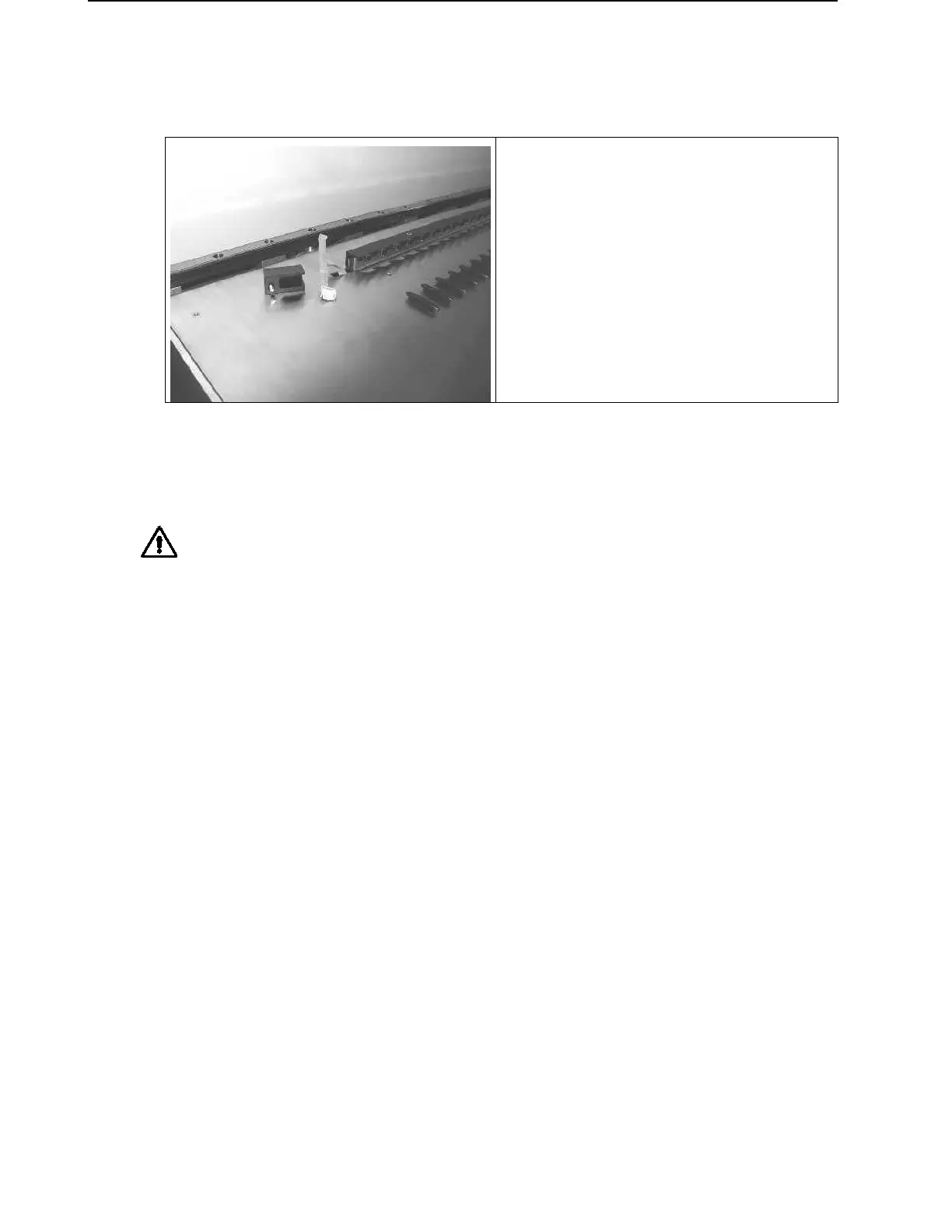
• Carrier Stops
Unscrew and remove Plug Cap P/N
173354 (Screw P/N 420074) on the
left hand side of Carrier Stops,
disconnect Cable P/N 173858 from
Carrier Sensor Board and push Cable
with Plug through the hole in the deck.
• Then completely unscrew and carefully remove all Carrier Stops in the rear
(Screws P/N 420074).
Attention: Do not break any plugs from Carrier Sensor Board located on Carrier
Stops while removing Carrier Stops from Deck Panel.
Start removing Carrier Stops from left to right!



 To Next Page