136
────────────────────────────────────────────────────
11.2 Shipment
────────────────────────────────────────────────────
CAUTION
Do not use excessive force on the touch panel, and do not use sharp
objects that could damage the touch screen.
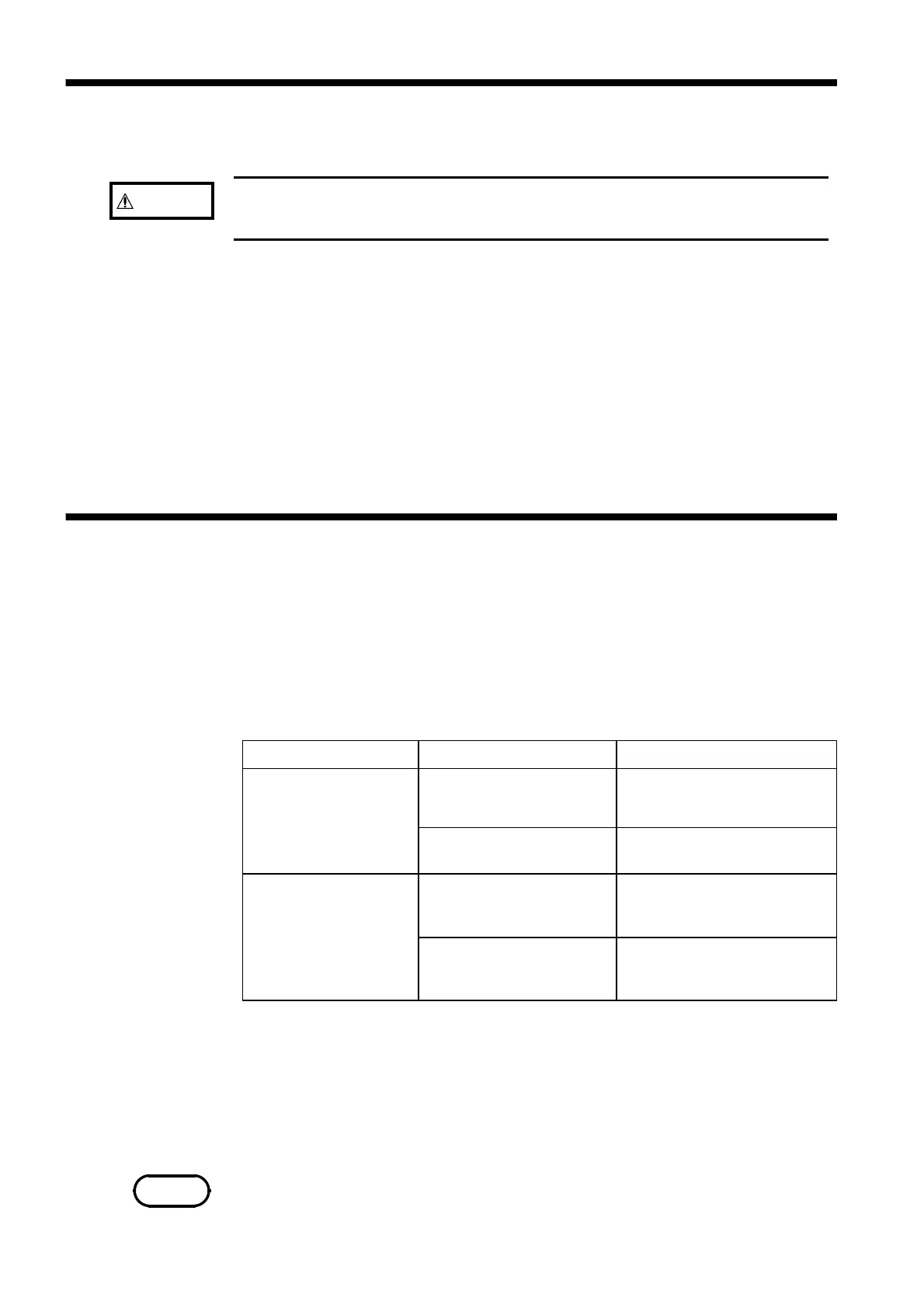
Problem Check Countermeasure
The screen remains
blank when power is
switched on
Is the power cord
connected?
Connect the power cord
properly.
Is the LCD Contrast set
too light?
Adjust the Contrast
The keys are dead and
do not respond.
Has the unit been put into
the key lock condition?
Press the LOCK key for
more than 2 seconds to clear
the key lock condition.
Is the unit being remotely
controlled, if the GP-IB
interface is being used?
Set the GP-IB to Local
NOTE
11.2 Shipment
11.3 Troubleshooting
If reshipping the unit, preferably use the original packing.
Always remove the floppy disk before shipping.
If the original packing materials are not available, package the unit as
follows:
1. Wrap the unit with plastic film.
2. Wrap the unit with at least 100 mm of cushioning material, and place it in a
cardboard box that is at least 7 mm thick.
3. Place the accessories in the box and fill remaining space with cushioning
material. Then close and tape the box, and if necessary, tie with package
strapping.
If the unit is not functioning properly, check the list below. If a problem is
found, contact your dealer or HIOKI representative.
When sending the unit for repair, to prevent damage in transit pack well.
Insert cushioning material so that the 7075 cannot move within the package.
Be sure to include details of the problem. HIOKI cannot bear any
responsibility for damage that occurs during shipment.
If none of the above conditions apply, and the cause of the problem is not
understood, try performing a system reset. All settings will revert to the
factory settings.
System reset
1. Press the SYSTEM tab to enter the SYSTEM screen.
2. Press the Initialize button, and the window opens.
3. Press the OK button.
It takes about 10 seconds to complete initializing.



 To Next Page