15
────────────────────────────────────────────────────
3.1 Selecting the Output Settings Screen
────────────────────────────────────────────────────
Chapter 3
Output Setting Screen
3.1 Selecting the Output Settings Screen
3.2 Selecting the Channel
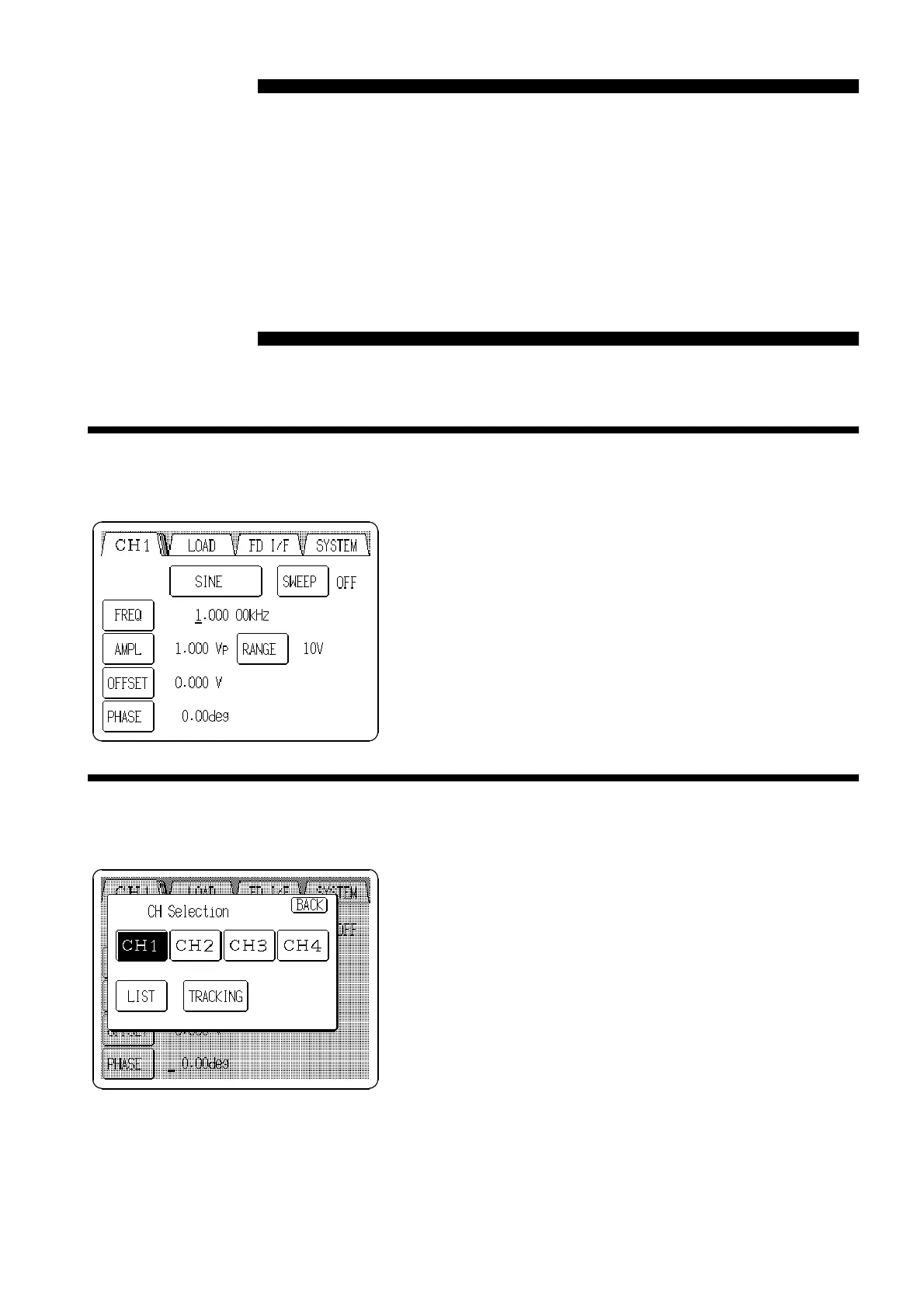
On this screen, the output channel, waveform, waveform parameters can be
set.
Pressing the
SETTINGS
tab at the upper left of the screen
causes the main Output settings screen to appear.
If the tabs are not visible at the top of the screen, a lower
level screen is currently displayed. Press the
BACK
button
to return to a higher level, and then perform the above
step.
1. Pressing a tab to display channel numbers opens the CH
Selection window.
2. Pressing the button for the channel to be set selects that
channel number and returns to the main Output settings
screen.
Pressing the
LIST
button in the CH Selection window
displays a list of the status of all channels.
Pressing the
TRACKING
button enables setting the
waveform, frequency, etc. of all channels
simultaneously.



 To Next Page