47
────────────────────────────────────────────────────
5.1 Selecting to the FD I/F Screen
────────────────────────────────────────────────────
Chapter 5
FD I/F Screen
5.1 Selecting to the FD I/F Screen
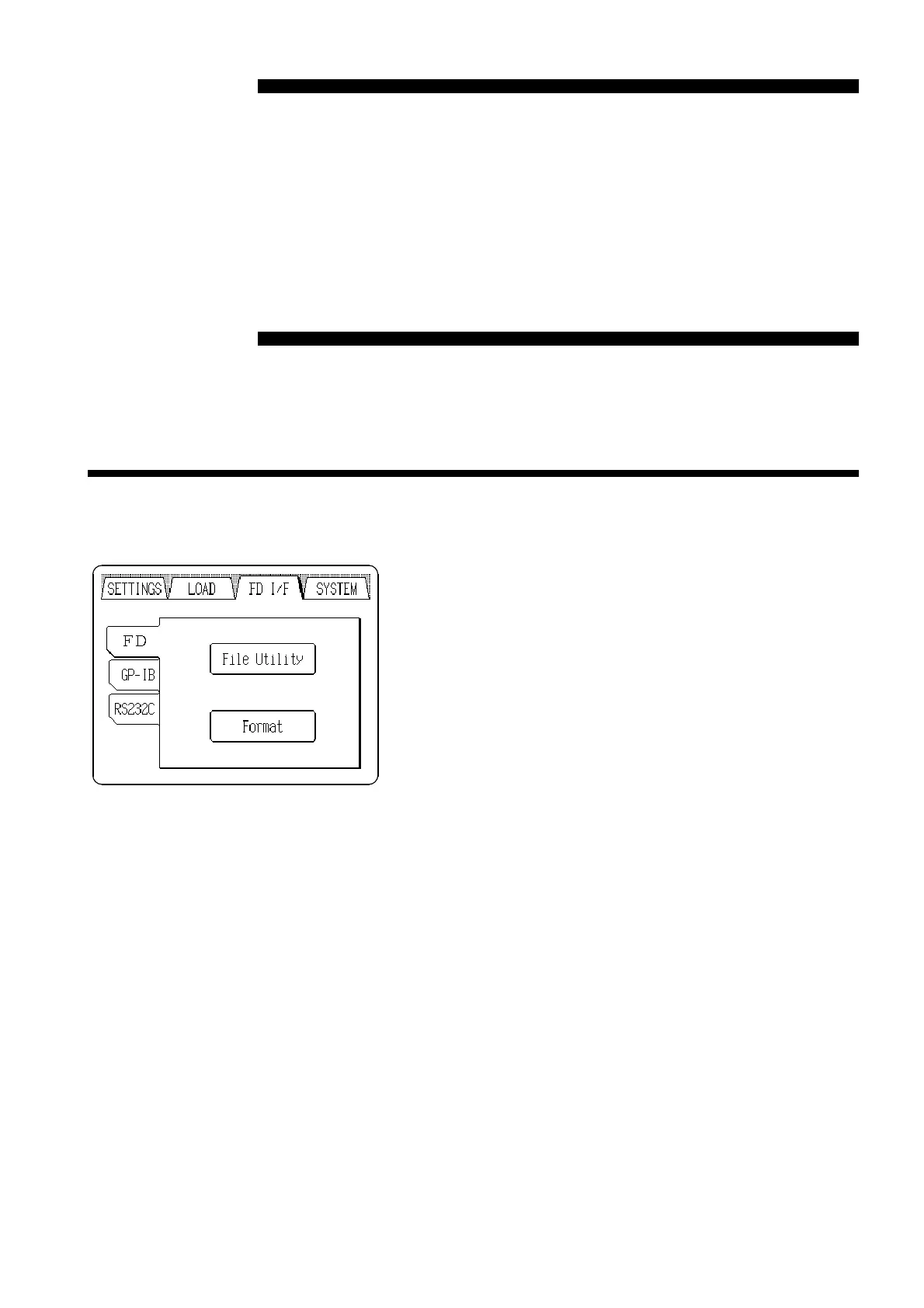
From this screen you can load and save floppy disk data, and make settings
for the GP-IB and RS-232C interfaces.
Pressing the
FD I/F
tab at the upper right of the screen
causes the FD I/F screen to appear.
If the tabs are not visible at the top of the screen, a lower
level screen is currently displayed. Press the
BACK
button
to return to a higher level, and then perform the above
step.



 To Next Page