46
────────────────────────────────────────────────────
4.3 Input Wavefor m List Di splay
────────────────────────────────────────────────────
4.3 Input Waveform List Display
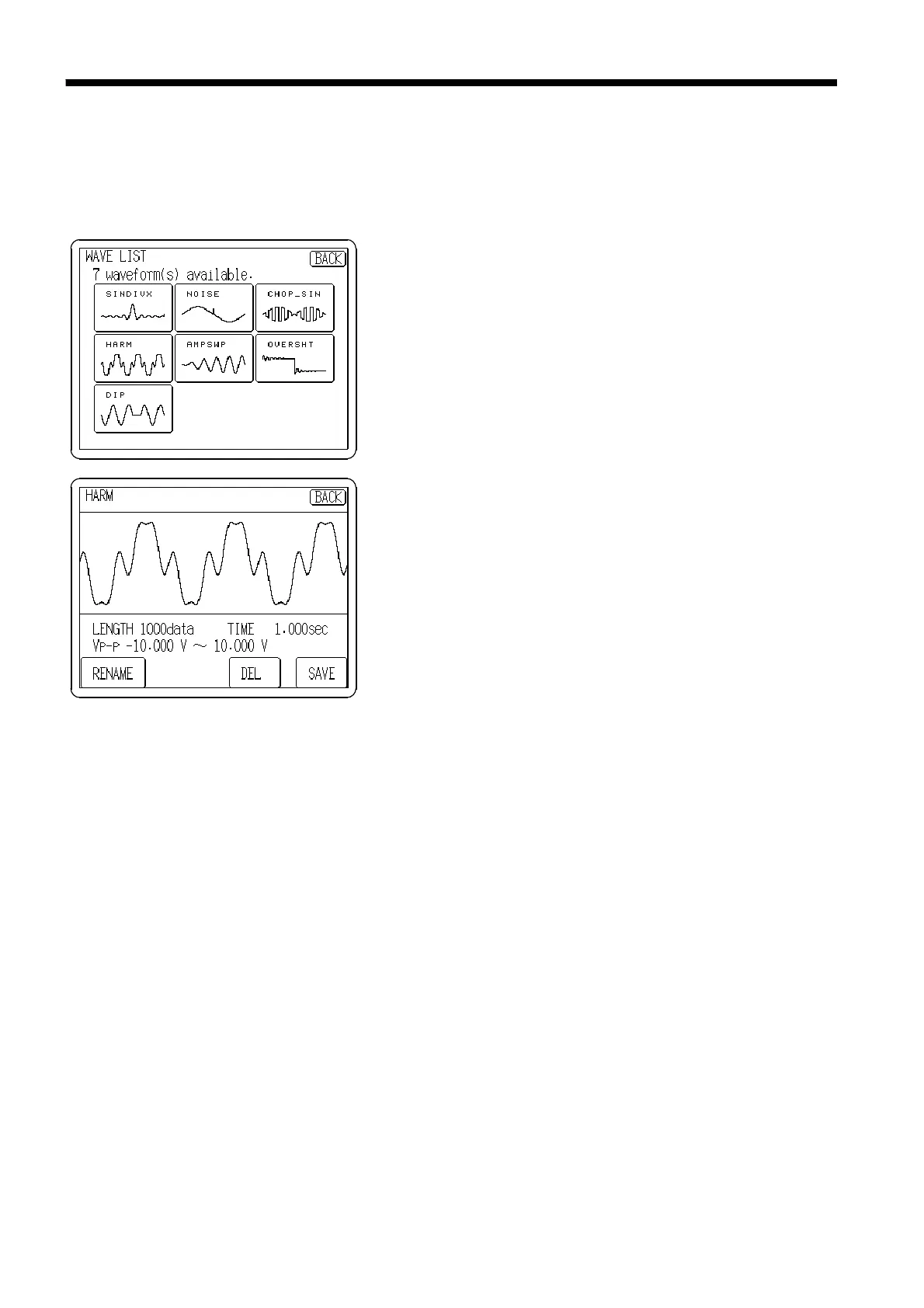
Waveforms read into the unit are displayed in a list, and can be saved to
floppy disk. The waveforms can be renamed and deleted from the list.
1. Press the
LIST
button, and the input waveform list is
displayed.
2. To display the detailed waveform information, press the
Waveform button.
The selected waveform is displayed.
(1) Saving
Waveforms read into the unit can be saved to floppy disk.
1. Confirm that the floppy disk is inserted. Move the current directory to the
directory to be saved. For details see Section 5.2.3 (1) "Moving the current
directory."
2. Press the button of the waveform to be saved on the Waveform list screen.
3. Press the
SAVE
button.
4. Enter a file name (the extension is fixed as '.WFG'). If the file name is
cleared, the file is automatically named TEMPDATA.WFG. Press the
OK
button to save the waveform in the specified file.
(2) Deleting
The specified input waveform can be deleted.
1. Press the button of the waveform to be deleted.
2. Press the
DEL
button.
(3) Renaming
The name of specified input waveform can be changed.
1. Press the button of the waveform name to be changed.
2. Press the
RENAME
button.
3. Input the waveform name to rename. Pressing the
OK
button renames.



 To Next Page