31
────────────────────────────────────────────────────
3.7 Waveform Sweep Settings
────────────────────────────────────────────────────
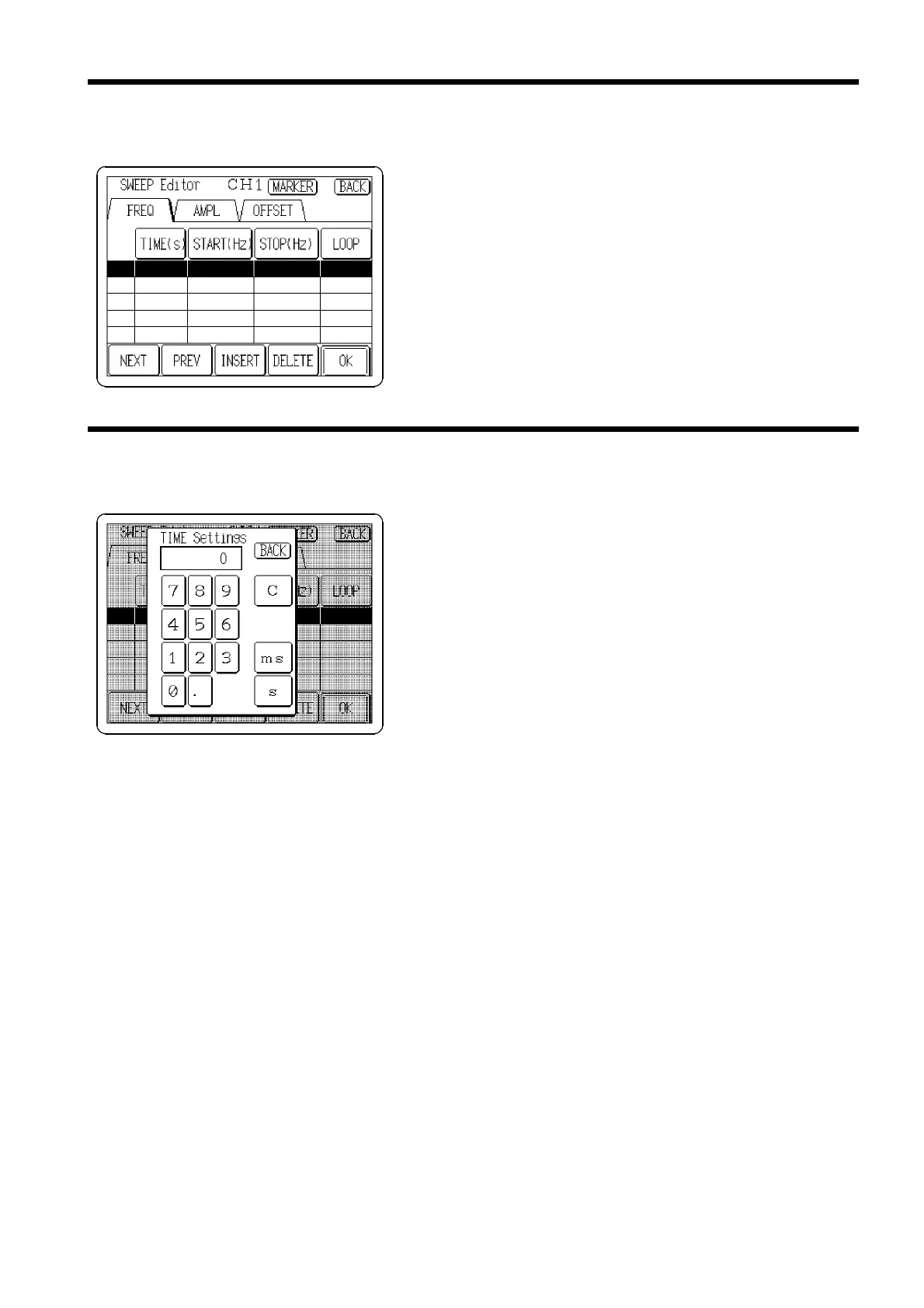
3.7.7 Selecting the Sweep Items to Edit
3.7.8 Setting the Sweep Time
Select the item to edit among those that were selected in
"3.7.3 Selecting the Items to Sweep."
Select the item to sweep.
Set the time from start to finish of the sweep item.
Setting the value: 0.01 ms to 1000 s (resolution 10 μsor5
digits)
1. Click the
TIME(s)
button or the reversed row in the time
entry area to open the Sweep Time Settings window.
2. Enter the numeric value by the tenkeys.
3. Select the units. Pressing the unit button accepts the
value entered in step 2, and returns to the Sweep table
edit screen. If the setting is invalid, the entry is cleared.



 To Next Page