35
────────────────────────────────────────────────────
3.7 Waveform Sweep Settings
────────────────────────────────────────────────────
3.7.14 Deleting a Line
3.7.15 Creating Sweep Data
NOTE
3.7.16 Sweep Data Output
NOTE
1. Turn the Jog dial or press the
NEXT
or
PREV
buttons so that the line
following the one to be deleted is displayed in reverse.
2. Press the
DELETE
button to insert the new line above the selected line.
Sweep data can be created from the parameters entered for each item.
When a sweep parameter is changed, the waveform data is automatically
recalculated and the sweep progresses linearly from the original value to the
new value.
1. Pressing the
OK
button displays the "Converting..." message while the
sweep data is created, and then the Sweep Settings screen reappears.
2. Pressing the
BACK
button on the Sweep Table Edit screen returns to the
Sweep Settings screen without creating the waveform data. Pressing the
CONV
button on this screen does create the sweep data.
If a selection does not have sweep settings, when changing items, be sure to
press the
CONV
button to create the sweep data.
Waveforms are not created when RUN is active.
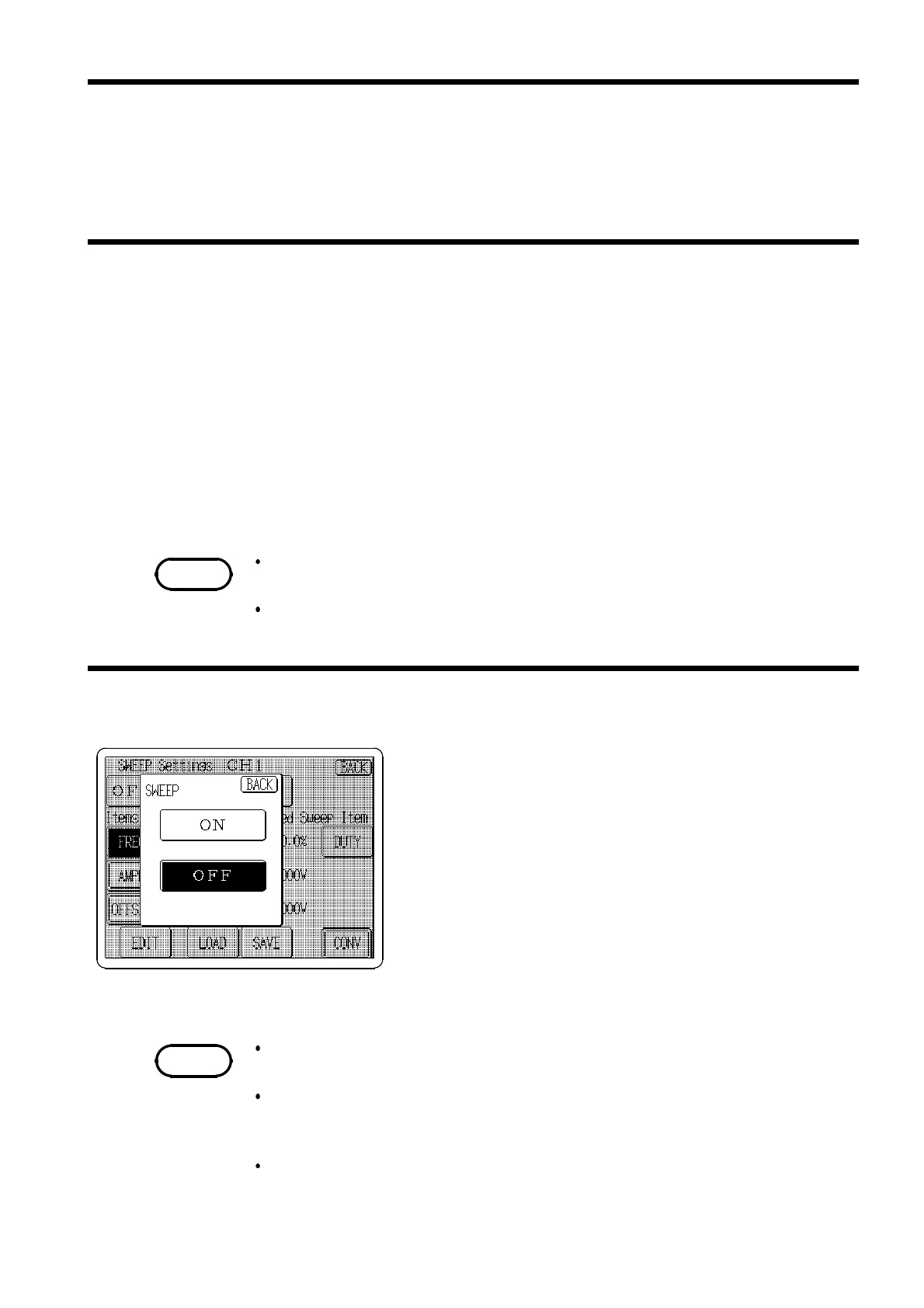
1. Press the Sweep setting button on the Sweep Settings
screen to open the
Sweep ON/OFF
switching window.
2. Press the
ON
button to enable sweep output.
3. Press the
Channel ON/OFF
keys of the channels to be
output to activate the output relays (awaiting output).
The keys of the channels to be output light red.
4. Press the
RUN/STOP
key to output the waveform. This
key lights red during output.
5. When the sweep output setting is on, you can monitor
approximate instantaneous values output during RUN
on the Output Setting screen.
With sweep enabled on CH1 and CH2
Simultaneous setting on all channels is disabled. (For details, see Section 3.6)
With sweep enabled on CH3
Simultaneous setting on channels CH3 and CH4 is disabled. (For details, see
Section 3.6)
With sweep enabled on CH4
Simultaneous setting on channel CH4 is disabled. (For details, see Section 3.6)



 To Next Page