51
────────────────────────────────────────────────────
5.2 Floppy Disk
────────────────────────────────────────────────────
5.2.4 Formatting the Floppy Disk
NOTE
The floppy disk is formatted in MS-DOS* format. A formatted 2HD disk has
1.44 MB of space, and a 2DD disk has 720 KB.
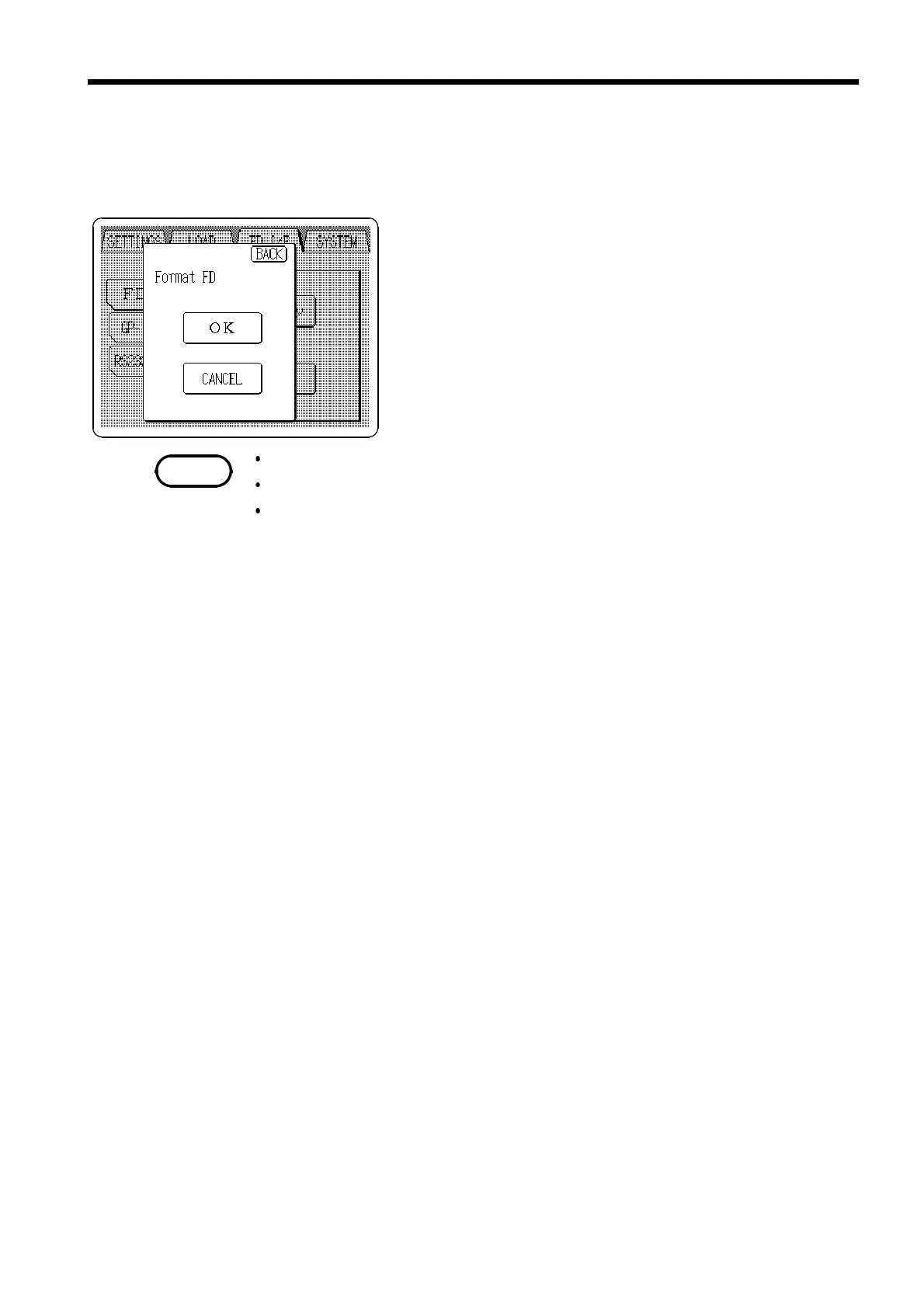
1. Insert the floppy disk and press
Format
on the FD I/F
screen.
2. Press the
OK
button to format a disk.
When formatting, all contents on the floppy disk are erased.
Wait for a few minutes for formatting to finish.
Formatting cannot be interrupted in progress.
*MS-DOS is a registered trademark of Microsoft Corporation.



 To Next Page