29
────────────────────────────────────────────────────
3.7 Waveform Sweep Settings
────────────────────────────────────────────────────
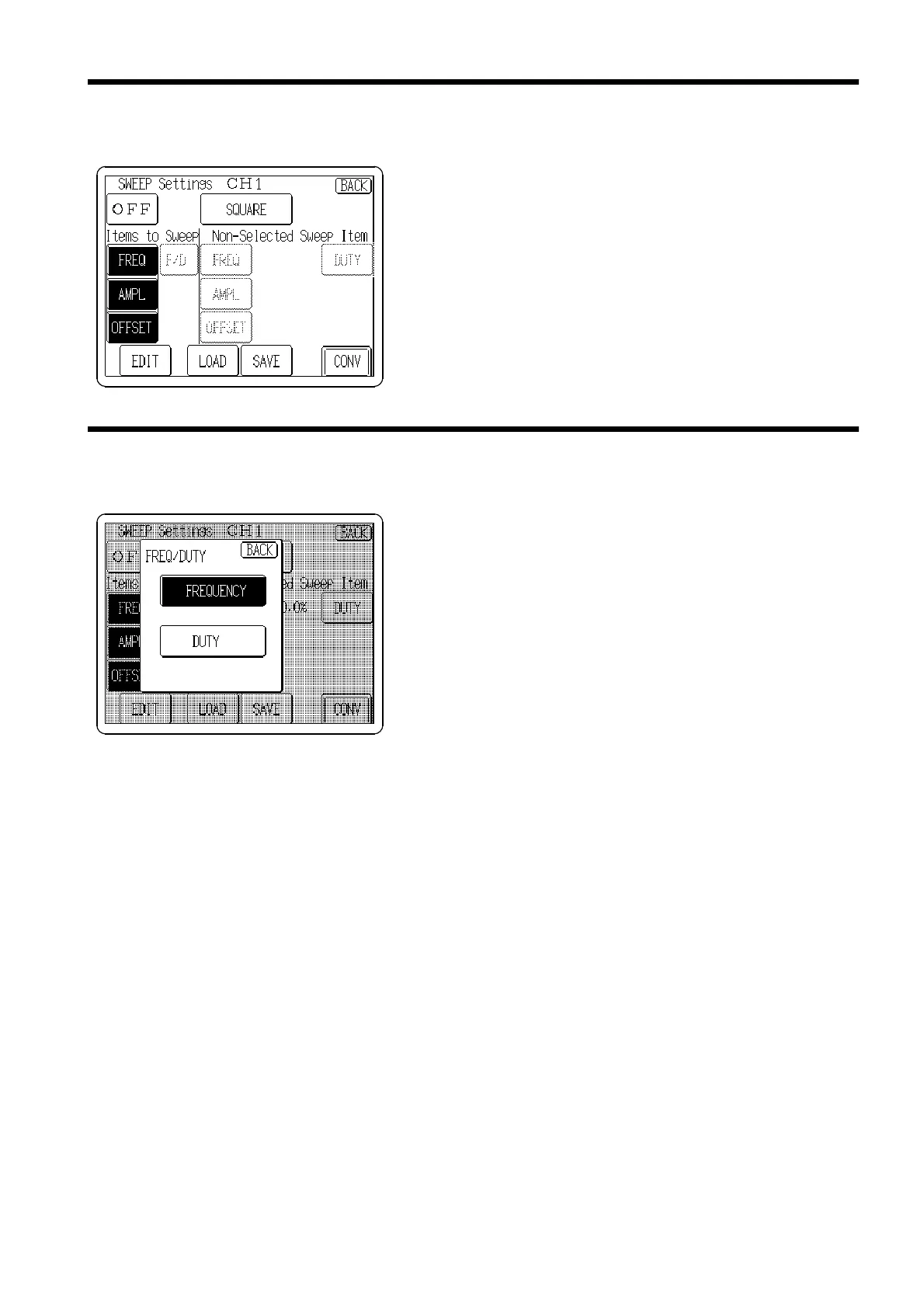
3.7.3 Selecting Items to Sweep
3.7.4 Sweep Settings (Pulse Waveforms)
Press the
FREQ
,
AMPL
or
OFFSET
buttons so that the items
to be swept are displayed in reverse.
Buttons displayed in reverse (white on black) indicate the
items that are settable on the SWEEP Editor screen,
described later.
The frequency or duty cycle of pulse waveforms can be
swept.
Simultaneous sweeping is not possible.
Press the
F/D
button to open the FREQ/DUTY window.
Press the
FREQUENCY
or
DUTY
button to sweep that item.



 To Next Page