49
────────────────────────────────────────────────────
5.2 Floppy Disk
────────────────────────────────────────────────────
NOTE
5.2.2 Reading the Settings
NOTE
Setting Contents
Setting contents are stored as follows.
(1) Waveform File
The data for an arbitrary waveform specified for output can be saved.
Sweep settings for the arbitrary waveform data are also saved.
Waveforms not currently in use are not saved. They can be saved, however,
from the Waveform Input screen.
(2) Tracking Settings
Tracking setting selections are saved, if enabled.
(3) Status Settings
The following settings affecting output status are saved for all channels:
Output waveform, arbitrary waveform, sweep on/off, sweep waveform, range,
selecting frequency and period, frequency of arbitrary waveform, selecting
clock, selecting Hz/r/min, frequency, selecting amplitude and offset, selecting
upper limit and lower limit, phase, delay, duty, filter, custom sweep
waveform name, selecting sweep frequency/period, sweep frequency,
selecting frequency, sweep duty, sweep amplitude, sweep offset, sweep item,
sweep data.
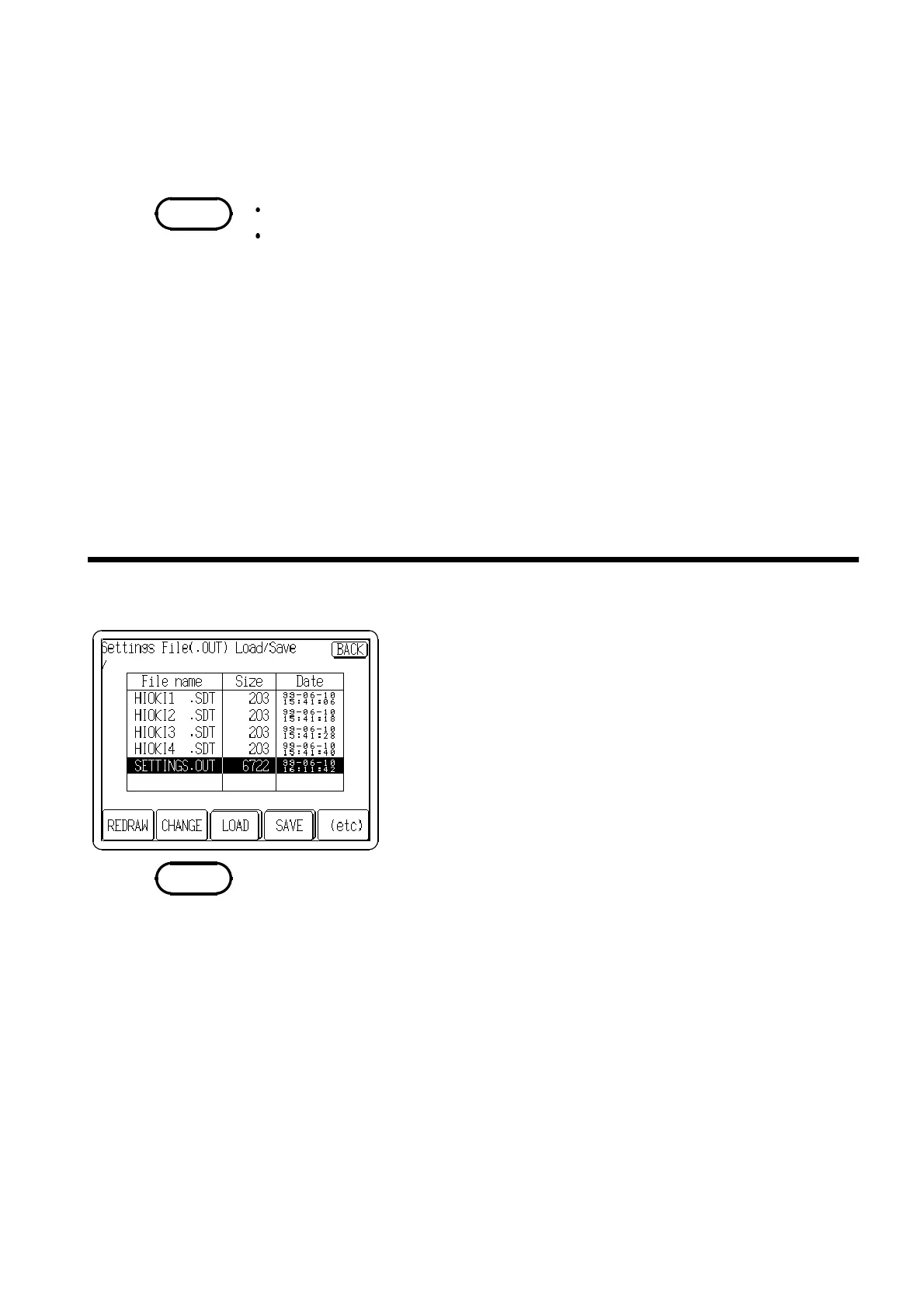
1. Insert the floppy disk and press "File Utility" on the FD
I/F screen. If the
LOAD
button is not displayed, press
(etc) to display the
LOAD
button.
2. Move the cursor to select a file by using the Jog control
or touching directly the file name on the screen.
3. Press the
LOAD
button to read the settings of the
specified file.
If the file other than settings is specified, an error occurs.



 To Next Page