55
────────────────────────────────────────────────────
6.1 Selecting to the System Screen
────────────────────────────────────────────────────
Chapter 6
System Screen
6.1 Selecting to the System Screen
6.2 Setting the Display Language (LANGUAGE)
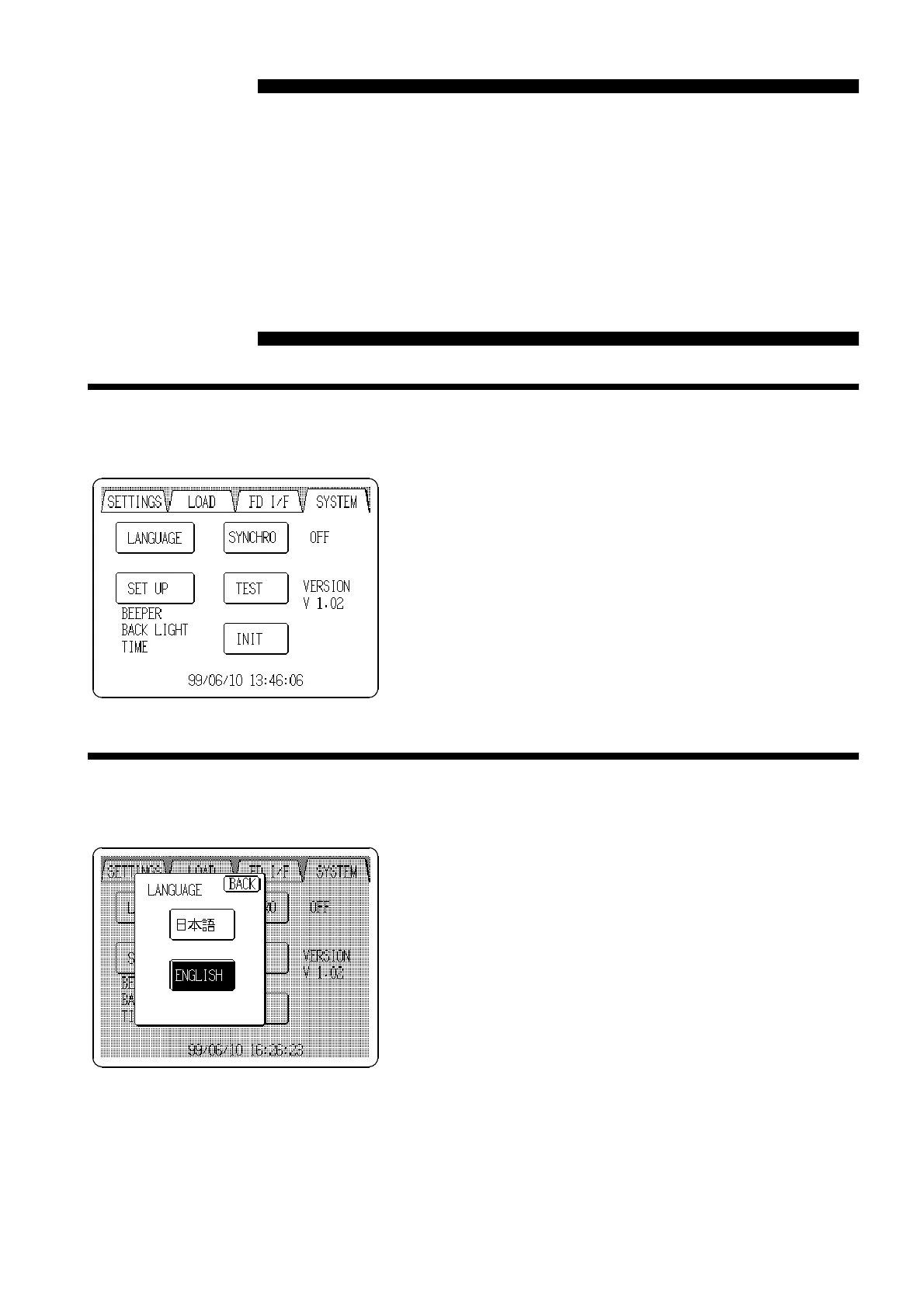
Pressing the
SYSTEM
tab at the upper right of the screen
causes the SYSTEM screen to appear.
If the tabs are not visible at the top of the screen, a lower
level screen is currently displayed. Press the
BACK
button
to return to a higher level, and then perform the above
step.
This window is used for changing the display language.
Either English or Japanese can be selected.



 To Next Page