19
────────────────────────────────────────────────────
3.4 Setting the Waveform Parameter
────────────────────────────────────────────────────
3.4.2 Amplitude/Upper Limit Value Settings
10V range 0 to 10 Vp (resolution 1 mVp)
1V range 0 to 1 Vp (resolution 0.1 mVp)
0.1V range 0 to 0.1 Vp (resolution 0.01 mVp)
10V range Lower limit value to 10 V (resolution 2 mV)
1V range Lower limit value to 1 V (resolution 0.2 mV)
0.1V range Lower limit value to 0.1 V (resolution 0.02 mV)
When the amplitude is set
When the upper limit is set
Set the amplitude or upper limit value of the output waveform.
Setting range Regardless of the output waveform, the settings can be made in the
following range.
When setting the amplitude
When setting the upper limit value
Setting units
Vp
For amplitude setting, sets the amplitude of one polarity
Vpp
For amplitude setting, sets peak-to-peak amplitude
V
RMS
For amplitude setting, sets the root-mean-square amplitude (only for
sine waves)
V
Sets the voltage when setting the upper limit
Method
Direct Entry
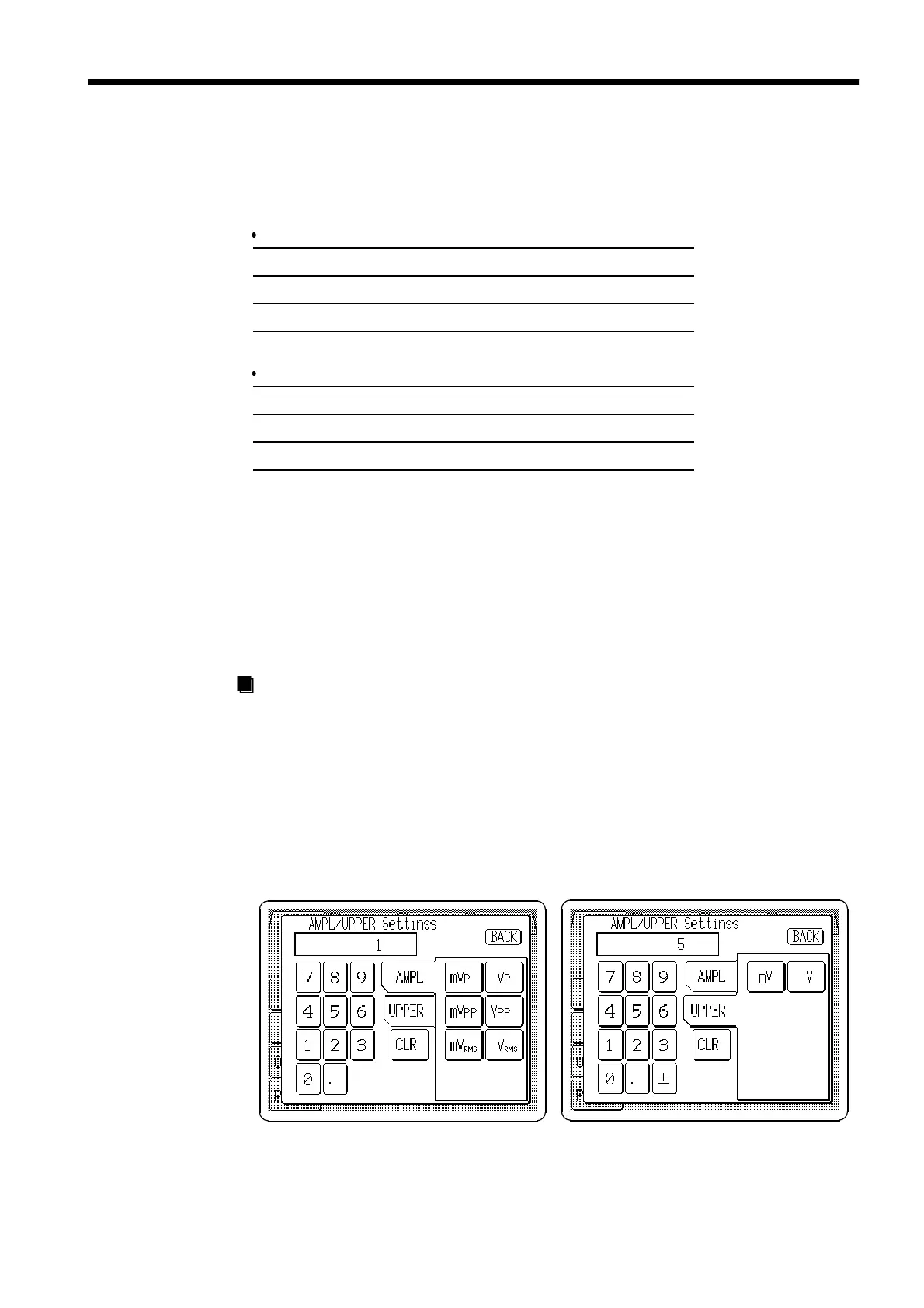
1. Press the Amplitude/Upper limit setting button (
AMPL
/
UPPER
) to open the
AMPL/UPPER Settings window.
2. Select either amplitude or upper limit entry format.
3. Enter the numeric value by the tenkeys.
4. Select the units. Pressing the unit button accepts the value entered in step 3,
and returns to the main Output settings screen. The main screen shows the
entered format, or if the setting is invalid, the entry is cleared.



 To Next Page