9
────────────────────────────────────────────────────
2.4 Basic Operation
────────────────────────────────────────────────────
CAUTION
Do not use excessive force on the touch panel, and do not use sharp
objects that could damage the touch screen.
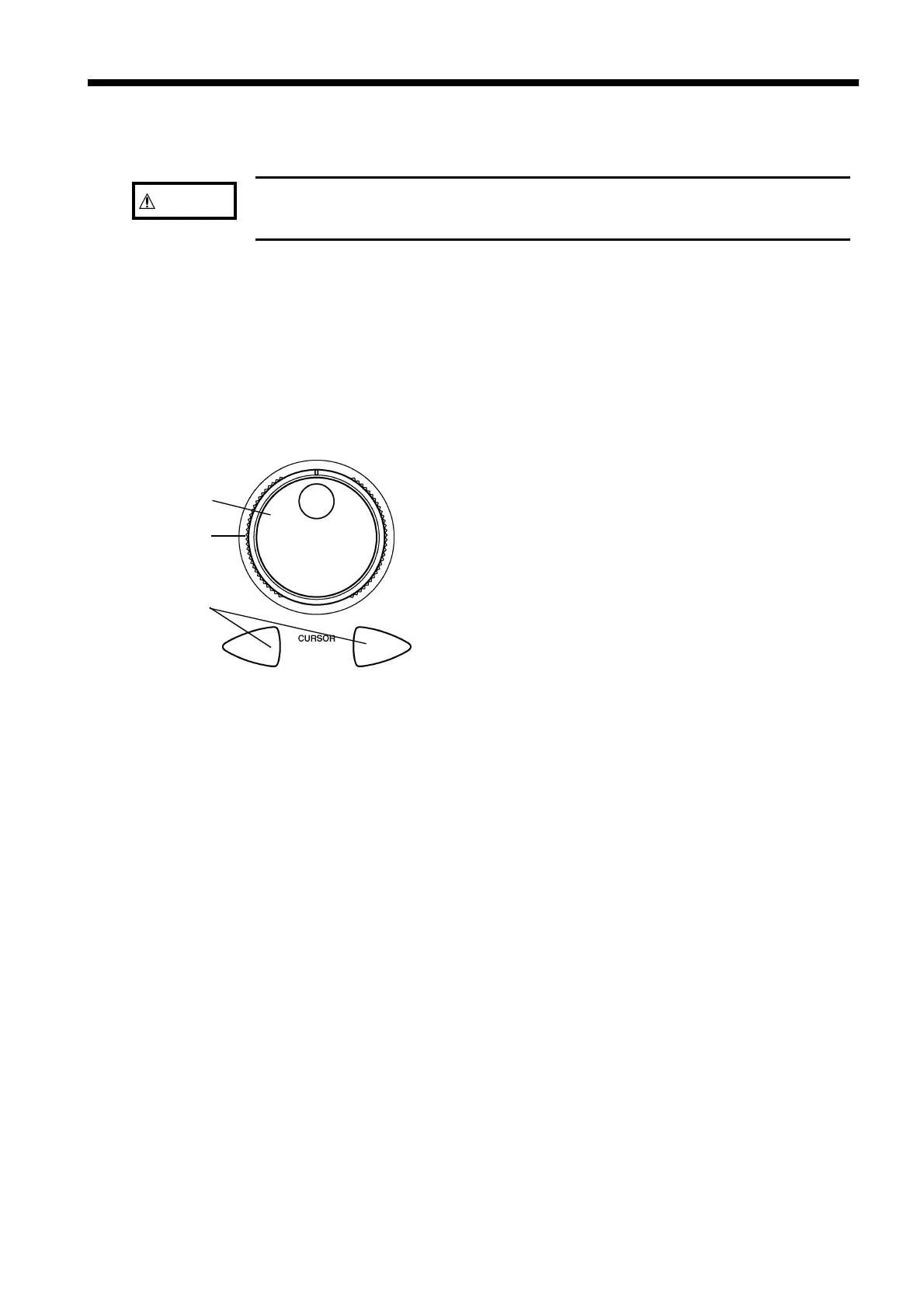
Jog
Shuttle
Cursor keys
2.4 Basic Operation
Touch panel Various settings and adjustments can be made with the touch panel on the
7075. Press the buttons on the screen gently to open windows and make
selections.
Jog and Shuttle controls
The Jog and Shuttle controls are used in combination
with the cursor keys to set and change values.
Shuttle
Used to move between items.
Jog
Changes the value of the flashing item
selected by the cursor, and moves the
selection.
Cursor keys
Shifts the selected digit within an item.
The upper or lower digit within an item
can be selected.



 To Next Page